
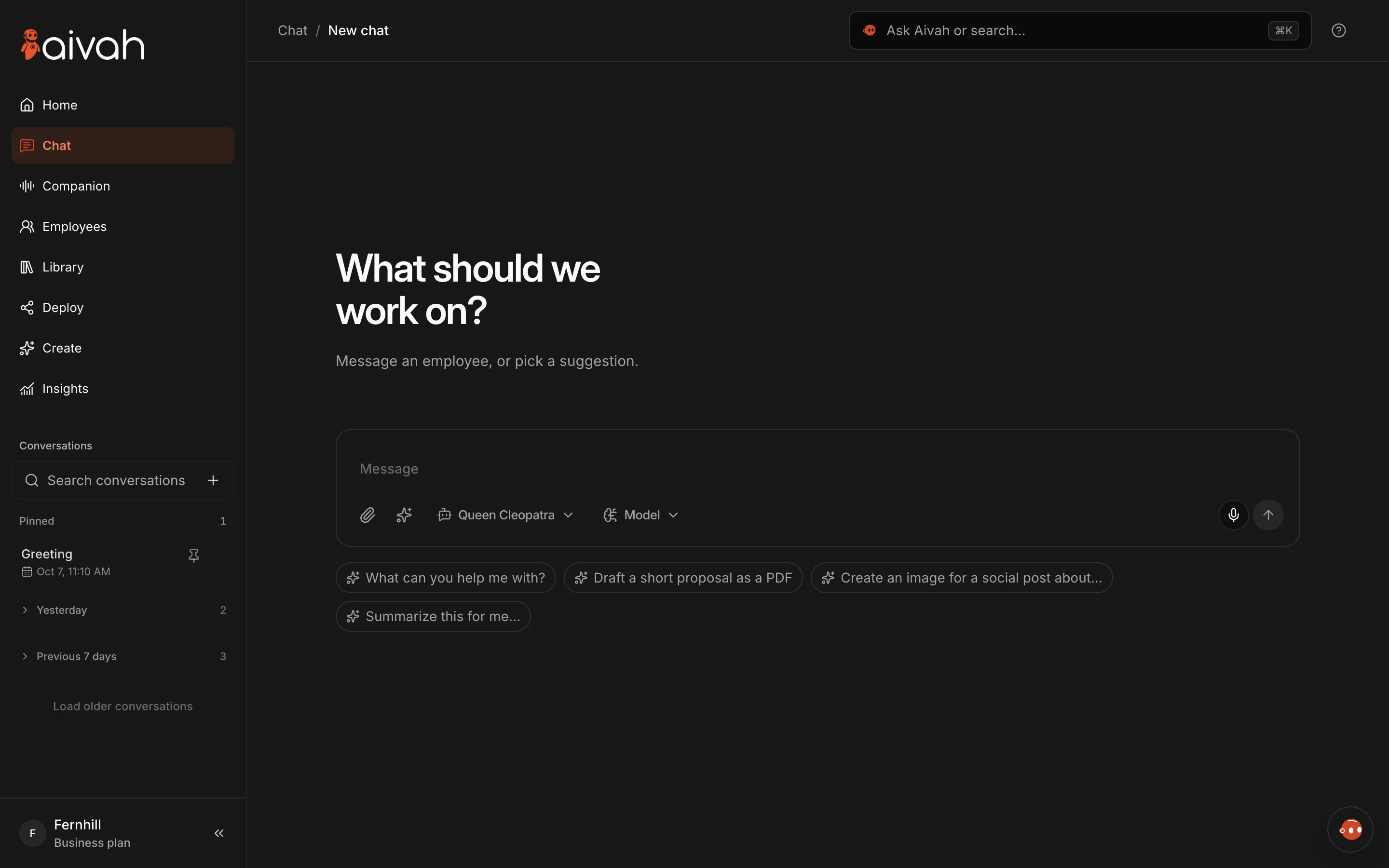
Teach your employees skills
Your best people don’t just know things. They know how to handle things. Skills bring that to your AI employees.
Browse a catalog of ready-made skills, from qualifying leads to drafting follow-ups. Or paste your own playbook and let Aivah turn it into a skill.
Turn a skill on for every conversation, give an employee up to six, or pick one in Chat when the job calls for it.
Read related guides
Bring any character to your meetings
Invite your employee to Google Meet, Microsoft Teams, Zoom and Webex calls with any of your characters, including Gemini Live. With a Hero character, group meeting mode has it speak when someone talks to it. It steps in only when the discussion needs help.
Read related guides
Put the new workspace to work.
Start free, hire an AI employee from a template and teach it your first skill.
Hire your first AI employeeTalk face to face in Companion
Companion gives your employee’s character its own stage. Start voice and talk naturally. Switch to Voice only when you just want to listen, and keep the call going while you move around the app.
Read related guides
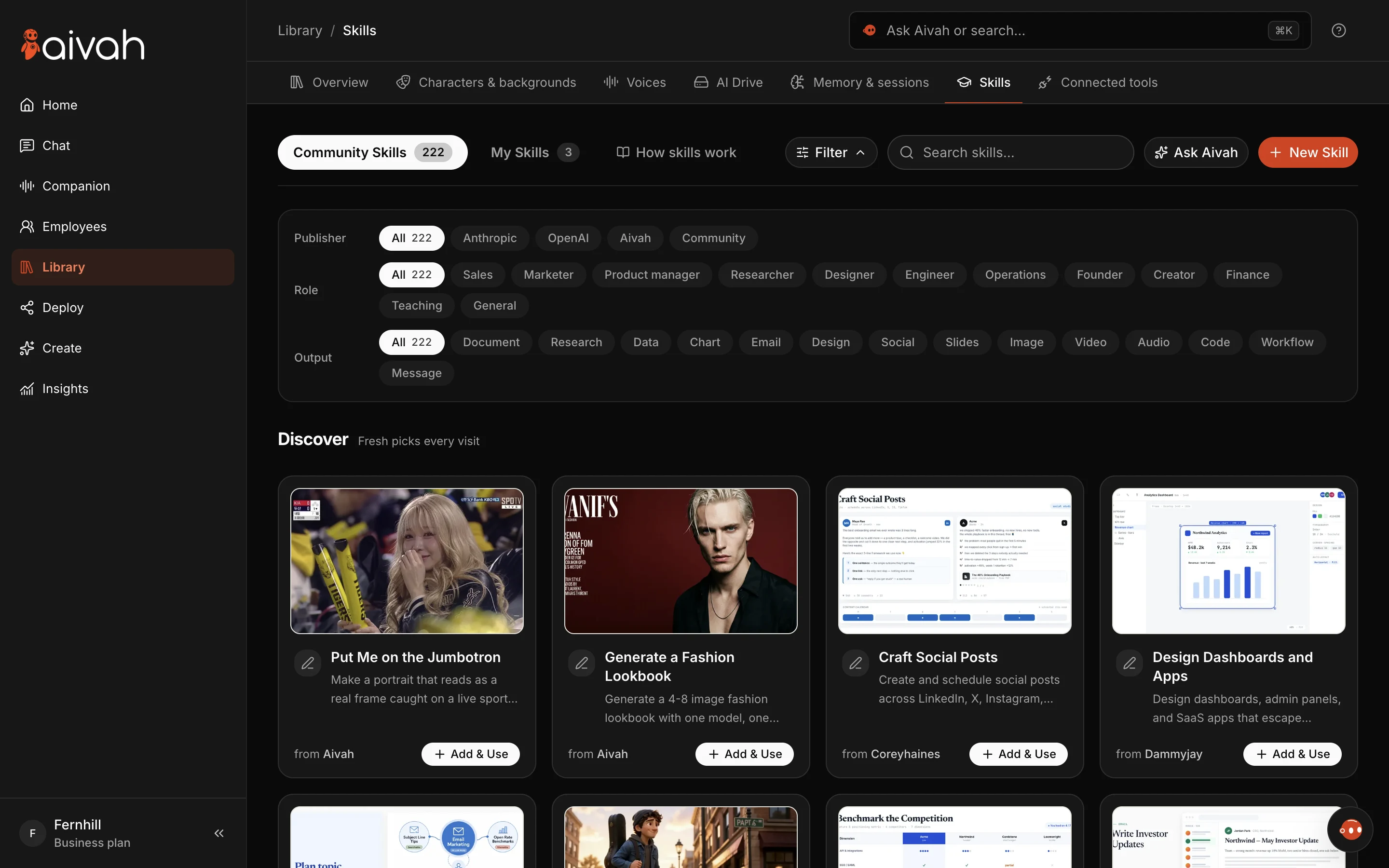
Let Ask Aivah set things up for you
Press Cmd/Ctrl+K to find anything, or ask Aivah to do it for you. Try: “Create a web experience for my support employee with a chat bubble.”
It opens the right pages, fills in the details and shows you what it did. Before anything important, like publishing, spending credits or deleting, it asks first.
Read related guides
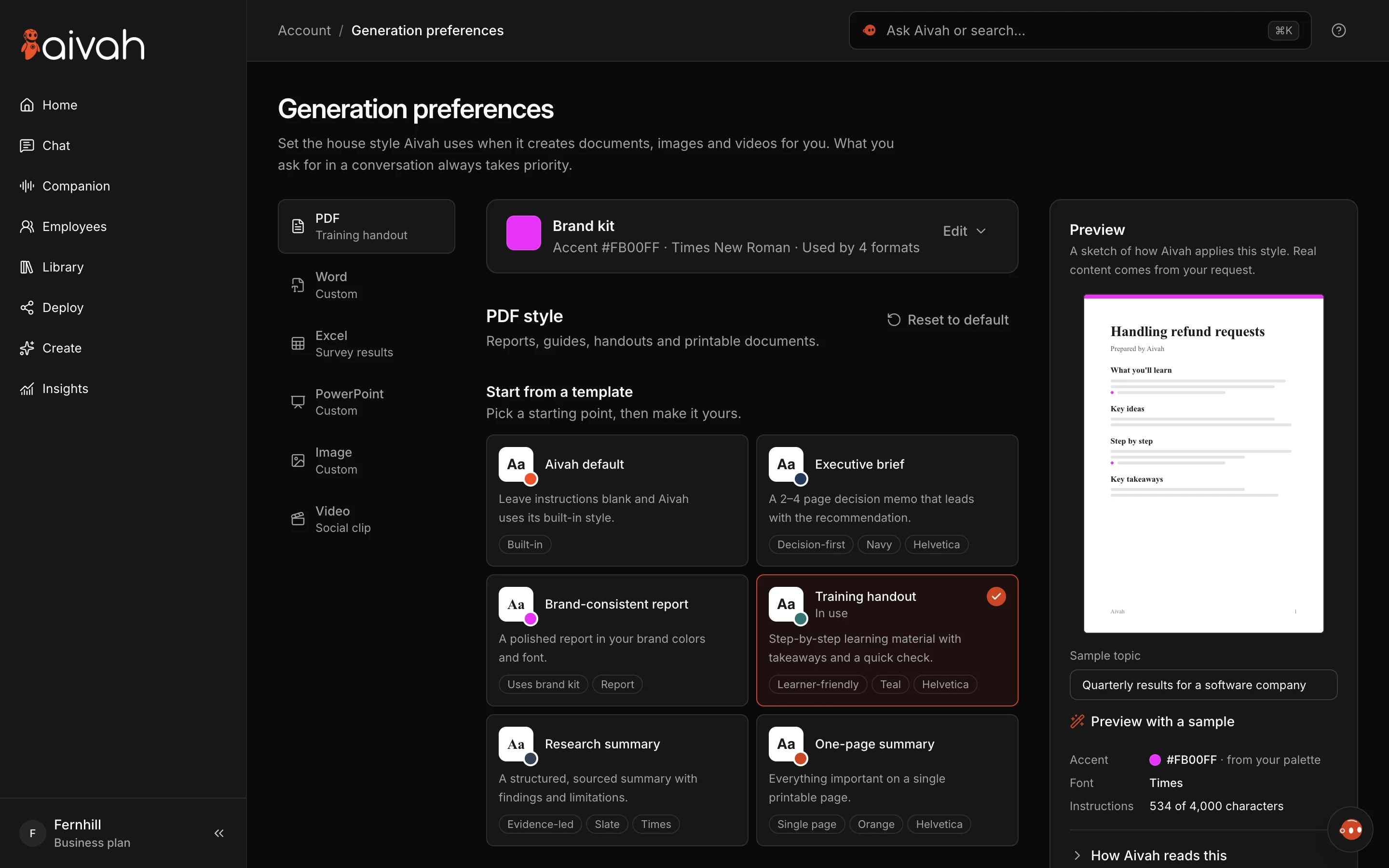
Your brand on everything your employees create
Generation preferences sets one house style for PDFs, Word documents, spreadsheets, decks, images and videos. It has templates, a brand kit and a live preview, all on one page.
Read related guides
Your first employee in minutes
New accounts start with a three-step setup. Tell Aivah about your business and it reads your website. Pick your first employee’s job, choose its look and voice, and say hello. Start free, no card required.
Read related guides
And plenty more
Everything you’ve built is where you left it. The Help Center lists every old and new name.
- Duplicate an employee to start a new one from the same setup.
- Get links and embed code for every web experience the moment you publish it.
- Downloads, retries and completion notices in Content studio.
- Stop, ask again, and edit and resend in Chat.
- Help for the page you’re on, any time, with the ? key.
Read related guides