


01 / The appearance
A face from one photo.
Upload a portrait to create a Hero character, or start from a ready-made one. Place it on an image or MP4 video background.

Give it your voice from 10 seconds of speech, with your permission. Put it to work on your website, in voice calls and in your meetings.
A live character gives your AI employee a face your customers can see. Upload a portrait, then add a background and a voice. The same character greets visitors and joins your calls.
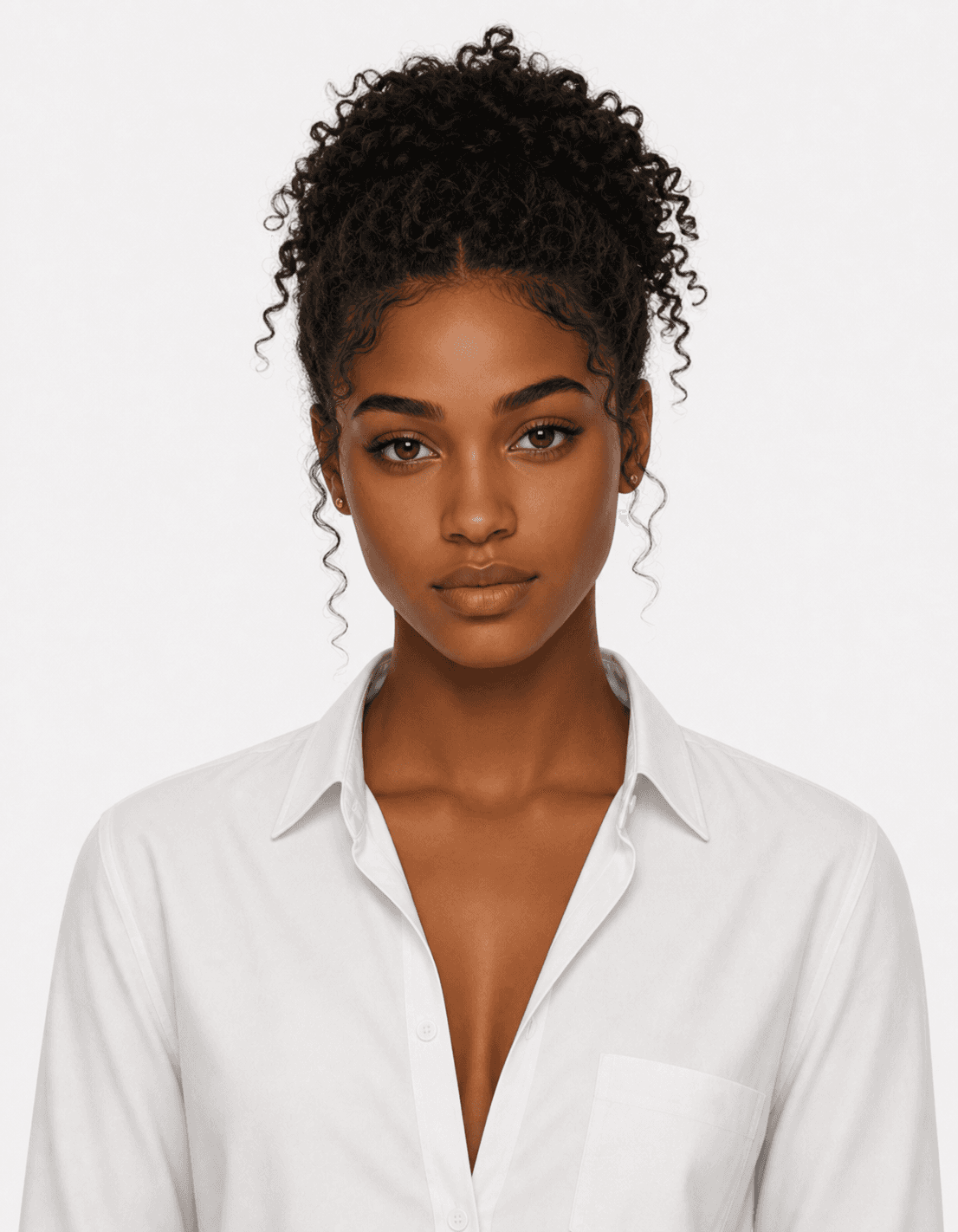
Audio view · visual only
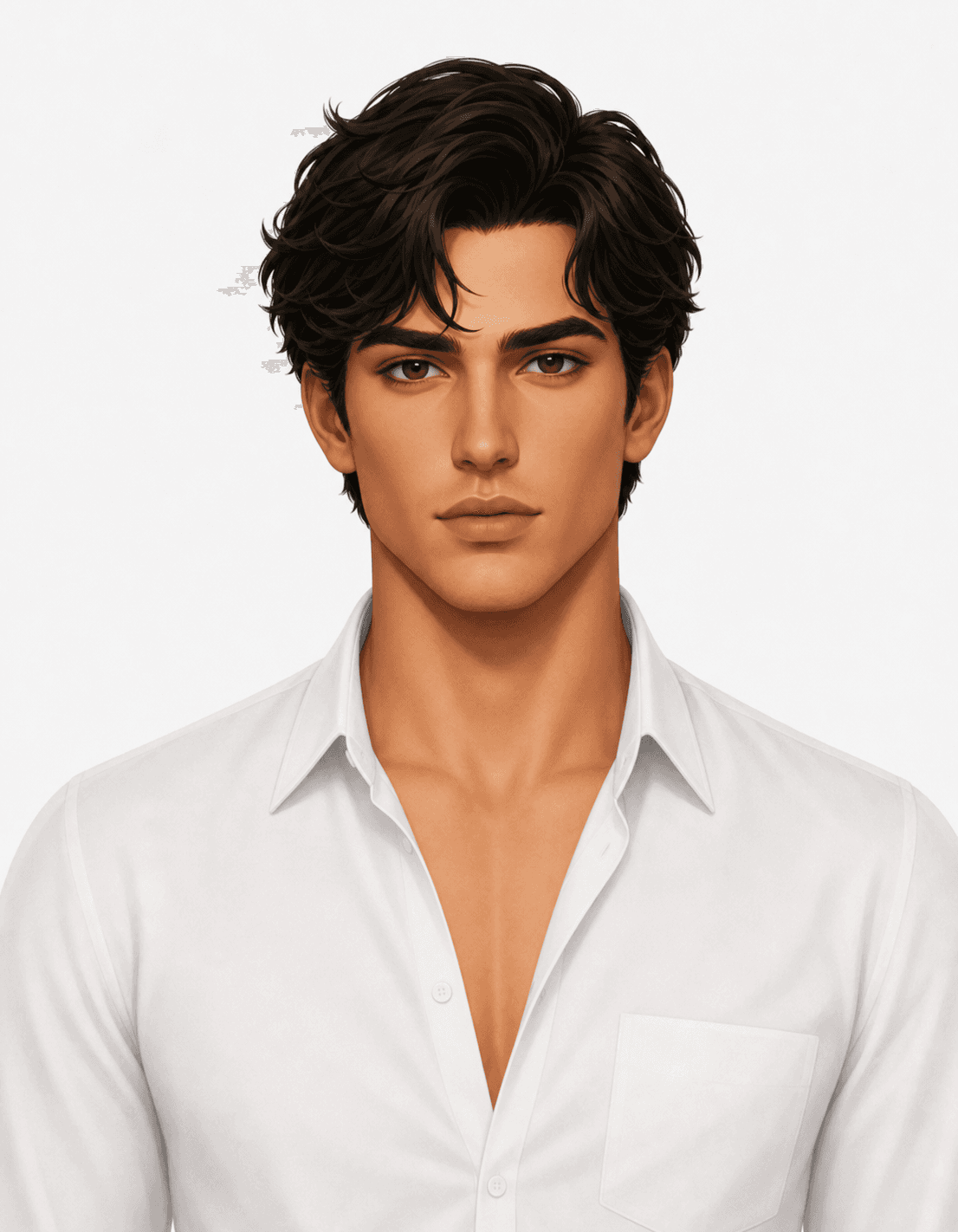
Audio view · visual only

Audio view · visual only
Three choices work together: how your AI employee looks, how it sounds and the work it does for your customers.
Upload a portrait to create a Hero character, or start from a ready-made one. Place it on an image or MP4 video background.
Pick a built-in voice or make your own. Clone a voice from 10 seconds of clear speech, with the speaker’s permission.
Your employee’s knowledge and instructions decide what it says. The character decides how it looks and sounds saying it.
Hero, Basic, Advanced and Gemini Live. Pick the type that suits the conversation. All four live in one Library.
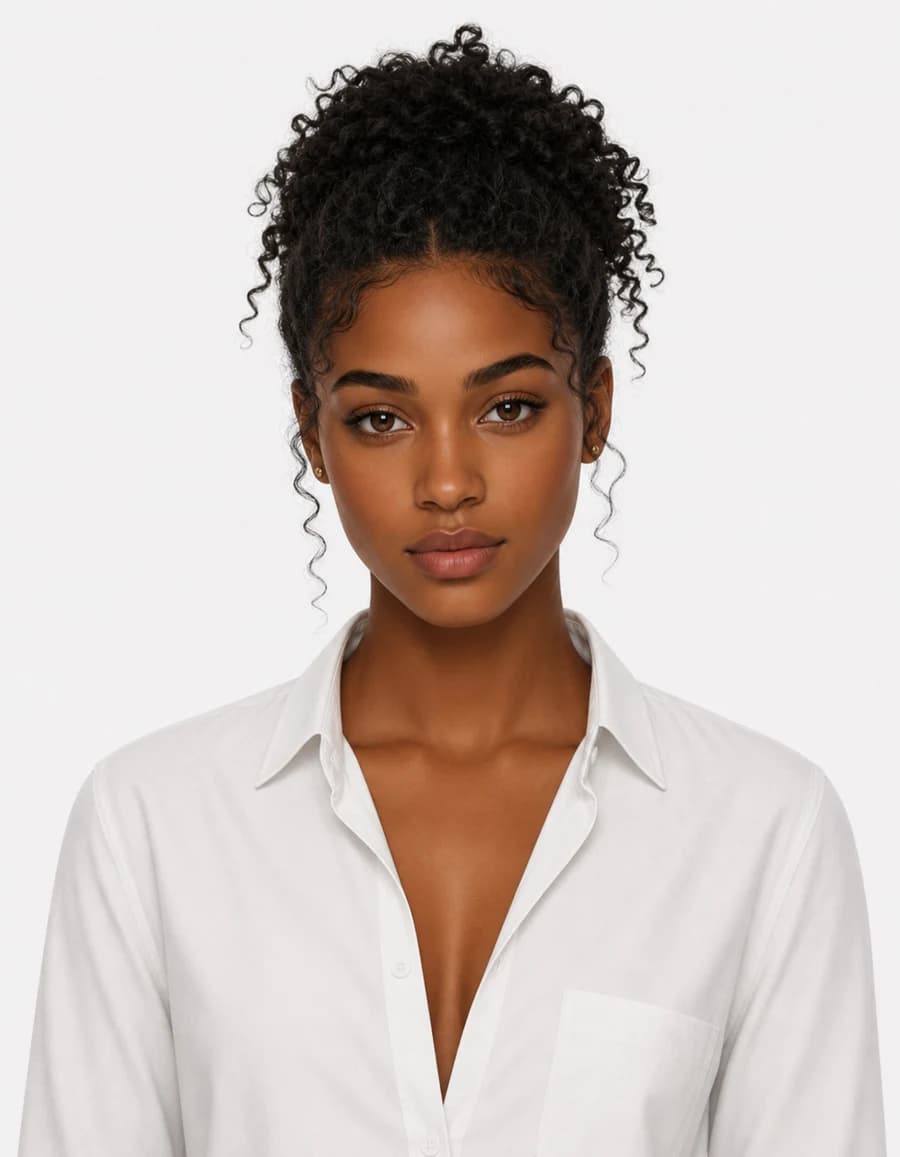 Live“Hi, I’m Aria. How can I help?”
Your own portrait, brought to life with natural expressions. A plain green backdrop lets it stand in front of any background. Live podcast and group meeting mode use Hero characters.


Ready-made characters from Aivah that work with every voice engine.
02:41 left SpeakingA talking video character made from any landscape or portrait image. Sessions run for three minutes and restart with one click.
Ready-made or uploaded characters for the Gemini Live model.
Inside Aivah
Your own characters and the ready-made catalogs, in one Library.
Your employee answers out loud, with a live caption of what it says.
Make the character in Library, give it a voice and put it wherever your customers are.
Follow the character guideIn Library → Characters & backgrounds, make a Hero character from a portrait you have the right to use. Or pick a ready-made Basic character.
Characters & backgroundsCharacter prompt shapes its expression while it speaks. Idle prompt shapes how it looks while it listens.
Speaking and listening promptsPlay the built-in voices, or open Library → Voices. Clone a voice from 10 seconds of clear speech, with the speaker’s permission.
Built-in or cloned voicesTalk to it in Companion and add it to your website. Invite it to Google Meet, Microsoft Teams, Zoom and Webex meetings.
Companion, website and meetingsTry the Aivah website guide. Ask about the product, find a page or ask what you could build.
The guide opens when you choose to talk. Voice input requires microphone permission.
The same face and voice on your website, in your meetings and in front of your training material.
Add your character to a chat bubble, a window in your page or a link. A lead form catches people who are ready to talk.
See the website guideInvite your AI employee to Google Meet, Microsoft Teams, Zoom and Webex with the meeting link. It joins with its face and voice once the host lets it in.
See meetingsUp to 10 PDFs or videos become lessons people can interrupt, question and be quizzed on, with results in Insights.
See the AI presenterHero and Basic 2 × 3 · Advanced 16 × 9 · Gemini Live 9 × 16
Crop your portrait to 2:3 when you create a Hero character, so the face sits right in every conversation.
Put Hero characters in front of an image (9:5 works best) or an MP4 video background under 50 MB.
Play a sample, then try a short exchange in Companion to hear it with the character.
It’s the face and voice of your AI employee. What your employee knows, and its instructions, decide what it says. The character brings it to life in voice chats, on your website and in meetings.
The four character types in Library → Characters & backgrounds. Hero: Your own portrait, brought to life with natural expressions. A plain green backdrop lets it stand in front of any background. Live podcast and group meeting mode use Hero characters. Basic: Ready-made characters from Aivah that work with every voice engine. Advanced: A talking video character made from any landscape or portrait image. Gemini Live: Ready-made or uploaded characters for the Gemini Live model.
Yes. In Library → Characters & backgrounds, choose Hero and make a character from a portrait you have the right to use. With a plain green backdrop, it can stand in front of any image or video background.
Yes. Clone a voice from 10 seconds of clear speech, with the speaker’s permission. Voices live in Library → Voices, next to the built-in voices.
Talk to it in Companion, the voice chat inside Aivah. Put it on your website and bring it to Google Meet, Microsoft Teams, Zoom and Webex meetings. Hero characters can also host Live podcast, and any character can be the face of an AI presenter.
No. The studio at the top is an illustration, and it doesn’t play sound. Talk with Aivah opens the live guide on this website, which runs on Aivah.
One photo. Your voice. An AI employee your customers can see, hear and talk to.