
Sales
Try qualification and a clear handoff using a fictional B2B software brief.
Try the sales demo ↗
Explore sales, support
and customer onboarding.
Ask the public Aivah employee how the platform could fit your business workflow. Explore its responses, then plan a pilot using your own documents and instructions.
 Every idea starts with a hello.
Open the public demo and ask your first question.
Start live conversation Opens in a new tab · Text and optional voiceThree guided examples. A fictional source brief, real AI responses and a starter checklist you can take into your own workspace.
Try qualification and a clear handoff using a fictional B2B software brief.
Try the sales demo ↗
Try a documented support answer and an escalation, using a fictional help article.
Try the customer support demo ↗
Try an onboarding conversation that adapts to a customer’s progress and blockers.
Try the customer onboarding demo ↗There’s no script to follow. Here are three ways to make the demo your own.
Tell Aivah what you’re curious about. A little context about your business makes a useful starting point.
Ask for an example, a simpler explanation, or a different angle. See how the answer develops with your follow-up.
Start by typing. If voice is available, choose the demo’s voice controls and allow your microphone when you’re ready.
Pick sales, support or onboarding. Choose a question to open it in the Aivah guide, then review and send. No copying between tabs.
Back to the live demoExplore a support workflow using your product documentation.
How would I configure Aivah to answer support questions about our B2B software?
How do I add my website as a knowledge source for an AI employee?
What should I check before sharing an AI employee with customers?
Discover the product behind the demo, from AI employees to interactive presentations.
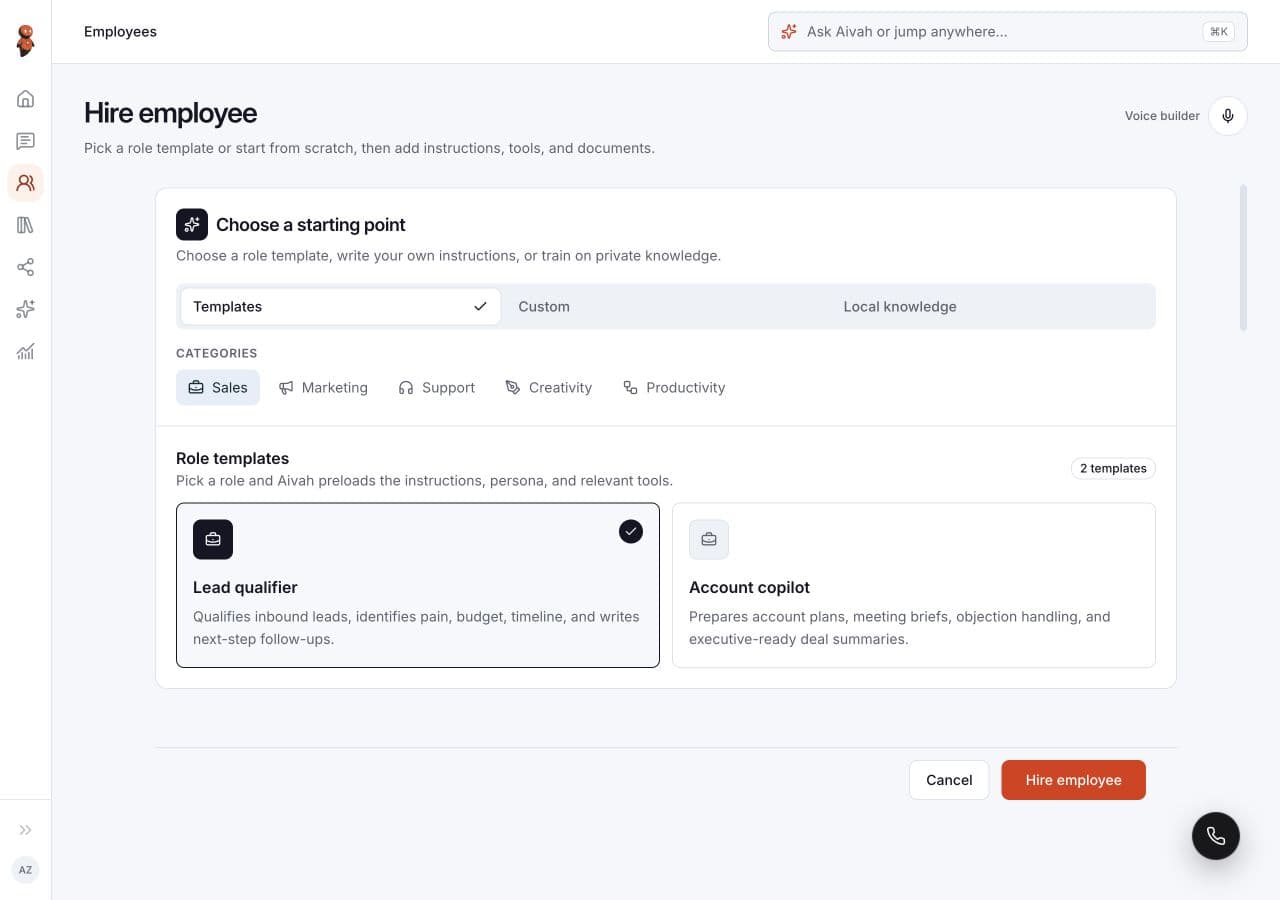
Explore how you choose and configure an AI employee.
Explore the product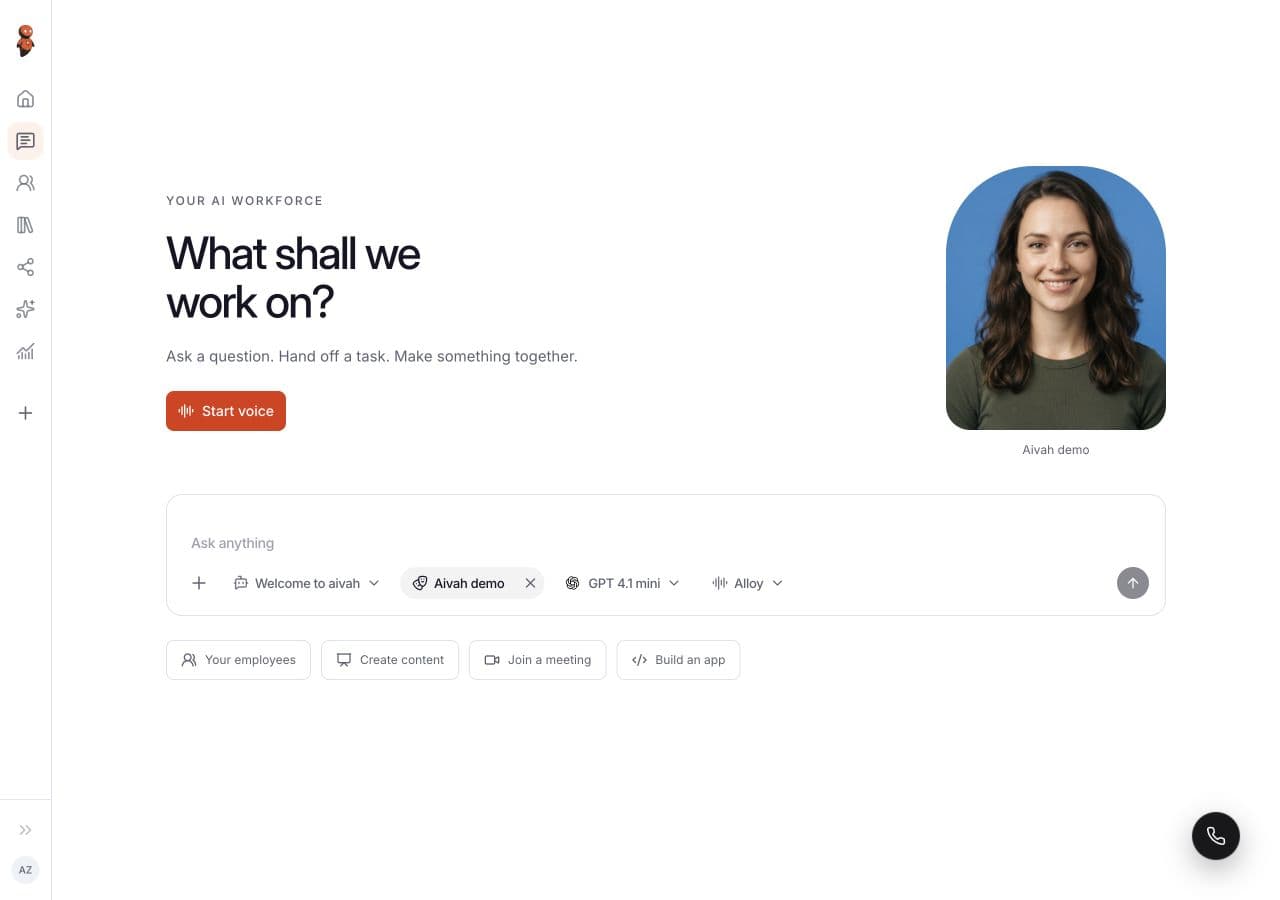
Take a closer look at conversations, files, and creative tools.
Explore the product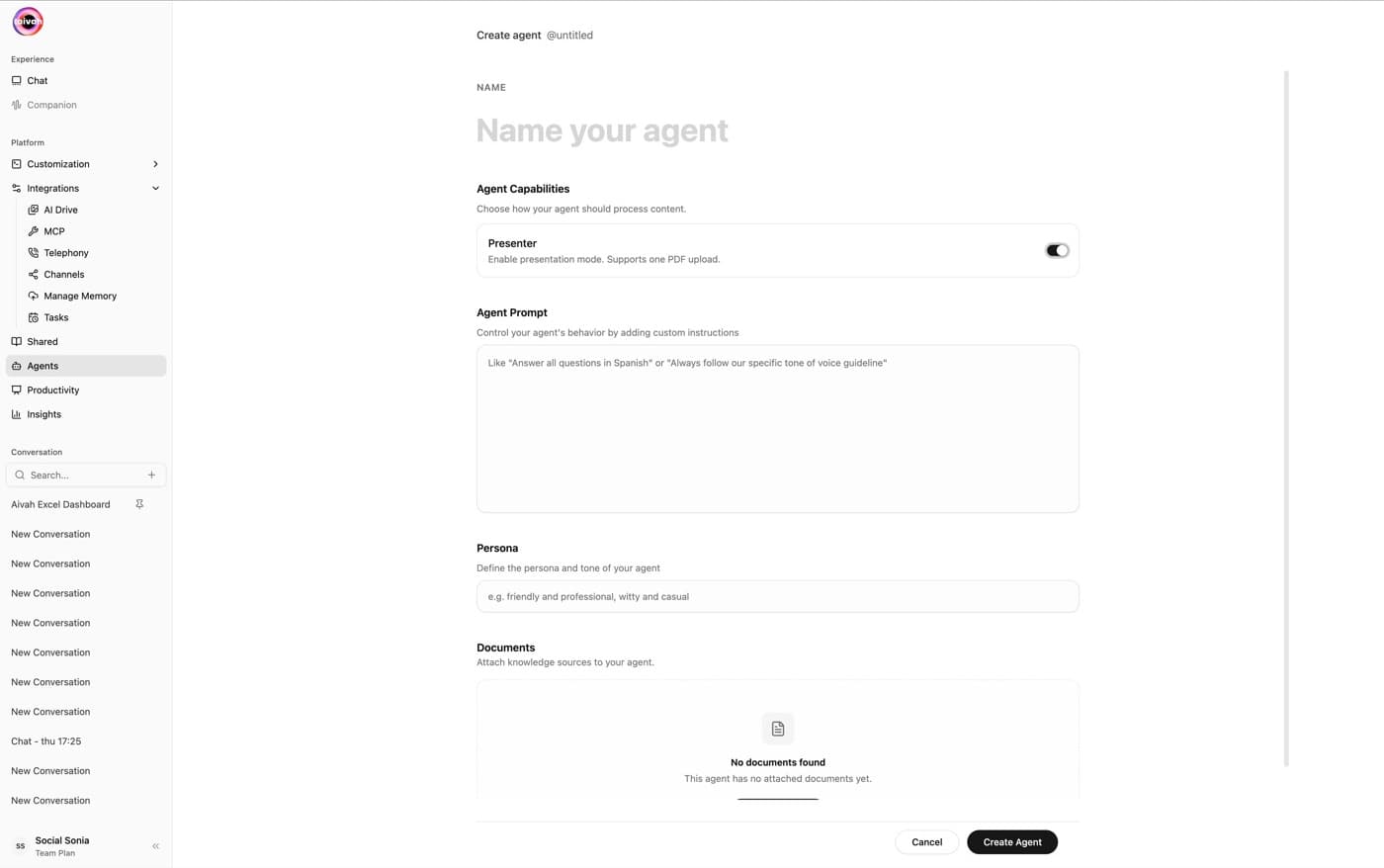
See how presentations can become interactive experiences.
Explore the productThis is a public demo. Keep your questions illustrative and leave out confidential or sensitive information.
Read our privacy policyThis public AI employee can help you explore Aivah. Ask about use cases, knowledge sources, or the platform, then try a follow-up. The demo’s available controls and connection determine which features you can use.
You can open this public conversation without first creating an Aivah workspace. To create and configure your own AI employees, sign up for your own account.
Typing does not need a microphone. Voice requires an available connection, a supported browser, and your microphone permission. Choose voice in the demo only when you want to speak.
This public demo uses its existing configuration. To add your website, documents, instructions, and tools, create your own AI employee in your workspace, then review its answers before sharing it.
“Start live conversation” opens the public Aivah demo in a separate tab, with more room for the conversation. If the new tab does not open, check your browser’s popup settings or open the link directly. For more help, visit the Help Center or contact our team.
Your knowledge. Your instructions. Your first AI employee.