Live avatar chat
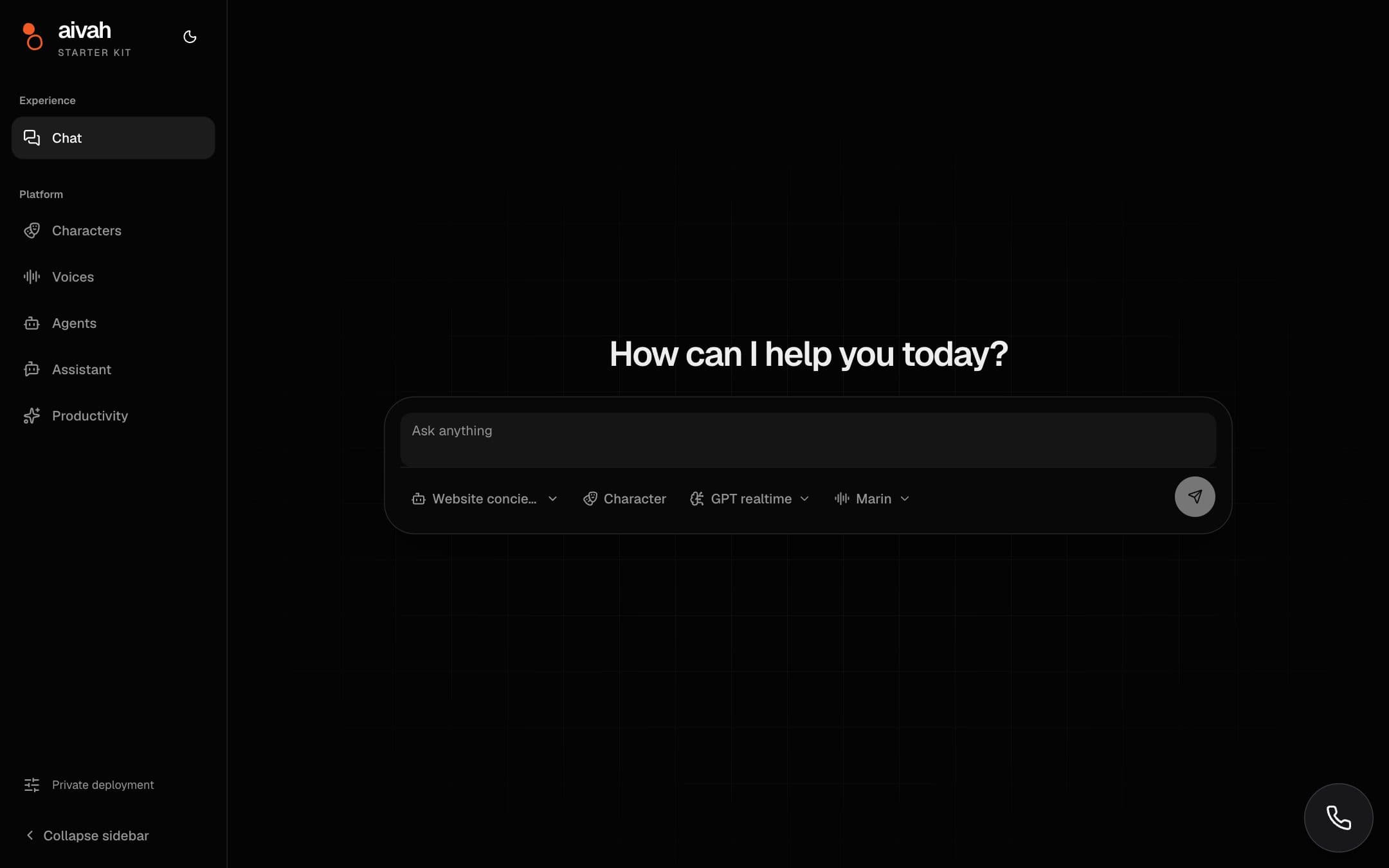
Talk to any Aivah agent by text or voice. The video character streams over LiveKit and is chroma-keyed onto the background you choose.

An open Next.js starter with live avatar chat, agent-driven presentations and a voice assistant that can use your page. Clone it, add your API key, and you are running in minutes.
Starter kit · Public on GitHub
A production-ready Next.js 16 app on React 19, TypeScript, Tailwind v4 and LiveKit. Fork it as the base of your product, or lift the pieces you need.
Talk to any Aivah agent by text or voice. The video character streams over LiveKit and is chroma-keyed onto the background you choose.
Agents teach from PDF slides or chaptered video and drive page turns, seeks and playback themselves. Lessons panel, chapters, quiz overlay and live transcript included.
A floating button that reads the current page, clicks and navigates for the user, and speaks through OpenAI, Grok or Gemini live-audio models, all through your Aivah key.
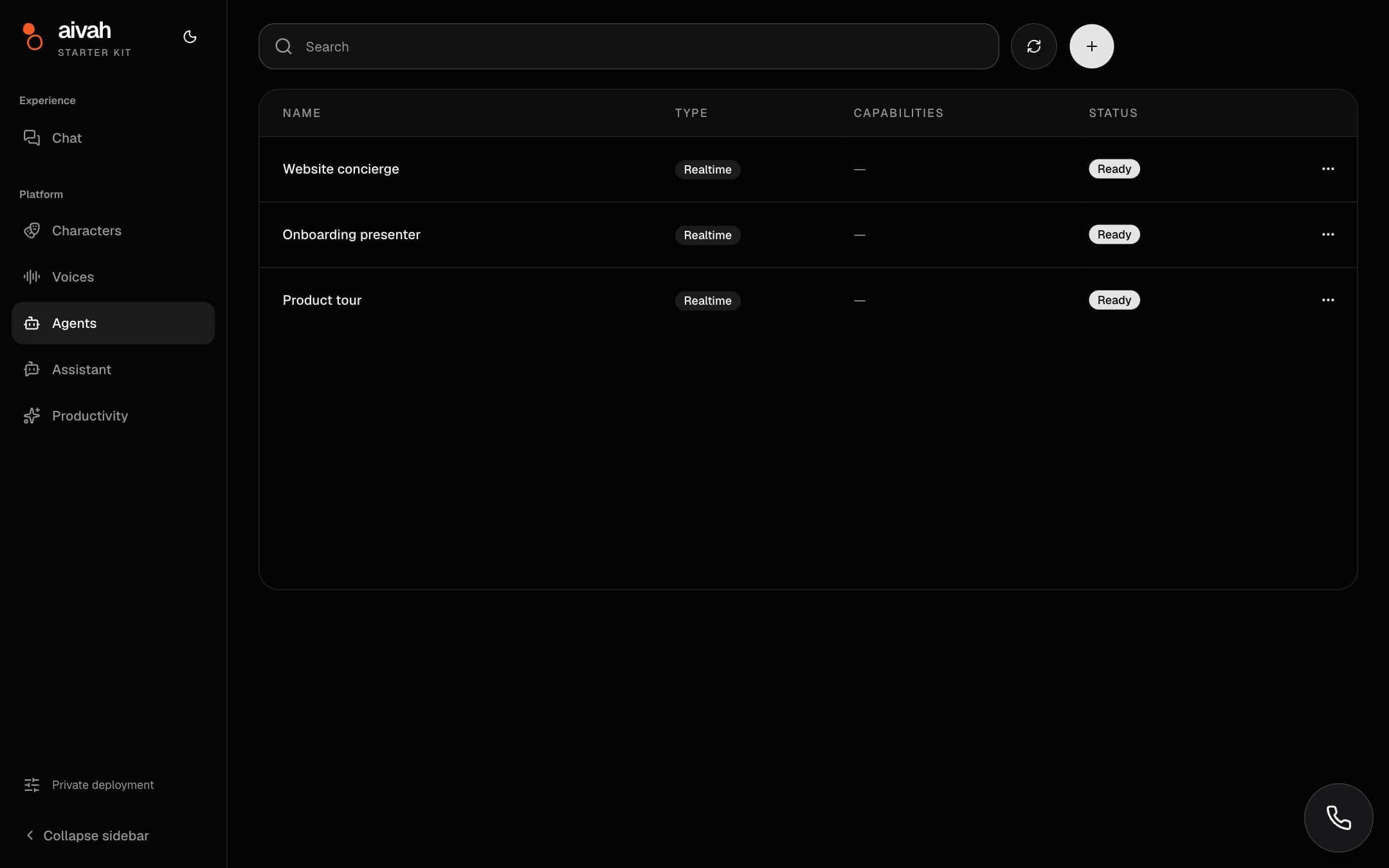
Create and manage characters, backgrounds, voices (including cloning from a microphone recording) and agents without leaving the app.
Turn an agent's knowledge into slides, a podcast or a mind map, then view, play or delete the results.
Your Aivah API key never leaves the server. The browser only talks to the app's own allow-listed proxy routes.
Quick start
You need Node.js 22 or newer, pnpm 11 or newer, and an Aivah API key. The key stays on your server; the app shows a safe “deployment not configured” message if it is missing.
Sign in to app.aivah.ai, open the account menu and choose API keys. Create a key: it starts with sk_aivah_. Treat it like a password.
Clone the repository, copy the example environment file and paste your key into .env.local.
git clone https://github.com/aivahai/Aivahstarterkit.git
cd Aivahstarterkit
cp .env.example .env.local   # then set AIVAH_API_KEY inside
pnpm install
pnpm dev# Server-only. Never rename these to NEXT_PUBLIC_*.
AIVAH_API_BASE_URL=https://api.aivah.ai/v1/platform
AIVAH_API_KEY=sk_aivah_replace_meVisit http://localhost:3000. You land on Chat: pick an agent (Standard or Presentation), a model and a compatible voice, optionally a character and background, then Start conversation. The sidebar’s Platform group manages characters, voices, agents, the assistant and productivity generators.
Everything you would normally customise has one obvious home.
| What | Where |
|---|---|
| Branding and navigation | src/components/app-shell.tsx |
| Theme and colours | src/app/globals.css |
| Assistant persona | public/aivah-assistant/instructions.md and knowledge.md |
| Assistant provider and voice | public/aivah-assistant/assistant.json |
| Allowed Aivah endpoints | ROUTES in src/app/api/aivah/[...path]/route.ts |
Voice assistant
The floating button in the kit is a single script. It reads the page, can click and navigate for the visitor, and speaks through a live-audio model. Provider keys are held by Aivah; you only need your Aivah key.
data-session at a same-origin route and data-config at a public JSON with provider, model and voice.POST /assistant/sessions on the Aivah platform with your key and returns the session to the browser. A minimal Next.js route ships in the kit.instructions.md and knowledge.md, describe who the assistant is and what it may quote. Edit them from the Assistant page or in code.<script
src="https://storage.googleapis.com/aivah-share/aivah-assistant.js"
data-session="/api/realtime/ai-assistant"
data-config="/aivah-assistant/assistant.json"
async
></script>{
"provider": "openai-live",
"model": "gpt-live-1",
"voice": "quartz"
}openai-livegpt-live-1quartz, ripple, vesper, willowopenai-realtimegpt-realtime-2, gpt-realtimemarin, cedar, alloygrok-realtimegrok-voice-latesteve, ara, leogemini-livegemini-2.5-flash-native-audioPuck, Charon, KoreHow it’s built
Every request goes through /api/aivah/<path> on your server, which checks the method and path against an explicit allow-list, attaches your key, and streams the response back unchanged. Anything else is 404 ROUTE_NOT_ALLOWED.
aivah-assistant.jsNo key here, everAIVAH_API_KEYGET, POST agentsGET, PATCH, DELETE agents/:idPOST agents/:id/retryPOST, DELETE agents/:id/contentGET, POST charactersPATCH, DELETE characters/:idGET, POST backgroundsGET scenesGET voices, voices/customPOST voices/cloneDELETE voices/:idGET llm-modelsPOST sessions/tokenGET, POST assistant/sessionsPOST sessions/resolve-character-changeGET conversations/:idPOST agents/:id/slidePOST agents/:id/podcastPOST agents/:id/mindmapGET productivity/generated-contentsMissing config returns 503 CONFIG_MISSING; an unreachable platform returns 502 UPSTREAM_UNAVAILABLE. The UI renders both as friendly errors. To expose another endpoint, add its method and path pattern to ROUTES.
Ship it
pnpm build produces a standalone server. Vercel and similar platforms work out of the box once the two AIVAH_* variables are set. The Docker image is a small multi-stage build; secrets are passed at runtime, never baked in.
docker build -t aivah-starter-kit .
docker run --rm -p 3000:3000 \
  -e AIVAH_API_BASE_URL=https://api.aivah.ai/v1/platform \
  -e AIVAH_API_KEY=sk_aivah_replace_me \
  aivah-starter-kit
The e2e suite mocks the Aivah API, so pnpm lint && pnpm typecheck && pnpm test && pnpm build runs without a real key.
Docs and source
The kit is public on GitHub. Star it to follow releases, and file an issue when something in the guide does not match what you see.
Tell us what you are integrating. We will confirm availability, credential setup and the supported path before you write code.
Start from the full app, embed only the voice assistant, or talk through a custom integration.
Live avatar chat, presentations, management screens and productivity generators in one Next.js app with an allow-listed proxy to the Aivah API.
Follow the quick start