
How do you write instructions for an AI employee?
Write instructions the way you would brief a new hire on day one. Say what the job is, which documents to answer from, how to sound and what it must never do. Add when to hand over to a person, keep each rule short and test it with real questions.
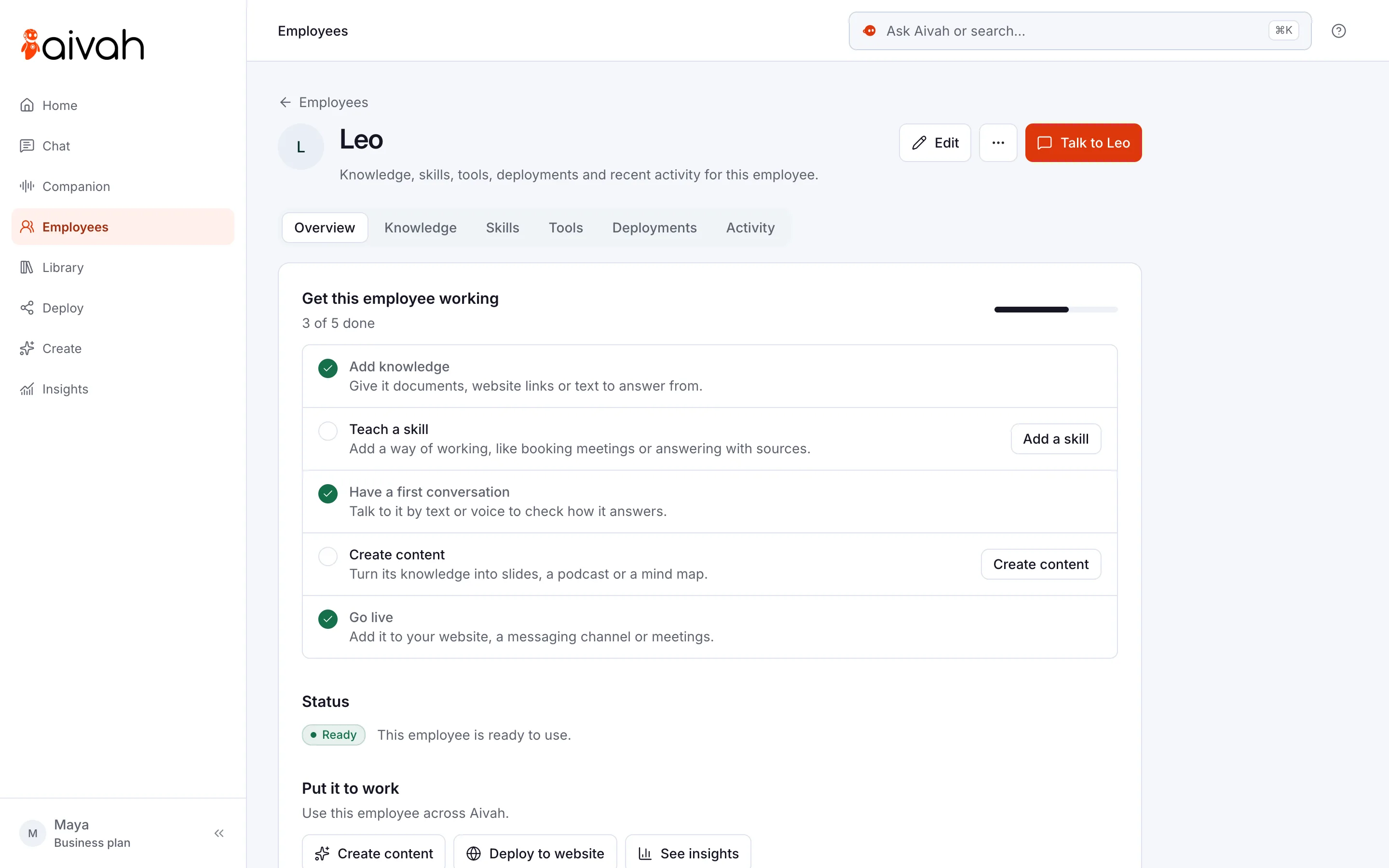
In Aivah, you write them in the Instructions box when you hire or edit an AI employee. A second box, Persona, sets its tone and working style. The examples below use Brightwater Cleaning, a fictional home-cleaning firm.
- Cover five things: the job, the sources, the tone, the limits and the handover.
- Write one rule per line, in plain words.
- Say why a rule matters, so it can handle cases you didn’t list.
- Keep facts like prices in documents, not in the rules.
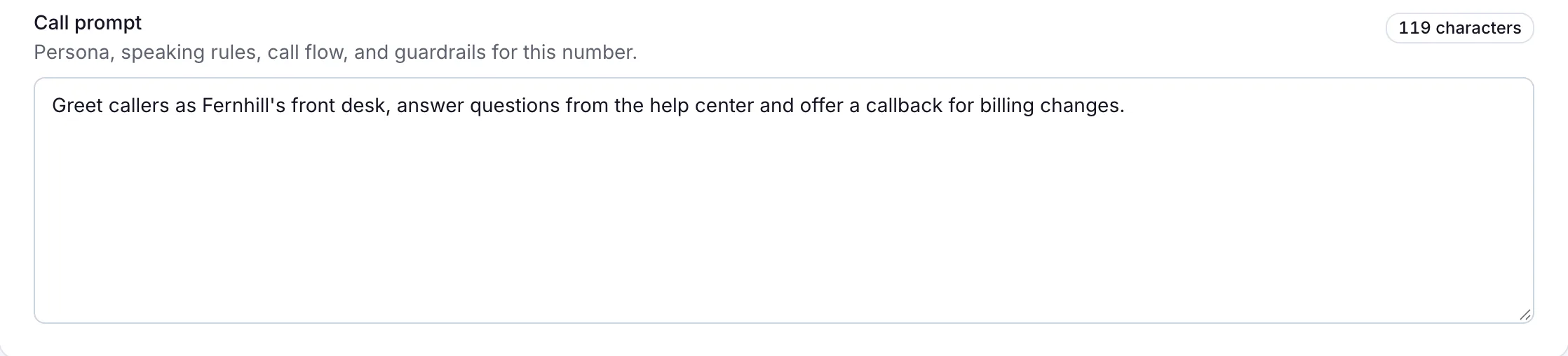
- A phone line follows its own call prompt, not these instructions.
- Test with real questions, and change one thing at a time.
Read related guides
What should good instructions include?
Anthropic’s prompting guide suggests treating its AI, Claude, like a brilliant new employee who doesn’t know your ways yet. Its test is simple: if a colleague would be confused by your brief, the AI will be too.
OpenAI’s guide suggests an order: who it is, what to do, a few examples, then the background facts. For a small business, both ideas come down to six lines.
- The job: “You answer questions from people who want Brightwater Cleaning to clean their home.”
- The sources: “Answer only from our price list and FAQ. If the answer isn’t there, say you don’t know.”
- The tone: “Warm, plain and brief. Two or three sentences per answer.”
- The limits: “Never promise a discount, a start date or a refund.”
- The handover: “For complaints or changes to a cleaning visit, share hello@brightwater.example. Say the team replies within one working day.”
- The reason, where a rule isn’t obvious: “Some visitors talk to you by voice, so don’t use lists or symbols.”
Sources
Put one AI employee to work.
Start free, with no card. Hire from a role template or describe the job, then add your documents.
Hire your first AI employeeWhich instruction templates can you copy?
Replace the brackets and keep what fits your business. Each template is short on purpose, because short rules are easier to test and fix.
- Website front desk: “You answer visitors’ questions about [business]. Answer only from your documents. If the answer isn’t there, say so and share [contact page]. Keep answers to three sentences. If someone wants a person, ask for their name and email and say the team will reply within [time].”
- Lead qualifier: “You help visitors decide if [service] fits them. Answer their question first. Then ask one question at a time: [question 1], [question 2], [question 3]. If they fit [your criteria], ask for their name, email and phone so the team can follow up. Never promise discounts or dates.”
- Support: “Answer customer questions using only our help content. Give step-by-step instructions when someone needs to do something. For refunds, complaints or account changes, say our team will help and share [support email]. Never make up policies, prices or dates.”
- Phone call prompt: “Greet callers with ‘Thanks for calling [business]. How can I help?’ Answer questions about our hours, services and prices from these facts: [facts]. If someone wants a person, take their name, number and reason for calling. Read the details back and say the team will call back within [time].”
- Presenter: “You are a friendly trainer for [audience]. Present each lesson clearly and check in after every few slides. Answer questions from the lesson, then carry on where you left off. At the end, run the quiz and explain any wrong answers.”
Read related guides
How do you test your instructions?
Stuck on a blank box? Choose Ask AI next to the field and describe the job in a sentence. It suggests instructions you can edit before you save.
Then test before any customer sees it. Changes apply to new conversations, so start a new chat each time.
- Choose Talk to [employee name] and start a new chat.
- Ask five questions its documents answer, and two they don’t.
- Ask for something that needs a person, such as a refund.
- Check names, prices, dates and hours against your documents.
- Change one line, start a new chat and ask the same questions again.
- After launch, read Insights → Chat history each week and fix what you find.
Read related guides
When should you use a skill instead?
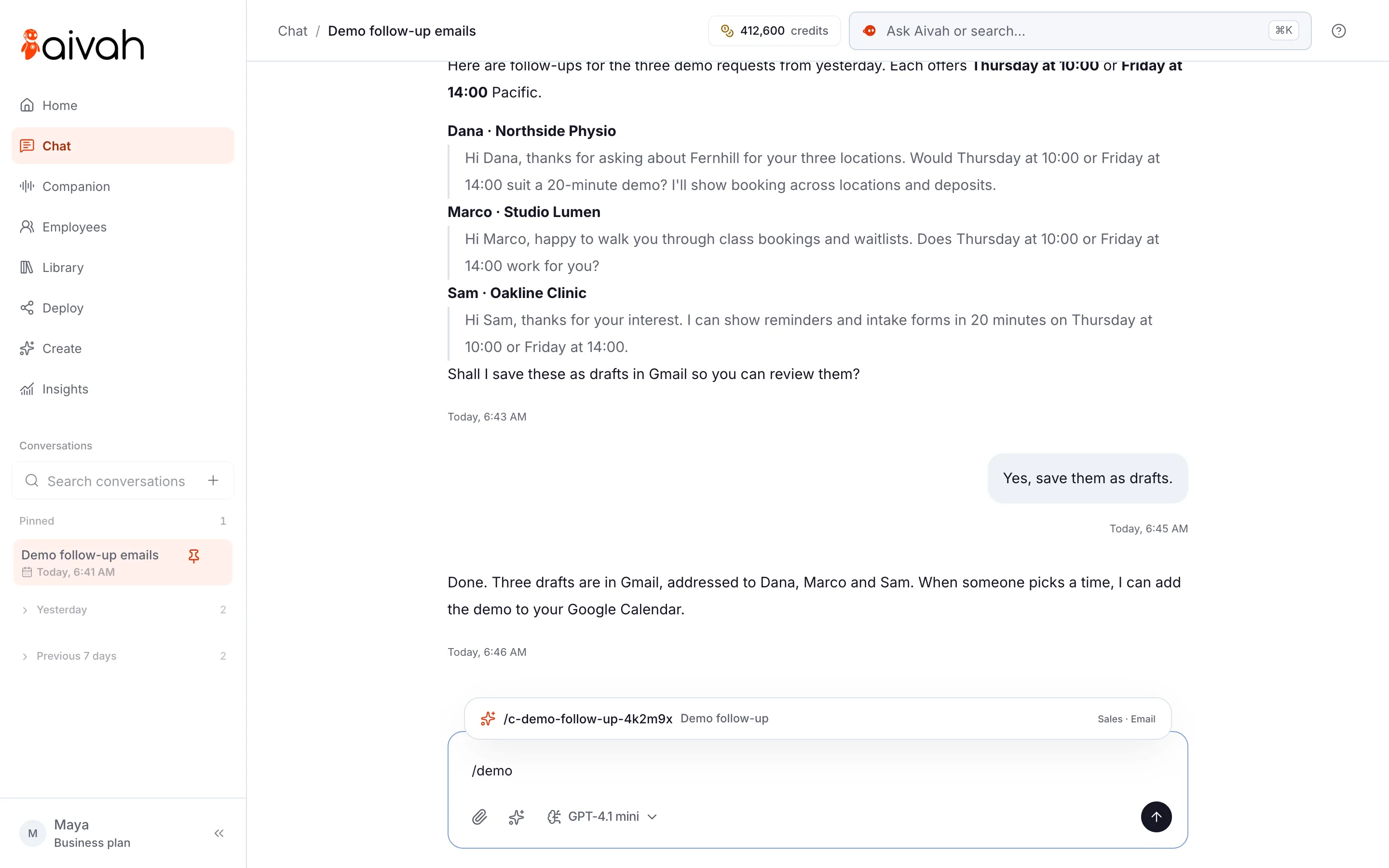
A skill is reusable know-how for one kind of task, such as a demo follow-up. It says when to use it, the steps and the rules. Each AI employee can have up to six, and you can pick one in Chat for a single message.
Keep instructions for who the employee is and the rules that always apply. Put a repeatable procedure in a skill. If the two ever disagree, the instructions win.
Instructions and skills share one size limit. If you go over, Aivah asks you to remove a skill or shorten the instructions.
Read related guides
What mistakes should you watch for?
Instructions guide your AI employee. They don’t make every answer right, so watch for these six mistakes.
- Facts in the rules: prices and dates change, so keep them in a document you update. The phone call prompt is the exception.
- Rules that clash: “Always be brief” and “Explain everything in detail” can’t both win.
- Vague words: “Be professional” means little. Say what it looks like, such as “No slang and no emojis.”
- Promises: don’t tell it to confirm visits, refunds or discounts your team hasn’t approved.
- Secrets: never put passwords or API keys in instructions or documents.
- Missing knowledge: no rule fills a gap. If it doesn’t know your cancellation policy, add the policy.
Read related guides
Questions about AI employee instructions
How long should AI employee instructions be?
Long enough to cover the job, sources, tone, limits and handover, and no longer. A few short paragraphs is often enough. Instructions and skills share one size limit, and Aivah tells you if you go over.
What’s the difference between instructions and knowledge?
Knowledge is the facts: your web pages, files and notes. Instructions say how to use them: the job, the tone, the limits and the handover. Keep facts in knowledge, so you update them in one place.
Do the instructions apply on phone calls?
No. A phone line answers from its own call prompt. Write the greeting, the key facts and how to take a message there. Phone answering starts on Starter, at $99 a month.
Can Aivah write the instructions for me?
Yes. Choose Ask AI next to the Instructions box and describe the job in plain words. It suggests instructions you can edit. When you hire, you can also describe the job out loud with the voice builder.
Why does my AI employee ignore a rule?
Check that no other rule or skill contradicts it, and that it has the facts it needs. Changes apply to new conversations, so test in a new chat.
Ready to write yours?
Start free, hire your first AI employee and paste in one of these templates. Then ask it the ten questions your customers ask most.
Read related guides