
What is an AI product demo?
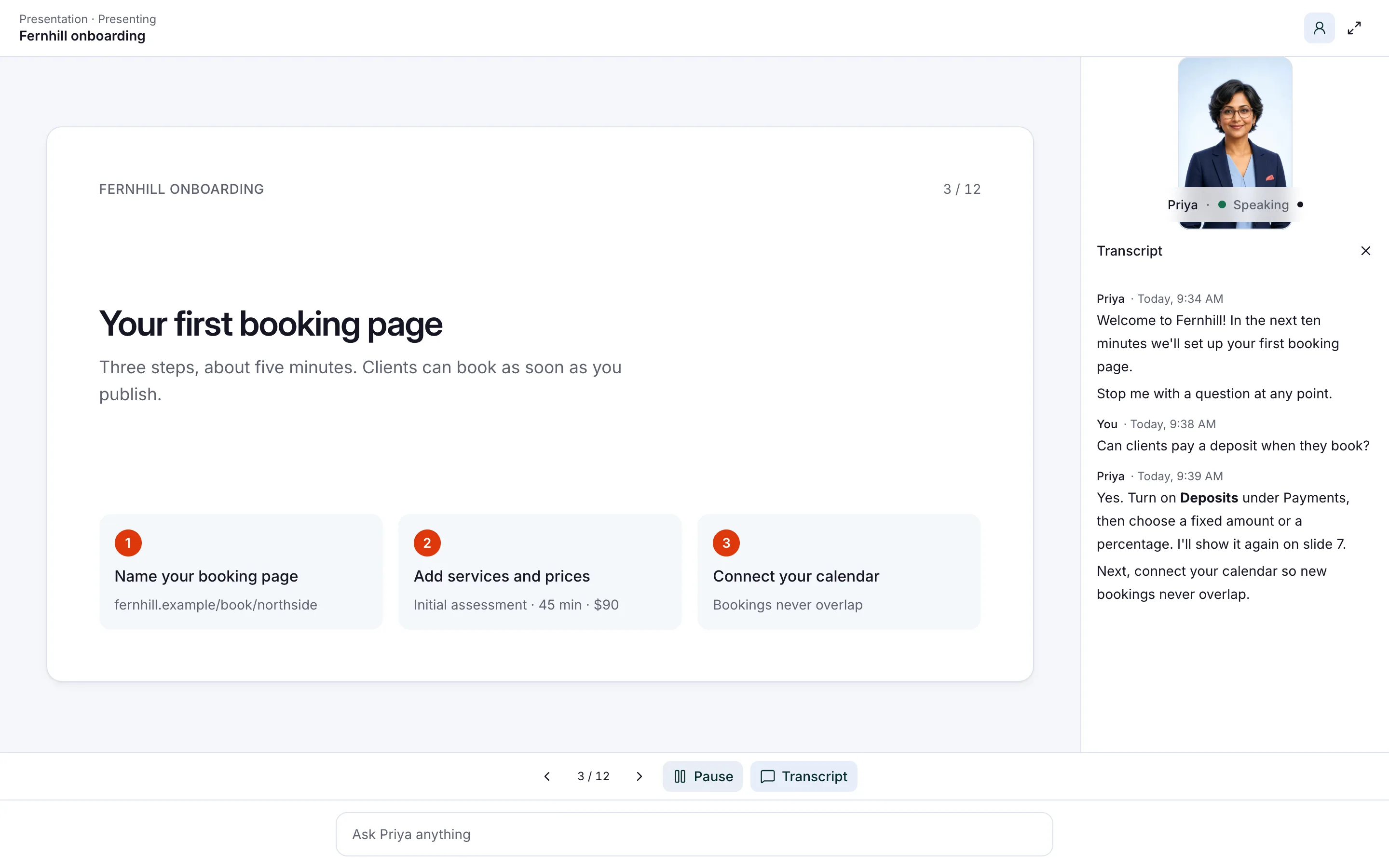
An AI product demo is a walkthrough that an AI presenter gives for you, with a face and a voice. Prospects can stop it at any point to ask a question about your slides or video. It answers from your material, carries on, and saves each conversation for your sales team.
Picture Tallyfold, a fictional invoicing app with two sales reps. Every week, trial users ask for a walkthrough the reps can’t fit in. So the reps keep live demos for larger teams and send everyone else a link to the presenter.
- It presents up to 10 PDFs or videos as lessons, in the order you choose.
- Prospects interrupt by voice or by typing, and it answers from your lessons.
- You share it as a direct link or embed it on a page of your website.
- A lead form before the demo collects names and emails for your team.
- Every question lands in Insights, your record of each conversation, so sales knows what came up.
Read related guides
When does a self-serve demo beat a live one?
Live demos still work best for big, complex deals. A rep can read the room, ask about budget and shape the story. But a rep’s calendar fills up fast.
Most teams end up mixing four kinds of demo. Each one has a job.
- A live demo with a rep: personal and flexible. It costs the most time, so save it for buyers who are ready.
- A recorded video: cheap to share and easy to watch. Nobody can ask it anything, though.
- A click-through tour of your screens: good for showing where things are. Questions usually wait for a follow-up email.
- An AI presenter: your slides or video, with a face and a voice that answers questions. It can’t click through your live product.
Read related guides
Turn your files into lessons people can question.
Up to 10 PDFs or videos become lessons people can interrupt, question and be quizzed on, with results in Insights.
See the AI presenterHow do you build a demo people can question?
Plan for an afternoon. Most of the time goes on cutting your demo into short lessons.
- Pick one buyer and one job. “Show a five-person finance team how invoicing works” beats “show everything.”
- Cut your demo into lessons: up to 10 PDFs (up to 50 MB each) or videos (up to 100 MB each). One feature per lesson keeps each one short.
- Hire a presenter. Open Employees → Hire employee, turn on Presenter and add the lessons in order.
- Write its rules: what it may promise, and what goes to sales.
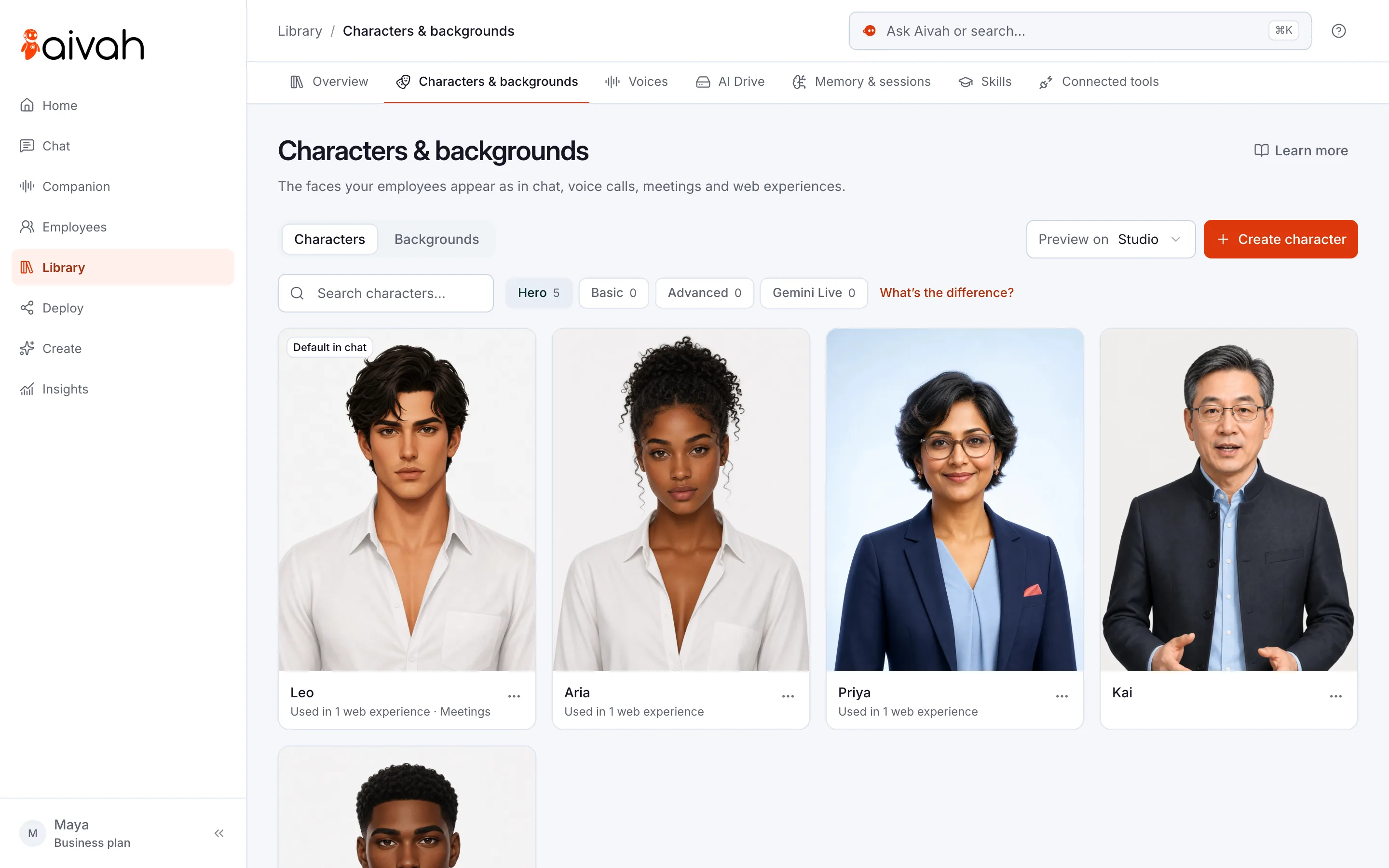
- Give it a face and a voice. Pick a ready-made character, or make one from your rep’s photo. Clone the rep’s voice from 10 seconds of clear speech, with their permission.
- Rehearse in Chat. Choose Start presentation and try to trip it up.
- Publish it from Deploy → Web & embeds as a direct link or an embed, with a lead form.
What should your demo presenter say, and not say?
Its instructions matter as much as your slides. Here is a starting point to adapt.
“You are the product guide for Tallyfold. Answer only from the lessons, then carry on where you left off. Never promise features, dates or discounts.”
Then say who takes over: “For pricing deals, security reviews or custom needs, say a member of the sales team will follow up.”
Rehearse with the questions buyers really ask. Each one should get an answer from your lessons or a clear handover.
- “Does it work with the tools we already use?”
- “Can you do this cheaper if we sign this month?”
- “Is that feature coming soon?”
- “How long does setup take for a team our size?”
Can an AI employee join live demo calls too?
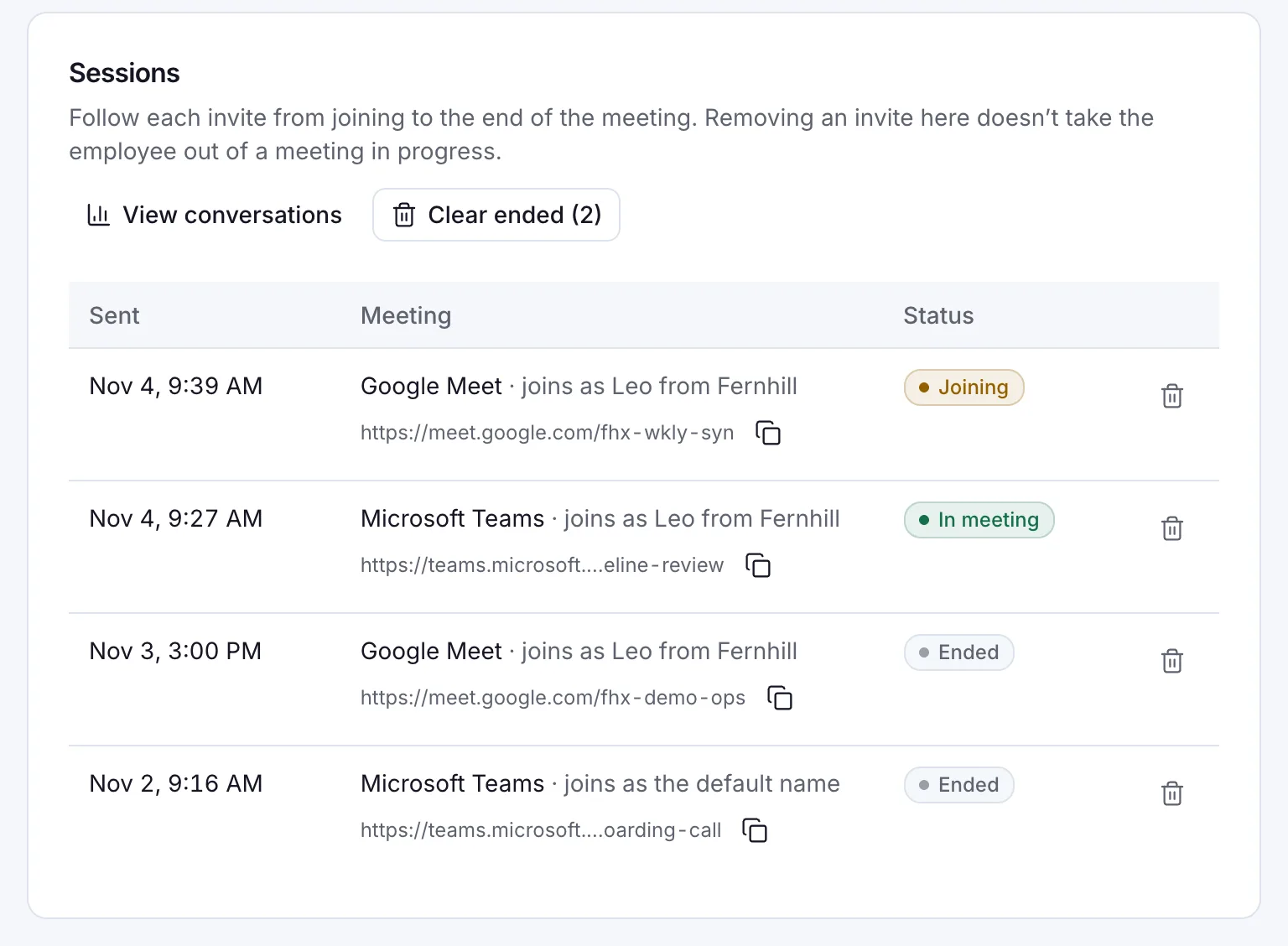
Yes, though not as the presenter. Presenters can’t join meetings, so your rep brings a regular AI employee instead. Paste a Google Meet, Microsoft Teams, Zoom or Webex link, and it joins with its face and voice once the host lets it in.
Give it your demo deck and FAQs as documents, so its answers match the presenter’s. With a Hero character, turn on group meeting mode. It then replies when someone speaks to it.
Your rep leads the call and hands it the detailed product questions. A presenter plus a regular AI employee needs a paid plan with two, such as Business, at $300 a month.
Read related guides
What happens after the demo?
Open Insights → Leads for everyone who filled in the form. Then read Chat history to see what each prospect asked. A question about pricing tells your rep where to start the follow-up call.
On a plan with two AI employees, the regular one can help with follow-up. Connect Gmail and ask it in Chat to draft follow-up emails as Gmail drafts. You review each one before it goes.
The quiz suits partner and sales training better than prospects. Brief resellers on a new release, and Insights → Quiz shows each person’s score.
What are the limits of an AI presenter?
It is a good stand-in for a first walkthrough. It is not a sales rep. Know these limits before you send the link.
- It can’t click around your live product. It presents your slides and videos, so record the screens you want to show.
- It answers from its lessons only, not from website links or typed notes. Keep the lessons current.
- It can’t see a prospect’s account, agree a price or sign a contract.
- Each presenter is its own AI employee, chosen when you hire. A separate demo for another audience means another presenter on your plan.
- Credits are what each reply spends. Spoken replies use twice as many while a video character is on screen, so watch your usage in the app.
- Presenters share as a direct link or an embed, not as a chat bubble.
Questions about AI product demos
Can an AI presenter replace my sales team?
No. It gives the walkthrough and answers product questions from your lessons. Your reps still qualify buyers, agree prices and close deals.
What can I use as demo material?
Up to 10 PDFs (up to 50 MB each) or videos (up to 100 MB each) per presenter. Export your demo deck as a PDF, or upload short screen recordings.
Can prospects ask questions in the middle of the demo?
Yes. They stop it by voice or by typing. It answers from your lessons, then picks up where it left off.
Can it join our live sales calls?
The presenter can’t, but a regular AI employee can. It joins Google Meet, Microsoft Teams, Zoom and Webex calls with its face and voice once the host lets it in. Your rep leads, and it answers when asked.
What does it cost?
You can start free, with no card, and try it in Chat. Sharing a presenter by link or embed starts on Hobby, at $10 a month, and the presenter uses one of your plan’s AI employees. Credits are what you spend when your AI employee chats, talks or creates.
Give your next prospect a demo tonight
Start free, turn your demo deck into lessons and ask it the hardest question your buyers ask.
Read related guides