
Is it safe to put AI on your phone line and website?
It can be, if you set the limits first. Give your AI employee public knowledge only, allow only the actions the job needs and tell people it’s AI. Then decide when a person takes over, and read its conversations weekly, because you answer for what it says.
Take Kestrel Kitchens, a fictional kitchen fitter. Its AI employee answers website questions and incoming calls about prices, lead times and showroom hours. It can’t see the firm’s accounts, and every quote request goes to a person.
- It answers from the knowledge and instructions you give it.
- It can use only the actions you switch on in each connected app.
- On the phone, it answers incoming calls only and takes messages.
- Website chats, leads and call transcripts show up in Insights, the app’s reporting area.
- You can see, edit and delete what it remembers.
Read related guides
What can your AI employee see?
It answers from its knowledge: the pages, files and notes you add. So an employee that talks to the public should only know what you’d show the public.
Keep price lists, FAQs and policies in. Keep staff rotas, margins and customer files out. Give internal knowledge to a separate AI employee; Business and Business+ include two.
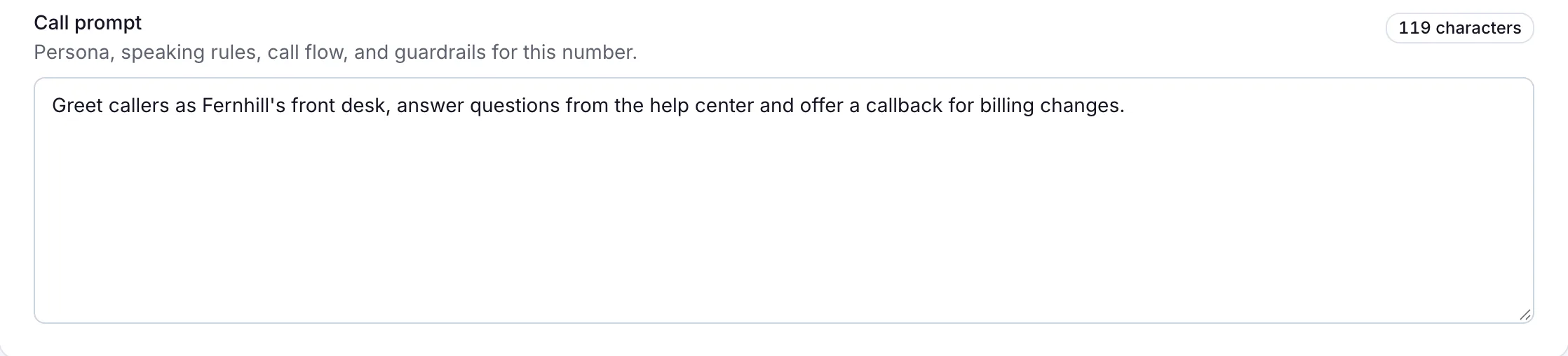
On the phone, it answers from its call prompt, the short brief you write for calls. So keep private details out of that too. Never put passwords, API keys or card details in knowledge, instructions or chat.
It also remembers things across conversations, such as a customer’s preferences. Library → Memory & sessions shows every memory. You can search, edit, delete or download them.
Read related guides
Put one AI employee to work.
Start free, with no card. Hire from a role template or describe the job, then add your documents.
Hire your first AI employeeWhat can it do on your behalf?
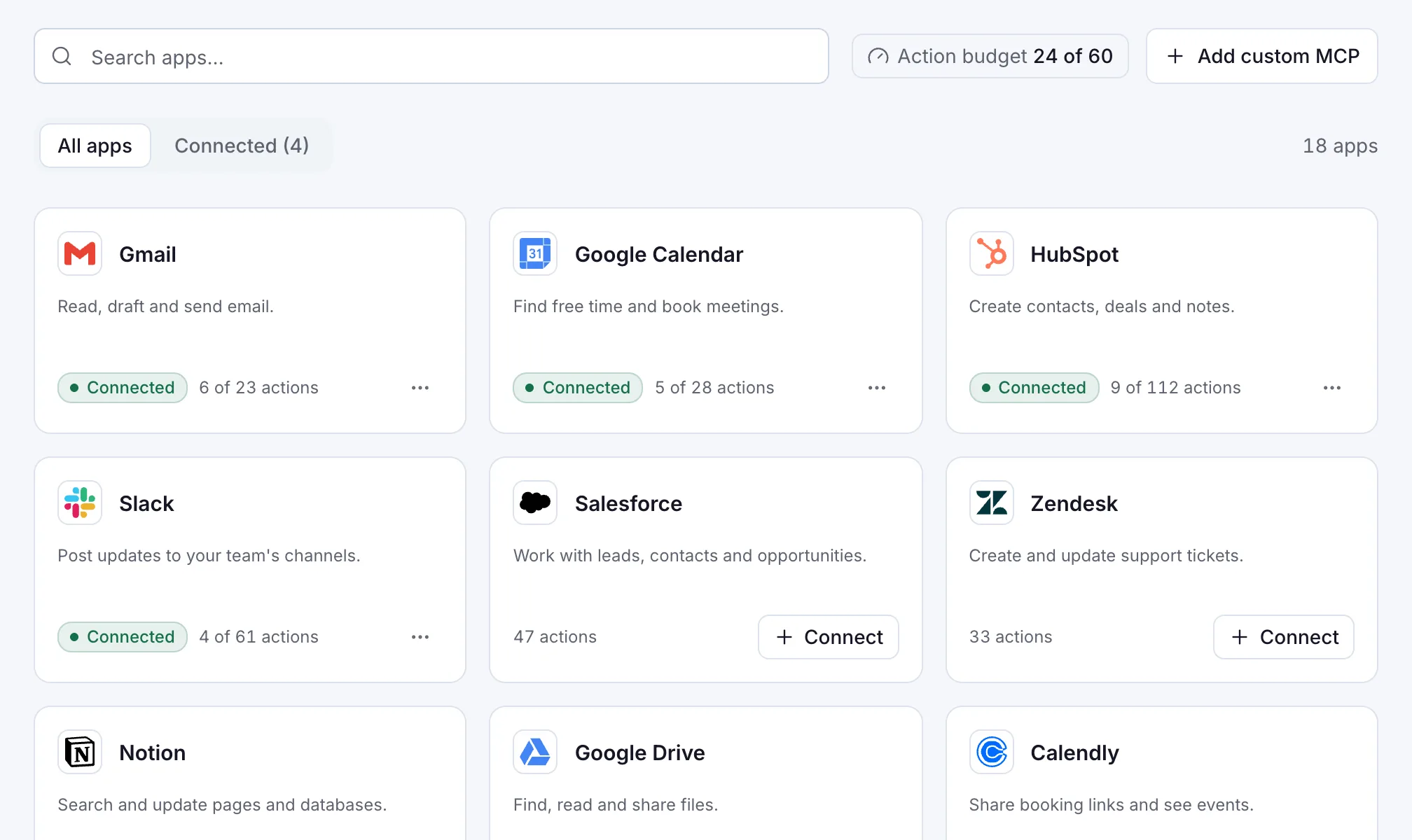
Only what you allow. Connected apps let it act, such as drafting an email in Gmail. You connect an app once, and all your employees can use it in chat, voice and team channels.
So choose each app’s actions with care. Turn on reading a calendar, for example, but leave deleting events off. An action budget limits how many actions are switched on across your apps.
Public web experiences are stricter: each one uses only the apps you pick for it. In your instructions, tell your employee to ask before it sends or deletes anything.
On the phone it does less. It answers incoming calls, answers questions and takes messages. It never calls anyone, never transfers a call and never takes a payment.
Read related guides
How does it hand over to a person?
Decide this before launch. Your AI employee hands over by collecting the details and pointing people to your team.
- On your website, add a lead form. It shows before the chat starts, with consent text you write. Each lead lands in Insights → Leads.
- In its instructions, add: “If the answer isn’t in your sources, say so and share our contact page.”
- On the phone, write the call prompt so it takes the caller’s name, number and reason, reads them back and says when you’ll call.
- In meetings, it joins only when you invite it. If the meeting has a waiting room, the host admits it like any guest.
Read related guides
Should you tell people they’re talking to AI?
Yes. The ready-made call prompts speak for “this business” and don’t say it’s an AI. Write that into the greeting in your call prompt, and into your instructions for the website.
Kestrel Kitchens’ call prompt starts the call with: “Thanks for calling Kestrel Kitchens. You’re speaking with an AI that can answer most questions or take a message for the team.”
In the EU, the AI Act points the same way. The European Commission says people using chatbots should be made aware they’re talking to a machine. It says these transparency rules take effect in August 2026.
Rules differ by country, so check yours with your adviser. Do the same for call recording before you connect a number or send a meeting invite.
What should you check before launch?
Run through this list with whoever will look after the AI employee. Tick each item as you test it.
- Its knowledge holds only what you’d show the public.
- Each connected app allows only the actions the job needs.
- Its instructions say when to ask first and when to hand over.
- Your greeting tells people they’re talking to an AI employee.
- The lead form asks only for what you’ll use, with clear consent text.
- Nothing asks for passwords or card numbers.
- Medical, legal and money decisions go to a qualified person.
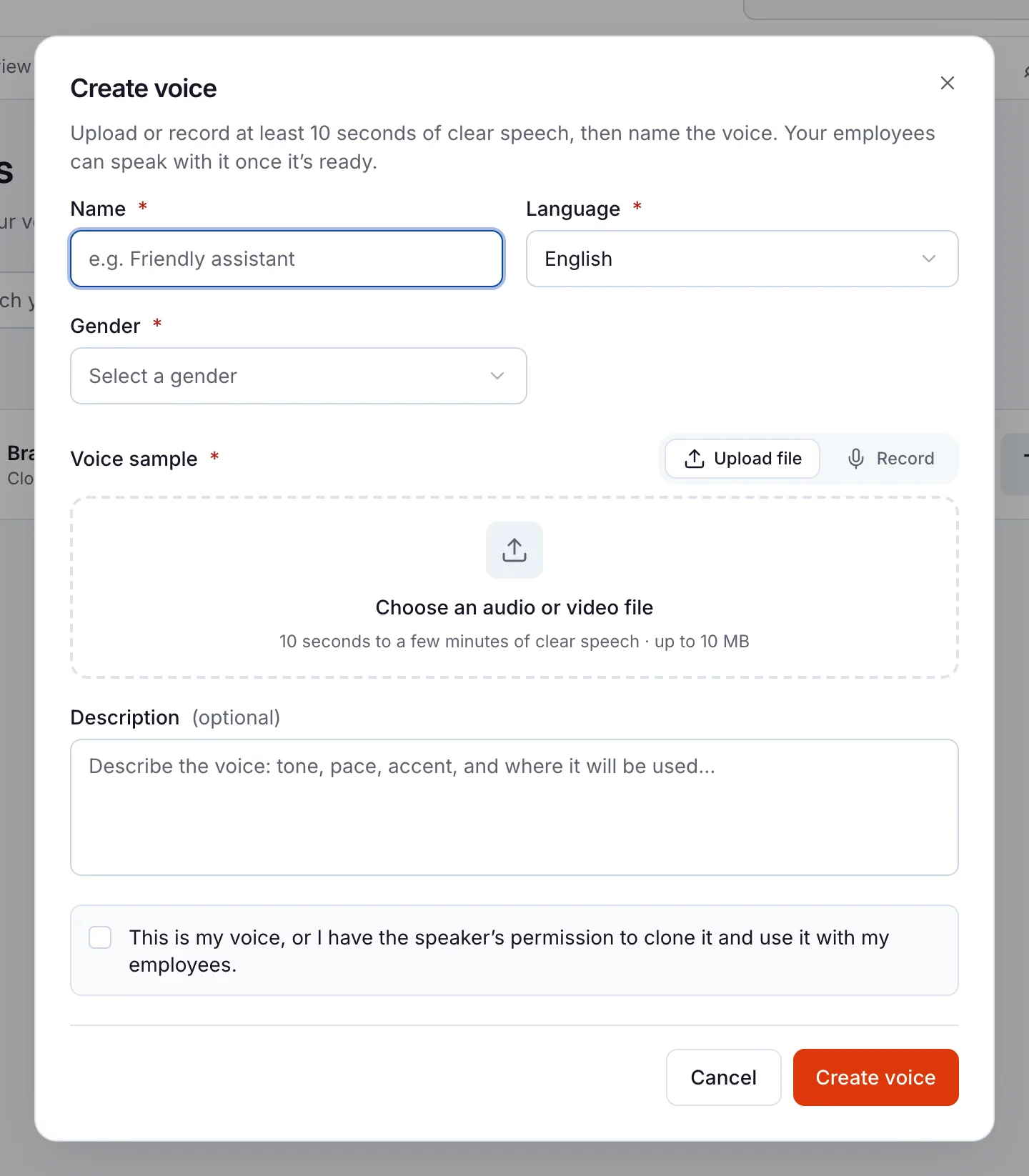
- Any cloned voice or photo character has the person’s permission.
- Someone checks Leads and Call history every day.
- You’ve tested it: five real questions, two it can’t answer and one request for a person.
What are its limits?
Know the limits before your customers find them.
- It can’t pass a live call to your team. It takes a message, and a person calls back.
- It can still get an answer wrong. In February 2024, a Canadian tribunal held Air Canada responsible for wrong information from its chatbot.
- It has no way to check who’s calling. Keep private account details out of phone calls.
- You can delete memories yourself. For anything you can’t remove, contact support.
- Need a formal security review? Send your questions through the Trust page.
Questions people ask about AI safety in customer service
Can the AI employee see my private files?
Only what you add to its knowledge, plus the connected apps you allow. A public web experience uses only the apps you pick for it. Keep internal documents with a separate employee.
Can it transfer a caller to my team?
No. It answers incoming calls, takes the caller’s details and reason, and your team calls back. Every call has a transcript in Insights → Call history.
Will callers know they’re talking to AI?
Not unless you tell them. The ready-made call prompts don’t say it. Write it into the greeting in your call prompt, and into your employee’s instructions for the website.
Can I delete what it remembers about a customer?
Yes. Open Library → Memory & sessions, find the memory and choose Delete memory. Contact support for anything you can’t remove yourself.
What if my business needs a security review?
Send your questions from the Trust page. Tell us your framework, the data involved and your timeline. We answer from how Aivah works today.
Try the controls before your customers do
Start free, set up one AI employee with public knowledge and test the handover yourself. When it passes, go live on one web page from Hobby or one phone line from Starter.
Read related guides