
What is safe to automate at a clinic’s front desk?
It’s safe to automate a clinic’s routine front-desk work: opening hours, prices, parking, new-patient steps and taking appointment requests. An AI receptionist should never give medical advice, judge how urgent a problem is or confirm a booking. In Aivah, an AI employee does this work on your phone line and website, and your team follows up.
Picture Alder Street Dental, a fictional practice with two receptionists. At 8.30, both are checking patients in while the phone rings. The AI employee picks up, answers a parking question and takes a message for a callback.
- Safe to automate: hours, location, parking, published prices and how to register.
- Collect, then hand over: appointment requests, changes, billing questions and complaints.
- Never automate: advice on symptoms, medicines or treatment, or deciding what’s urgent.
- It answers incoming calls on your own Twilio number (Twilio is the phone service behind it) and saves a transcript of each call.
- Phone answering starts on the Starter plan, at $99 a month.
Read related guides
How do you sort calls into safe and unsafe?
Before you switch anything on, sort every reason people call into three groups. Ask your receptionists to tally calls for one week. You’ll see the same few questions again and again.
Each group needs something different from you. Green items become plain facts in its documents and in its call prompt, the instructions it follows on calls. Amber items need a list of details to collect, and red items need exact words approved by a clinician.
- Green, answer in full: opening hours, address, parking, access, prices you publish, insurance plans you accept, forms and what to bring.
- Amber, take details and hand over: new appointments, changes and cancellations, billing questions and complaints.
- Red, point the caller to a person: symptoms, medicines, treatment questions and anything that sounds urgent.
AI employees for healthcare and clinics.
Example jobs, an example day and the limits to know, all in one place.
See it for your industryWhat should it say when a call sounds urgent?
Your AI employee can’t judge how serious a case is, so never ask it to. Instead, write the words it says when someone mentions pain, bleeding, swelling or trouble breathing. Keep them short, and the same every time.
Base those words on official guidance where you work, and have a clinician sign them off. In England, for example, the NHS tells people with an urgent dental problem to contact a dentist or get advice from NHS 111. For heavy bleeding that won’t stop, or severe swelling with trouble breathing, it says to call 999 or go to A&E.
A good urgent line sounds like this: “I can’t give medical advice. If you’re struggling to breathe or bleeding heavily, call emergency services now. For severe pain, call our urgent line on 555-0110.”
What goes in the call prompt for a clinic?
On a call, your AI employee answers from its call prompt: the short instructions for your phone number. It doesn’t read your uploaded documents during a call. So every fact callers ask for must sit in the prompt itself.
- A greeting that says it’s an AI: “Thanks for calling Alder Street Dental. I’m the practice’s AI receptionist. How can I help?”
- Your green facts: hours, address, parking, the new-patient fee and the insurance plans you accept.
- Your amber script: take the name, number, type of visit and best times, then read them back.
- Your red words: the urgent line, written and approved by a clinician.
- Your limits: no medical advice, no confirmed times, and billing questions go to the team.
Read related guides
How do you set it up, step by step?
You can set this up in an afternoon. Work in this order, and don’t skip the test calls.
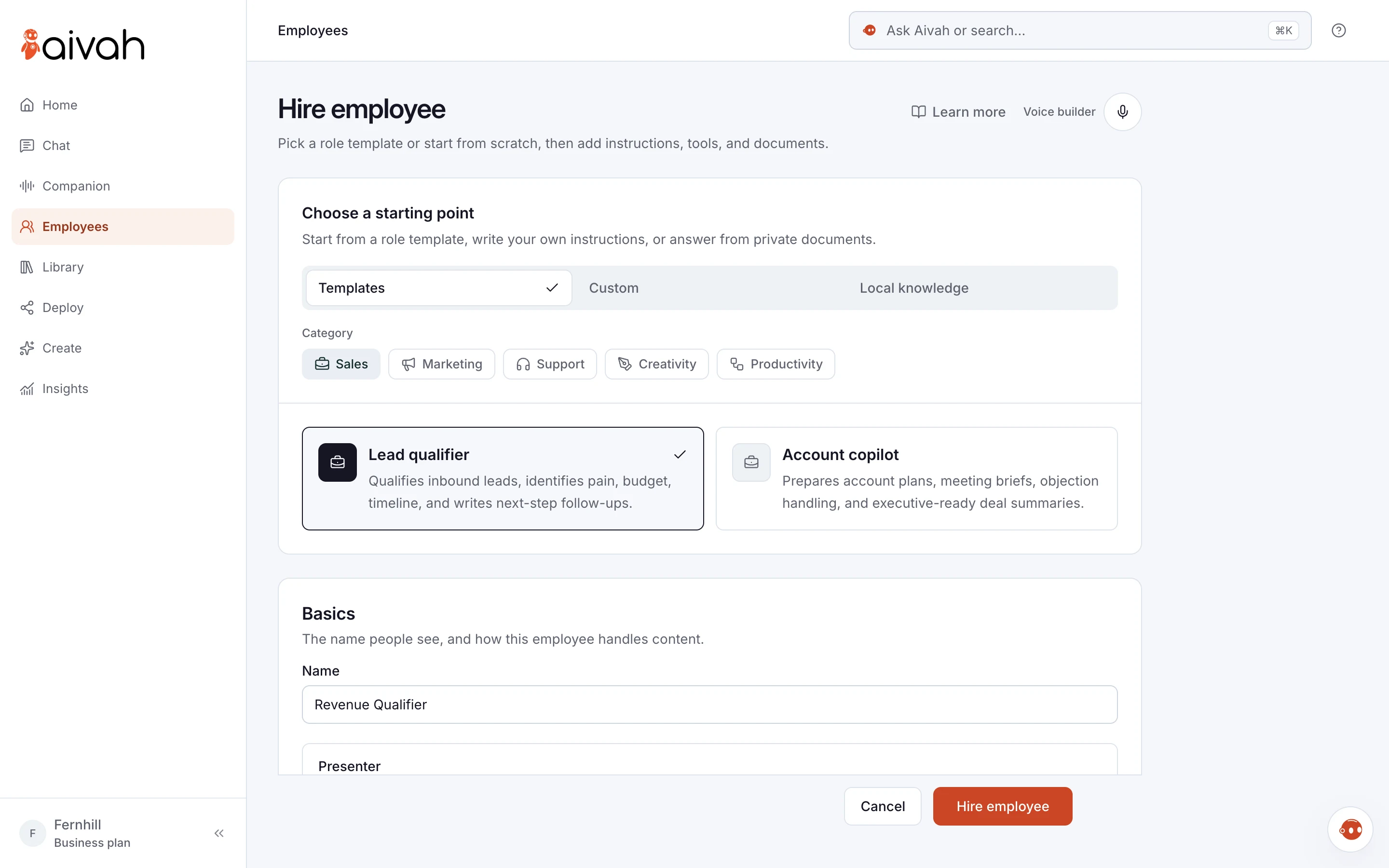
- Hire an AI employee from the Front desk template, or describe the job in your own words.
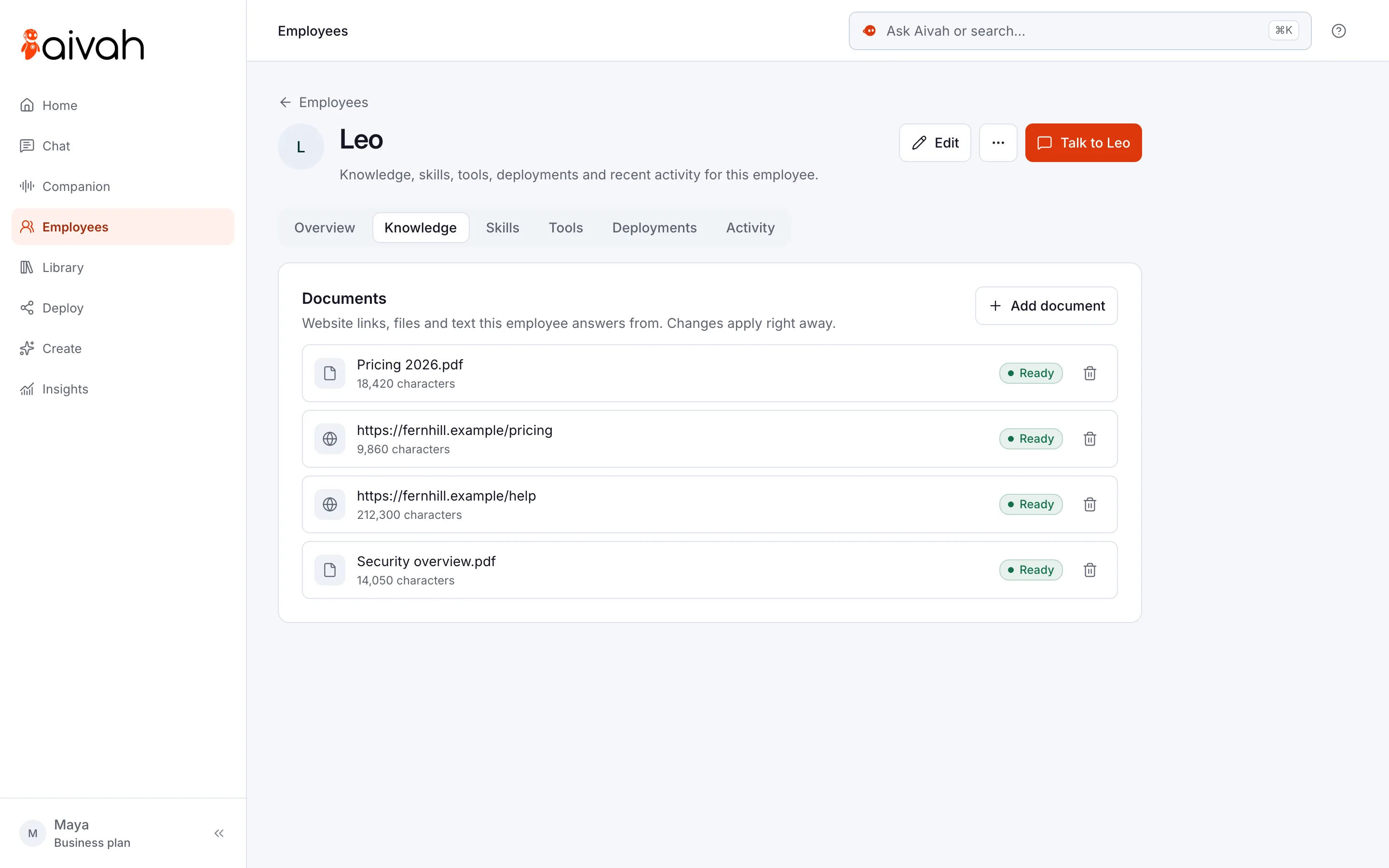
- Add public documents for your website: services, prices, patient FAQs and policies.
- Add the chat bubble to your website, with a short form for appointment requests.
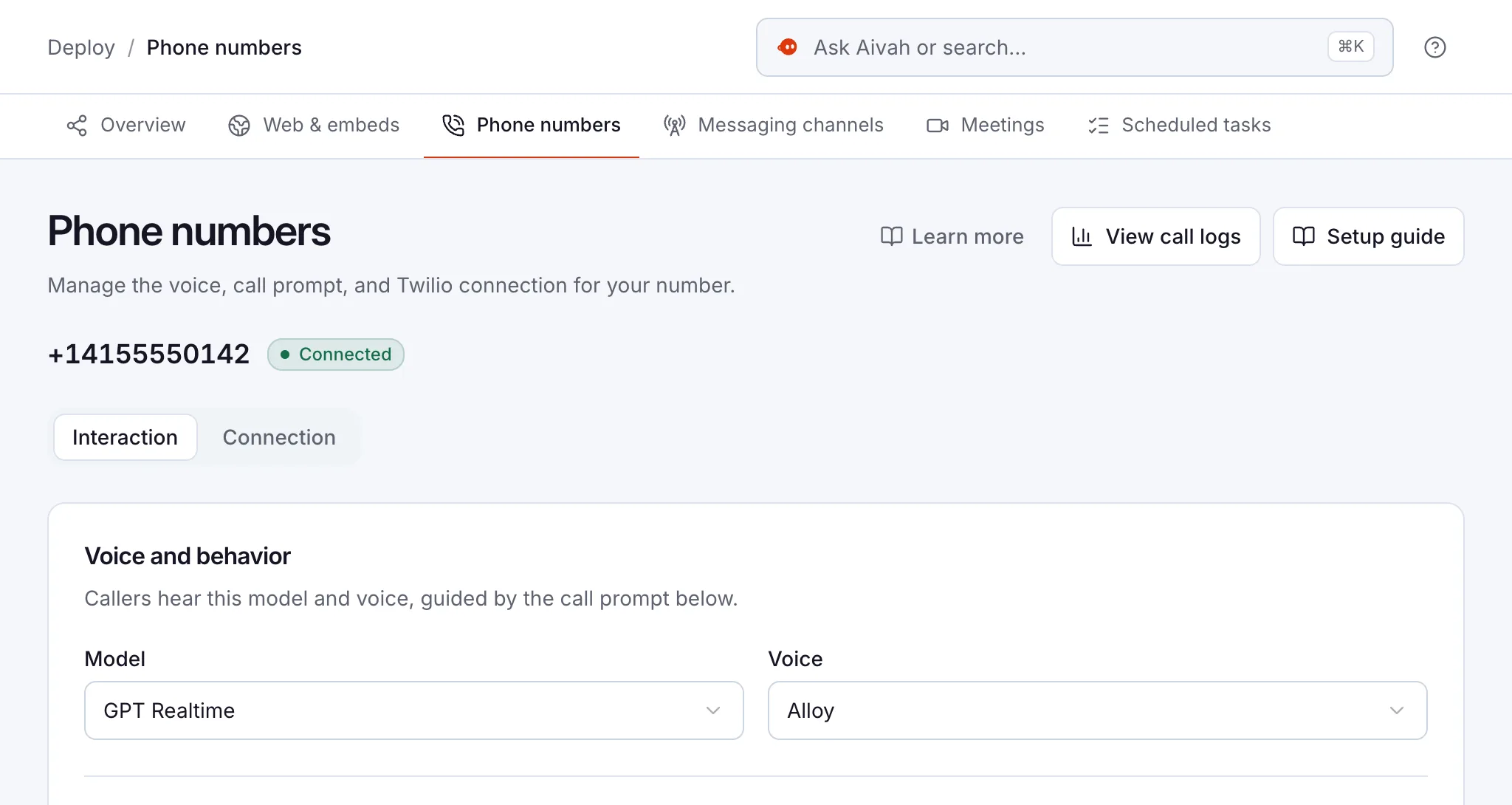
- Connect a number in your Twilio account. Twilio is the phone service that passes calls to Aivah.
- Choose the Front desk call role, then edit the call prompt with your green, amber and red rules.
- Ring it ten times with real questions, including two red ones. Read each transcript.
- Go live after hours first. Add busy-hour calls once the answers are right.
What patient information should it see?
Only what’s already public. Give it what’s on your website and leaflets, and never upload patient records or notes. Its documents should be ones you’d hand to anyone at the door.
Keep your website form to contact details and the type of visit. Tell callers they’re speaking to an AI, and check your rules on call recording before you go live. Check your local health-privacy rules with your adviser too.
Calls, chats and requests all land in Insights, where your team reads them and follows up. Have questions about how Aivah handles data? Send them to us before you start.
What are its limits at the front desk?
Know the gaps before your patients find them. These are the ones a clinic notices first.
- It doesn’t book. There’s no built-in link to your practice or booking system, so your team confirms every time.
- It can’t transfer a call. If a caller needs a person now, it gives them the number to ring.
- It can’t judge urgency. It can only follow the words you gave it, so test them.
- It answers incoming calls only, on one number per account.
- It’s only as current as its call prompt. Update it when fees, hours or staff change.
- Some callers just want a person. Promise a callback time your team can keep.
Questions clinics ask about AI receptionists
Can an AI receptionist book dental appointments?
No. It takes appointment requests with the name, phone number, type of visit and best times. Your team checks the diary and confirms. There’s no built-in link to practice or booking systems.
Will it give patients medical advice?
No. Tell it to pass any question about symptoms, medicines or treatment to your clinical team. For anything that sounds urgent, it reads the steps your clinicians wrote, such as your urgent line or emergency services.
Can it answer our existing practice number?
It answers incoming calls on a number in your Twilio account. Twilio is the phone service that connects your number to Aivah. To answer calls to your current number, ask your phone provider about forwarding them.
Is it safe for patients to share health details with it?
Keep it to front-desk details. Ask for the type of visit, not a description of symptoms, and never upload patient records. Check your local health-privacy rules with your adviser, and send us your data questions before you start.
Does it work for vets and physio clinics?
Yes. It answers from what you give it, so it suits any practice with a front desk. A vet might add the animals they see. A physio might explain whether people need a referral.
What does it cost?
You can start free, with no card. Phone answering starts on Starter, at $99 a month, and Twilio bills its own number and call charges. Calls also use credits, the allowance that comes with your plan. Call history shows how many each call used.
Where should a clinic start?
Start free, hire a Front desk employee and ask it your ten most common questions in chat. When you move up to Starter and connect your number, ring it yourself before any patient does. Then switch on after-hours calls and read every transcript for a week.
Read related guides