
How can recruiters use AI with candidates?
Recruiters use AI to answer the questions every candidate asks: pay, shifts, location and what happens next. An AI employee answers them on your careers page, from your job ads, at any hour. It takes each candidate’s details for a recruiter, and people make every hiring decision.
Take Wrenfield Staffing, a fictional agency that fills warehouse and care roles. Candidates message at 10pm about night-shift pay, and temps ring at 6am about shifts. The AI employee handles the routine answers, so recruiters spend their day on interviews and clients.
- It answers from your job ads, hiring steps and first-day details.
- A short lead form collects name, email, phone and your own questions before the chat.
- On the phone, it answers from a call prompt you write and takes messages.
- It never screens, scores, ranks or rejects anyone.
- A presenter, a second AI employee, can run onboarding lessons with a quiz.
Read related guides
Which candidate questions take up your week?
Most candidate questions fall into four groups. Each group needs a different source, so sort yours before you start.
Status questions matter most. A candidate who hears that a recruiter will call back knows they haven’t been forgotten. Long silences can make good people give up.
- The role: pay, hours, shifts, location and whether a licence is needed. Source: your job ads.
- The process: your hiring steps, how long each takes and when people hear back. Source: a one-page hiring guide.
- The day itself: where to go, what to bring, what to wear and where to park. Source: your interview and first-day notes.
- Their application: candidates ask if you got their CV. It can’t see your applicant tracking system, so it takes details for a recruiter.
AI employees for recruiting and HR.
Example jobs, an example day and the limits to know, all in one place.
See it for your industryHow do you set it up on your careers page?
You can set this up in an afternoon. Start with your open roles and one clear hiring guide.
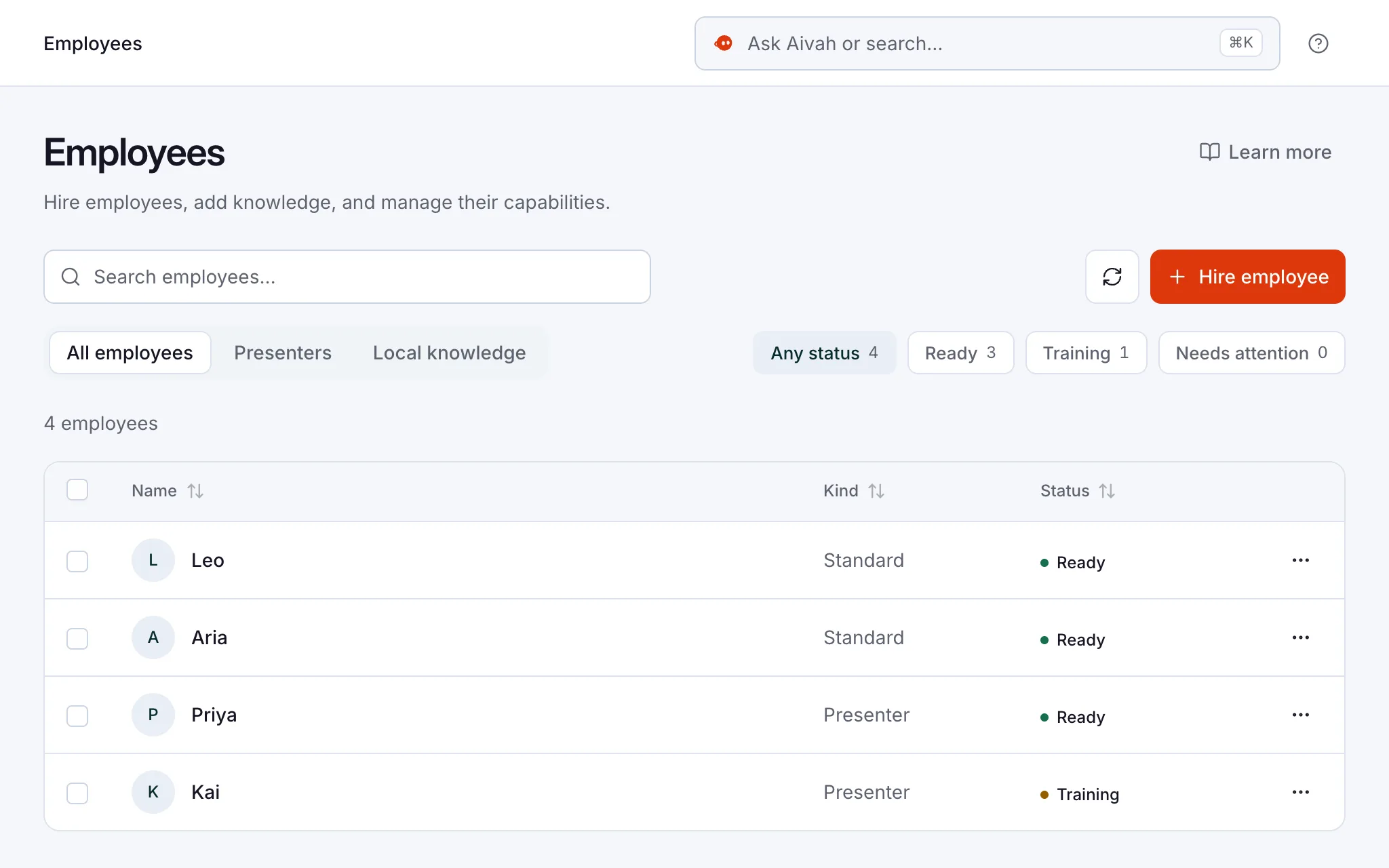
- Hire an AI employee from the Front desk template, or describe the job in your own words.
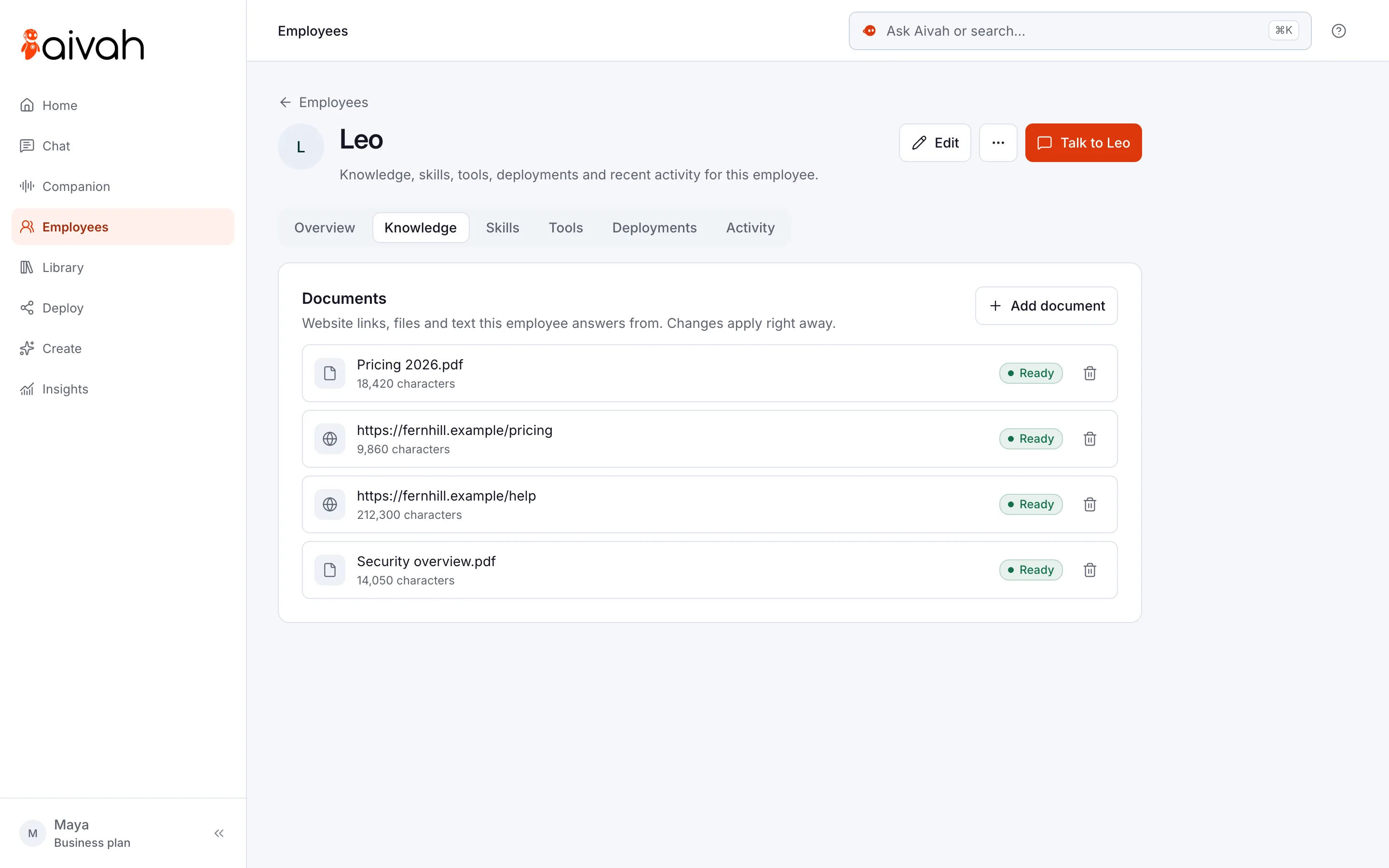
- Add each job ad as a website link, or upload it as a document. Add your hiring guide too.
- In Deploy → Web & embeds, add a lead form. Ask for name, email and phone, plus availability and notice period.
- Write short consent text that says what you’ll do with the details.
- Add the chat bubble to your careers page. It’s one line of code in your site’s footer.
- Ask it ten real candidate questions. Fix wrong answers in the source document, not in the chat.
- Read Insights → Leads every morning and call back new candidates. Insights is where Aivah keeps every chat, lead and call.
Read related guides
Should candidates be able to call it?
If you run a staffing agency, yes. Temps ring before the office opens to report an absence or check an address. Phone answering covers those calls on your own Twilio number, the phone service your number runs on.
Phone answering starts on Starter, at $99 a month, and Twilio bills its own call charges. It answers incoming calls only and never transfers a call. So an urgent shift problem still needs a person to call back quickly.
On a call, it answers from the call prompt you write, not from your job ads. Every call is saved in Insights → Call history, with a transcript. Here is a short call prompt for Wrenfield Staffing:
- “Greet callers as the Wrenfield Staffing office. We’re open 8am to 6pm on weekdays.”
- “If a temp can’t make a shift, take their name, the site and the shift time.”
- “Take a callback number, read the details back and say a consultant will call.”
- “Never say whether someone got a job or a shift. A consultant decides.”
Read related guides
Can AI help onboard new hires?
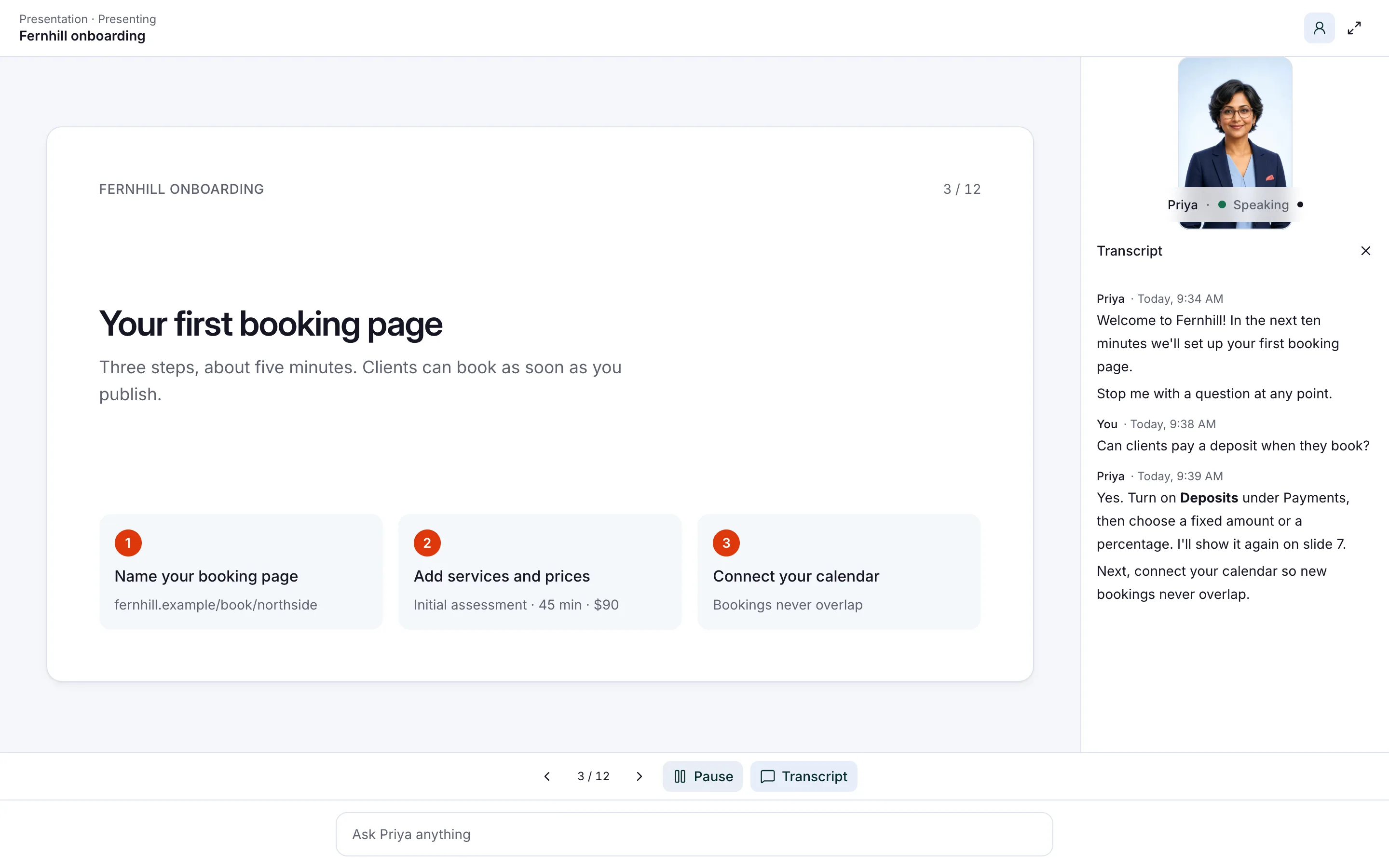
Yes, with a presenter. A presenter is an AI employee that teaches your slides or videos as lessons. New hires can stop it, ask a question and take a quiz at the end.
Add up to 10 PDFs or videos, such as your safety briefing and your welcome slides. Share the lessons by link. Insights → Quiz then shows every attempt and score.
You choose a presenter when you hire, so it’s a second AI employee. Keep it apart from your careers page employee, which should only know what you’d publish.
Read related guides
What to watch: fairness, privacy and the final say
Some places now have rules for AI that helps decide who gets hired. In New York City, employers can use such a tool only after a bias audit in the past year. They must also tell candidates first.
The UK’s data regulator, the ICO, says recruiters using AI must tell candidates how it uses their data. The tool should collect only the minimum it needs. Check the rules where you hire with your adviser.
So keep your AI employee answering and collecting, never judging.
- It answers and collects. It never screens, scores, ranks or rejects anyone.
- Ask only for details you’ll use. Never ask for age, health, religion or other sensitive details.
- Tell candidates they’re talking to an AI employee.
- Questions about contracts, employment law or visas go to your team.
- There’s no built-in link to applicant tracking systems. Export leads as a CSV file instead.
- Keep staff handbooks off the public AI employee. Give your team its own.
Questions recruiters ask about AI
Does AI decide which candidates get hired?
Not in Aivah. Your AI employee answers questions and collects details. It doesn’t screen, score, rank or reject anyone, and your recruiters make every decision.
Can it tell candidates where their application stands?
No. It can’t see your applicant tracking system. It explains your usual timeline from your hiring guide and takes details so a recruiter can reply.
Does it work with our applicant tracking system?
There’s no built-in link to applicant tracking systems. Candidate details land in Insights → Leads, and you can export them as a CSV file. On Starter and up, you can connect apps you already use, such as Gmail, Google Sheets and Notion.
Can candidates talk to it by voice?
Yes. On your careers page it can chat, talk and show a face. On the phone, it answers incoming calls on your own Twilio number, from the Starter plan at $99 a month.
What does AI for recruiters cost?
You can start free, with no card. Putting it on your careers page starts on Hobby, at $10 a month, and phone answering on Starter, at $99 a month. Business, at $300 a month, includes two AI employees, such as one for candidates and a presenter.
Answer your next candidate tonight
Start free, add one job ad and ask it what candidates ask you. Then decide which questions to hand over.
Read related guides