
How can insurance brokers and financial advisers use AI?
Insurance brokers and financial advisers can use an AI employee to explain their products and process in plain words, from their own guides. It answers at any hour, asks a few first questions and passes every enquiry to an adviser. It never recommends a product or quotes a personal premium: that stays with the advisers.
Take Fairmead Brokers, a fictional broker with four advisers. At renewal time, its phones ring all day with the same questions about cover, fees and paperwork. Its AI employee answers those on the website and takes messages on busy lines, so advisers spend their time on advice.
- It explains what your products cover, how they work and what you charge.
- It asks your first questions, such as what kind of cover and by when.
- It never recommends a product or says whether a claim is covered.
- It doesn’t look up policies, claims or applications.
- Every conversation is saved, so you can check what it said.
Read related guides
Where is the line between explaining and advising?
Explaining means giving facts that are true for everyone. Advising means telling one person what suits them. Your AI employee should only ever do the first.
Regulators draw the line in similar places. In the UK, the FCA links advice to whether a product suits a person’s own needs and circumstances. In the US, FINRA tells its member firms they are responsible for their communications, whether a person or AI wrote them.
So test the line with real questions before launch. Here is how your AI employee should sort them:
- “What does your landlord cover include?” Explain, from the policy summary.
- “What’s your broker fee, and when do I pay it?” Explain, from the fee sheet.
- “How does a fixed-rate mortgage work?” Explain, from your guide.
- “Which policy should I choose?” Pass to an adviser.
- “Should I fix for two years or five?” Pass to an adviser.
- “Am I covered for this burst pipe?” Share the claims steps, then pass to the claims team.
Sources
AI employees for financial services and insurance.
Example jobs, an example day and the limits to know, all in one place.
See it for your industryWhat should you give it, and what should you keep out?
Give it the plain-language material you already hand to clients. If a client could read it in your office, your AI employee can use it.
Keep out anything that changes daily or belongs to one client. That means rate tables, live premiums, client files and internal notes. For today’s rates, tell it to take details for an adviser.
- Product summaries: one per product, with what is and isn’t covered.
- Your fees: what you charge, when it’s paid and what it covers.
- How it works: how to apply, renew or claim, and how long each step takes.
- Document checklists, such as photo ID, payslips or the old policy.
- Claims numbers and opening hours, so urgent callers know where to go.
- A list of advice-only topics it must always pass to a person.
Which jobs can it take on first?
Start with one channel. Add the next once the answers are right.
- Website questions: a chat bubble on your product pages explains what each product covers, day and night.
- First questions: home, car or business? When is the renewal? The answers arrive with each enquiry.
- Busy lines: on Starter, it answers incoming calls on your own Twilio number. It takes messages, guided by a call prompt you write.
- Paperwork: it tells clients which documents to bring, so first meetings start well.
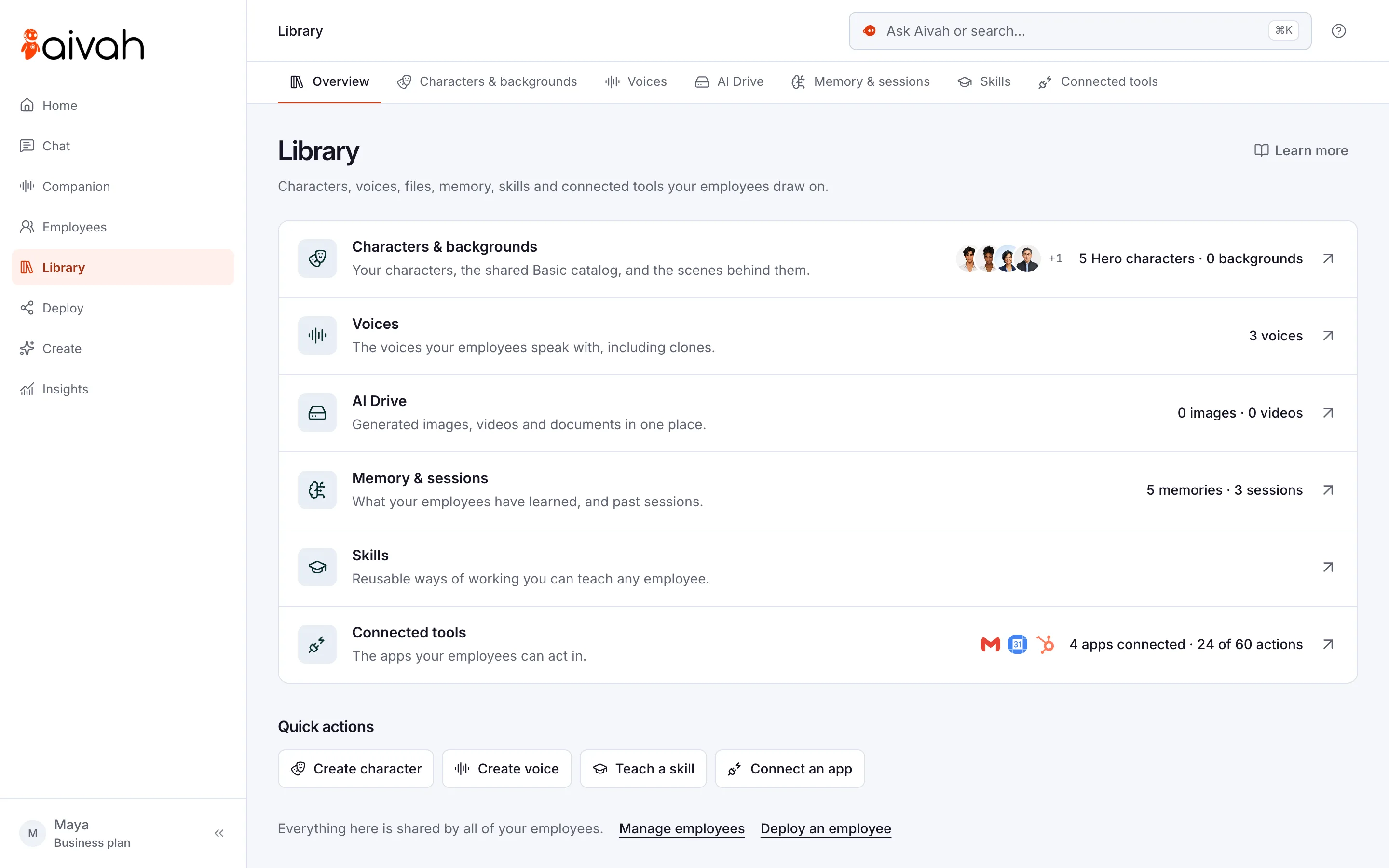
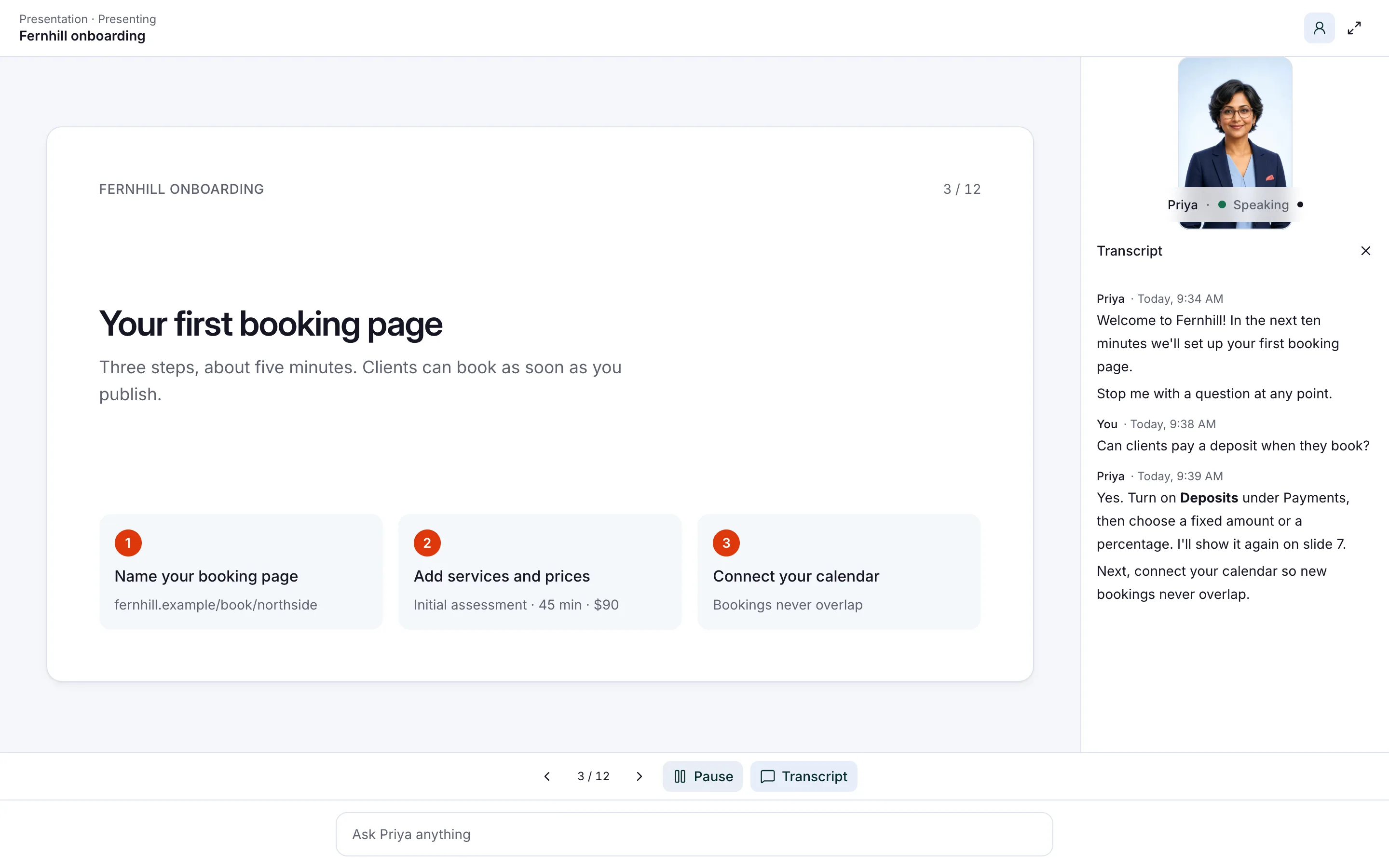
- Guides people can question: turn a first-time buyer guide into a presentation. People can stop it, ask questions and take a short quiz.
- Video meetings: it joins a Zoom or Teams call to walk a couple through the steps, while your adviser leads.
Read related guides
How do you set it up, step by step?
Give it a week: one afternoon to build, then a few days of testing with whoever signs off what your firm tells clients.
- Step 1: Hire an AI employee from the Lead qualifier template, or describe the job yourself.
- Step 2: Add your product summaries, fee sheet, process guides and document checklists.
- Step 3: Write the line into its instructions: “Explain our products from our guides only. Never recommend a product or say whether something is covered. If asked, offer an adviser.”
- Step 4: Add a lead form for name, email, phone and one question, such as the type of cover. Never ask for account or card numbers.
- Step 5: Test it with twenty real questions, including five that ask for advice. Have the person who signs off client letters read the transcripts.
- Step 6: Publish the chat bubble on your product pages. Once the answers are right, connect your phone line on Starter.
- Step 7: Put the same no-advice line in the call prompt, the instructions your phone line follows. Calls don’t use its documents.
- Step 8: Read new enquiries in Insights each morning, and fix any weak answer in the documents.
Read related guides
What should you watch?
Most of the risk sits in a few places. Watch these closely in the first month.
If you’re a US insurer, check whether your state has adopted the NAIC’s model bulletin on AI, from December 2023. It sets out how regulators expect insurers to govern their use of AI. This guide isn’t regulatory advice, so check with your regulatory adviser before launch.
- No advice. It explains products, and your advisers recommend.
- No decisions. It doesn’t start cover, approve a loan or decide a claim.
- No look-ups. There’s no built-in link to your policy, claims or lending systems.
- Only your figures. It quotes your broker fee, not a personal premium or today’s rate.
- Sensitive details stay out. Tell it never to ask for account numbers, card numbers or passwords.
- Be open. Say it’s an AI employee in its greeting and when it joins a call.
Read related guides
Questions brokers and advisers ask about AI
Will it give financial advice?
No. It explains your products and process from the documents you give it. When someone asks what they should choose, it says it can’t advise and offers to pass them to an adviser.
Can it quote premiums or rates?
Only the figures you give it, such as your broker fee. Premiums and rates depend on each client, so it takes their details for an adviser to quote.
Can it check a claim or an application?
No. There’s no built-in link to your policy, claims or lending systems. It explains your claims steps, shares the claims number in your guide and takes a message for your team.
Can it answer our phones at renewal time?
Yes, from the Starter plan at $99 a month. It answers incoming calls on your own Twilio number (the phone service your number runs on). It answers from the call prompt you write, takes messages and saves a transcript of every call.
Can a regulated firm use AI on its website?
That depends on your regulator, and the rules on what you say to clients still apply. FINRA, for example, says firms are responsible for AI-created communications. Check with your regulatory adviser, and review transcripts in Insights.
What does it cost?
You can start free, with no card and 1,000 credits. Putting it on your website starts with Hobby at $10 a month, and phone answering with Starter at $99 a month. Credits are what each reply uses.
Try it with your own guides
Start free, add one product guide and your fee sheet, then ask it which policy you should buy. It should explain the product and offer you an adviser.
Read related guides