
How can law firms and accountants use AI for client intake?
Law firms and accountants can use an AI employee for the first step of intake. It explains the firm’s services and fees, asks its standard intake questions and saves the answers for the team. It never gives legal or tax advice: when someone asks what they should do, it offers a callback from a professional.
Take Harrow Lane Law, a fictional three-lawyer firm. At 9pm, a café owner asks about a lease she must sign by Friday. The AI employee shares the fixed fee for a lease review.
Then it asks for the landlord’s name and the deadline, and takes her contact details. By 9am, a lawyer has a clear enquiry, ready for the firm’s usual checks.
- It explains your services, fees and next steps from your own documents.
- It asks your intake questions one at a time and saves the answers.
- It never says what someone should do. Your professionals advise.
- It doesn’t decide who you take on. Your team runs its checks first.
- It works on your website from $10 a month, and on your phone from $99.
Read related guides
What should a first intake conversation collect?
Less than you might think. The aim is to decide whether to take the matter, and who should call back. The full story can wait for a professional.
Law firms have a good reason to keep it short. In the US, the ABA’s Model Rule 1.18 treats what a prospective client tells you as confidential, even if you never act for them. It can also stop your firm acting against them in a related matter, so collect only what you need to decide.
Accountants have duties too. In the US, the IRS reminds tax professionals that protecting client data is the law, and that FTC rules require a security plan. So your AI employee should never ask for tax ID numbers, bank details or tax records.
- Contact details: name, email and phone, plus the business name if there is one.
- The type of matter in a few words, such as “lease review” or “year-end accounts”.
- The other side’s name, if there is one, so you can run a conflict check.
- Any deadline: a signing date, a court date or a filing date.
- How and when they’d like to be contacted.
Sources
AI employees for legal, accounting and consulting.
Example jobs, an example day and the limits to know, all in one place.
See it for your industryHow do you stop it giving advice?
Write the limit into its instructions in plain words, then test it as step 5 below shows. For calls, put the same lines in the call prompt, the instructions your phone line follows. These lines are a starting point to adapt:
- “Explain our services, fees and next steps using only our documents.”
- “Ask our intake questions one at a time.”
- “Never give legal or tax advice, and never say whether someone has a case.”
- “If someone asks what to do, say a professional will advise after our checks, and offer a call.”
- “Never ask for ID numbers, bank details or documents.”
- “Say no kindly to work we don’t take, such as criminal cases or payroll.”
Where should it take enquiries?
Clients reach a firm in several ways. One AI employee can cover each, with one difference: on the phone, it follows a call prompt you write, not its documents.
- Your website: a chat bubble on your service and contact pages. Add your intake questions to the lead form, which shows before the chat starts.
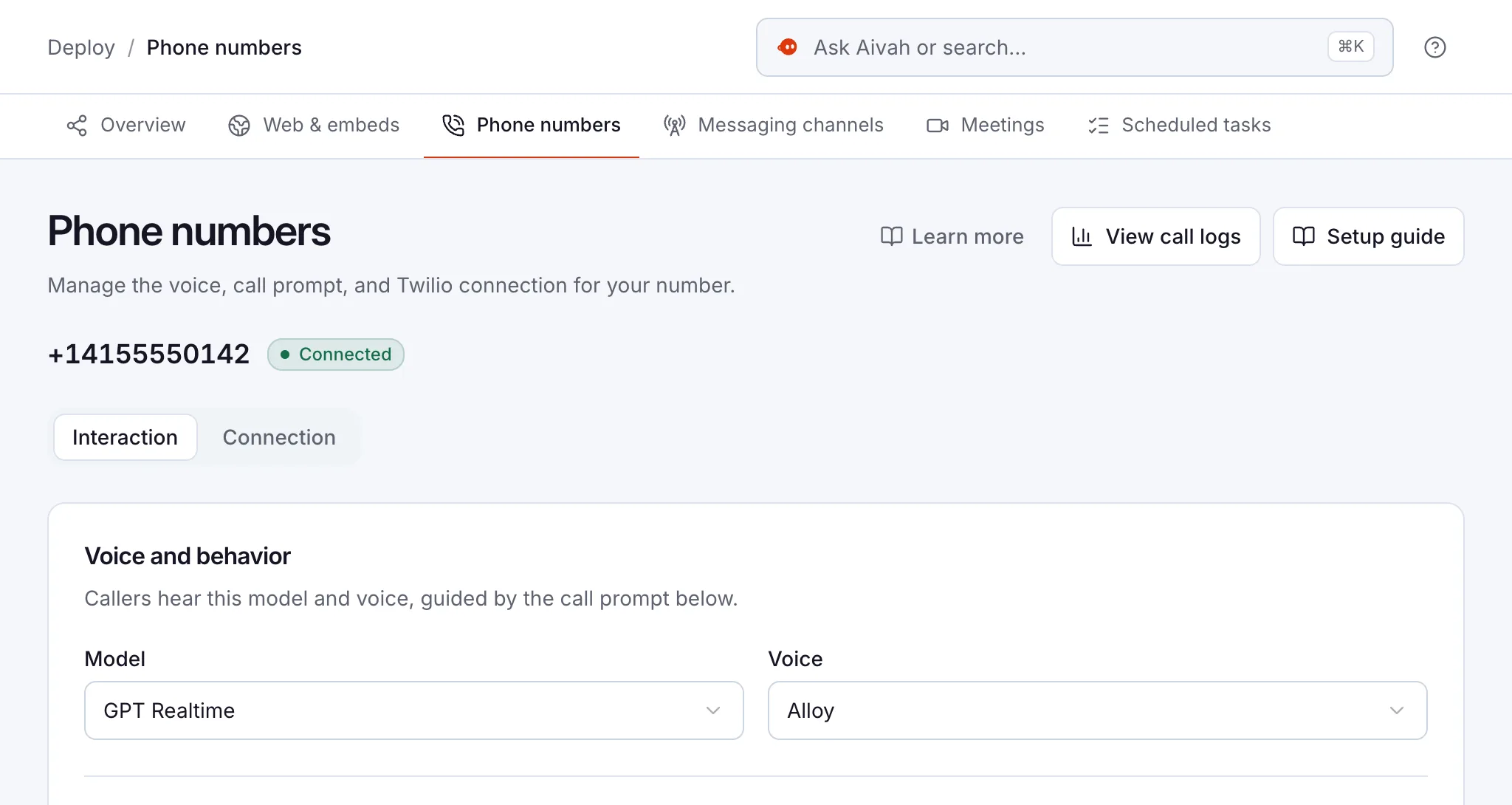
- Your phone line: it answers incoming calls on your own Twilio number while you’re with clients. It takes a message and saves a transcript of every call.
- Video meetings: it can join a Zoom, Teams, Google Meet or Webex call to explain your first steps and fees. Your professional leads the call.
- Your team: staff ask it in Slack how to open a new client file. You get a WhatsApp reminder to call back the day’s enquiries.
Read related guides
How do you set it up, step by step?
Plan an afternoon to set it up, then a week of close review. You don’t need a developer.
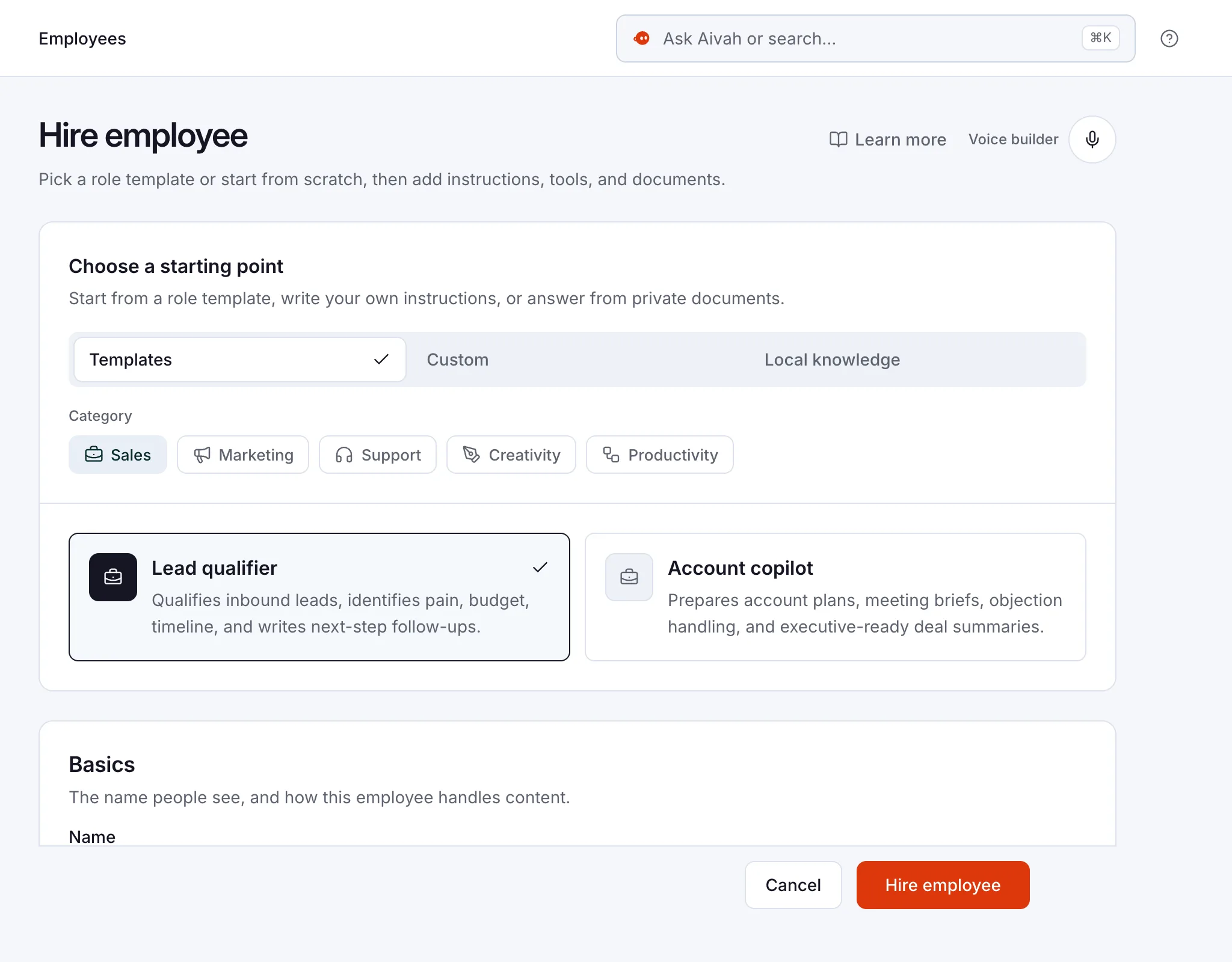
- Step 1: Hire an AI employee from the Front desk template, or describe the job in your own words.
- Step 2: Add your service pages, fee sheet and new client guide, plus a list of work you don’t take.
- Step 3: Add the instruction lines above, with your firm’s name and how clients reach you.
- Step 4: Create a web experience with a lead form. Ask for name, email and phone, plus two intake questions, with clear consent text.
- Step 5: Test it with ten real questions. Then try three that invite advice, and check that it declines kindly and offers a call.
- Step 6: Publish the chat bubble. On Starter, connect your phone line. Its call prompt needs your fees, hours and the no-advice lines, because calls don’t use its documents.
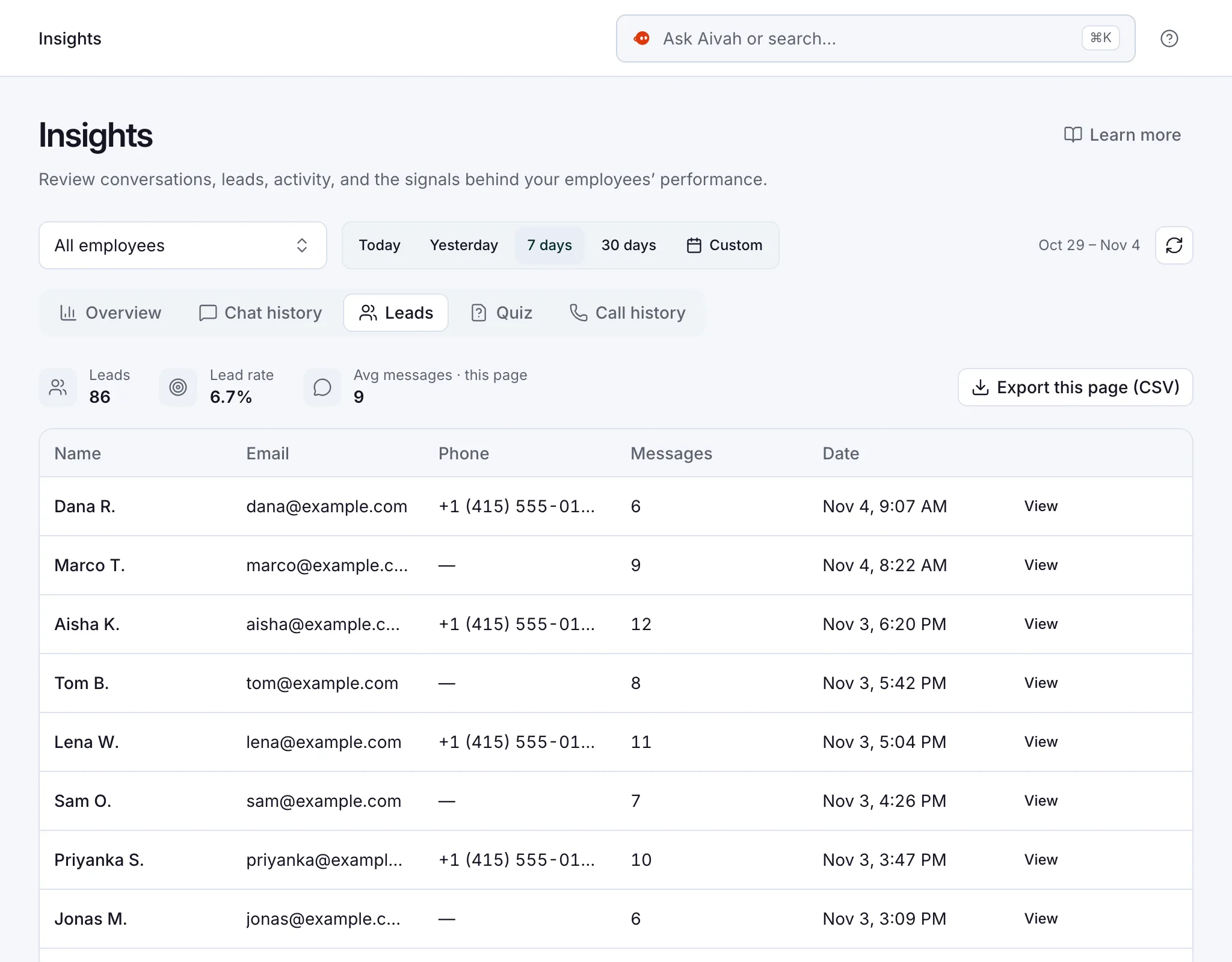
- Step 7: Read each new enquiry in Insights every morning. Run your usual checks before anyone calls back.
Read related guides
What should your firm watch for?
Your professional rules still apply when an AI employee takes first contact. In 2024, the ABA’s first ethics opinion on generative AI pointed lawyers to their duties of competence, confidentiality and communication. It noted that prospective clients’ information needs protecting too.
In England and Wales, the SRA’s chief executive has said solicitors should oversee AI, just as they supervise junior staff. The SRA also noted that automation could capture client information before a first consultation.
This guide isn’t legal advice. Check your own bar or professional body’s rules before you launch.
- No advice. It explains, and your professionals advise.
- No decisions. It doesn’t run conflict checks or accept a client. Your team does.
- No documents. Clients can’t send files through it, so it explains your usual way.
- No booking. It notes the times that suit the client, and your team confirms.
- Be open. Say it’s an AI employee in its greeting and on every call.
- Read the transcripts. Every chat and call is in Insights, so you can check its answers.
Sources
Read related guides
Questions firms ask about AI client intake
Will it give legal or tax advice?
No. It explains your services, fees and process from the documents you give it. When someone asks what they should do, it says it can’t advise and offers a call with your team.
Can it run a conflict check?
No. It asks for the other side’s name and the type of matter, so your team has what it needs. Your team runs the check and decides whether to act.
How do we keep intake details safe?
Ask only for what you need, and never for ID numbers or bank details. Keep client files out of its documents. Store any exports from Insights somewhere safe, and check your professional rules on prospective clients.
Can it book consultations?
No. It takes the client’s details and the times that suit them. Your team confirms the consultation.
Can it answer our phone while we’re with clients?
Yes, from the Starter plan at $99 a month. It answers incoming calls on your own Twilio number (the phone service your number runs on). It answers from the call prompt you write, takes messages and saves a transcript of every call.
What does it cost?
You can start free, with no card and 1,000 credits. Putting it on your website starts with Hobby at $10 a month, and phone answering with Starter at $99 a month. Credits are what each reply uses.
Try it on your own enquiries
Start free, add your fee sheet and intake questions, then play the client. Ask it whether you should sign. A good AI employee says it can’t advise, then takes your details for a call.
Read related guides