
A website guide should do more than answer
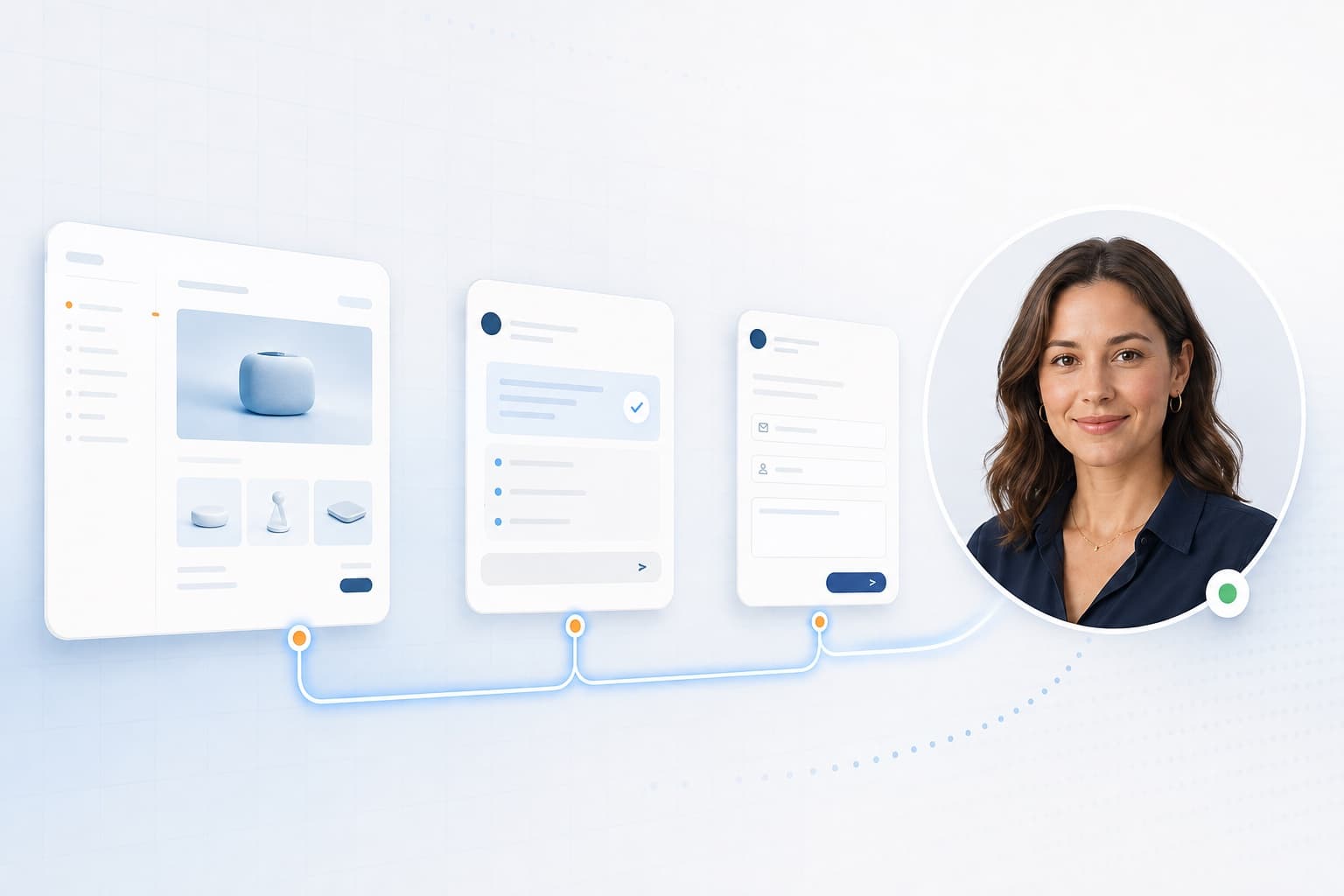
Most website chat tools wait for a question and reply with a block of text. The Aivah Website AI Guide stays with the visitor as they move. It knows which page they’re on, explains what’s in front of them and can take them to the next useful place.
A visitor can ask to see pricing, open a product page, find a section, move up or down the page or start a sales enquiry. The conversation carries on while the page changes, so nobody has to start again or repeat themselves.
How the guided visit works
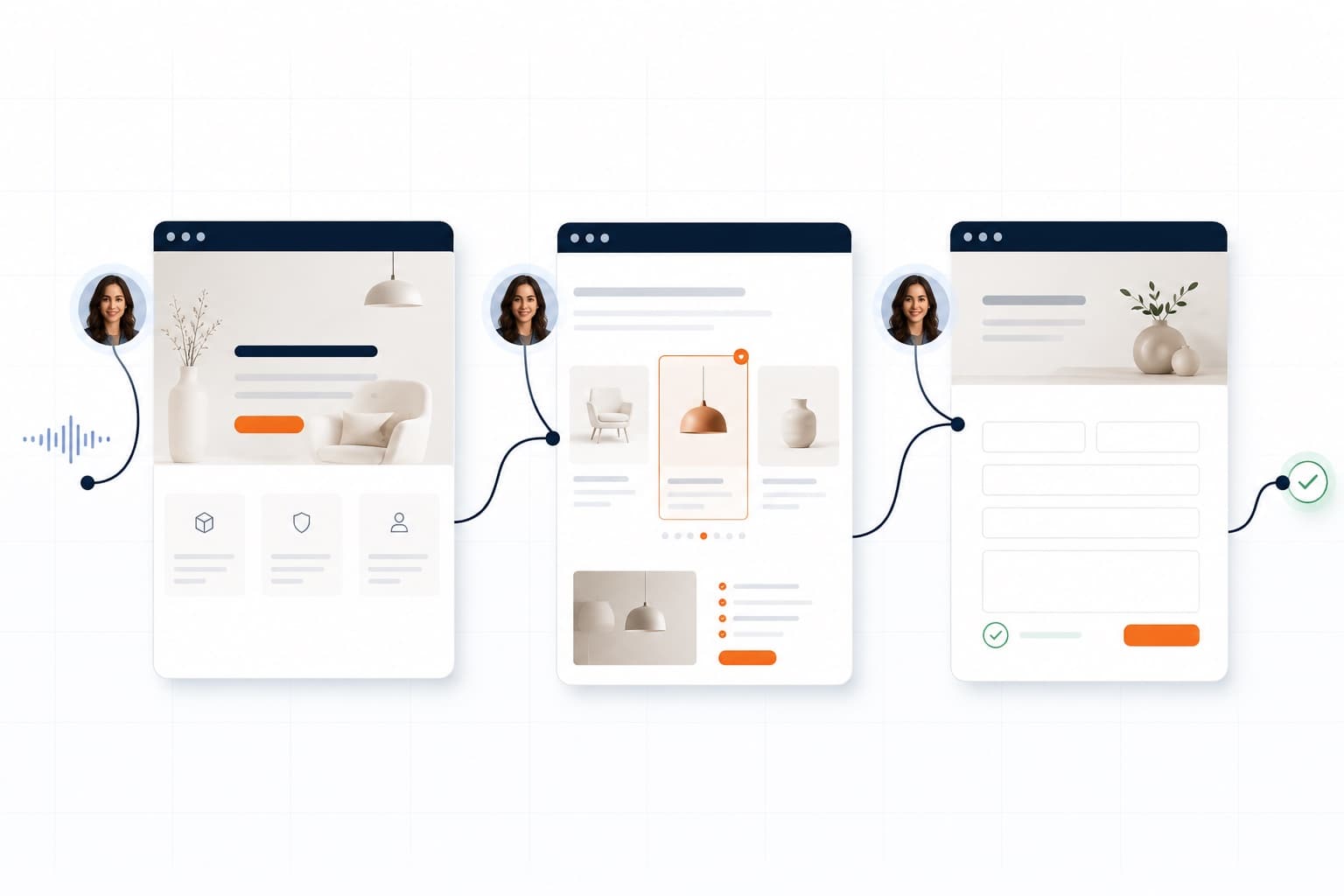
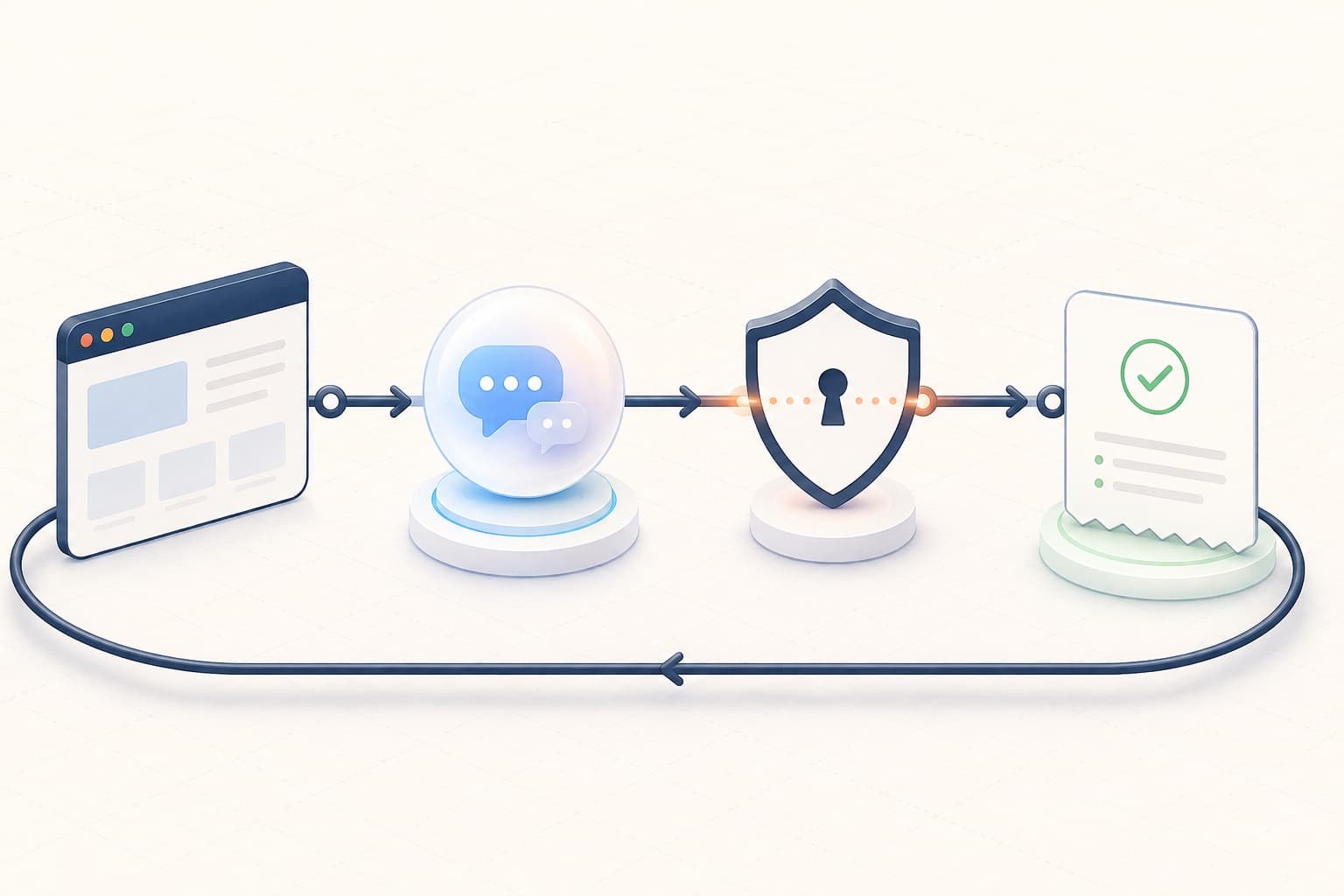
The guide joins up the conversation, the current page, approved website actions and clear feedback. Each action is small enough to check and useful enough to move the visit forward.
- The visitor asks naturally, by voice or text, in the language they prefer.
- Aivah reads the current page address and the page’s approved list of sections.
- The guide picks an allowed action, such as opening a page, scrolling, jumping to a section or getting a form ready.
- The website carries out the action and reports whether it worked.
- The same conversation carries on with the new page and section.
Try the job you would give Aivah.
Choose sales, support or onboarding. Each example shows its source brief, so you can judge the answer.
Choose your business demoControl must be useful and safe
Website control should never mean free rein over the browser. Aivah works from a set list of public pages, named sections and allowed actions. Private systems, hidden data and anything else stay out of the guide’s reach.
For sensitive steps, the visitor stays in charge. Aivah can collect contact details one field at a time and prepare an enquiry. It should then read the details back and ask clear permission before sending. If an action fails, it should explain simply and hand control back, not keep trying.
How you add it to your website
There are three ways to start. Paste a snippet from Web & embeds for a chat bubble, a window in your page or a link. For the full guide that moves around your pages, your developers add one script tag and one server route that uses your Aivah API key. Or let the Aivah team set it up with you.
The full guide follows a small, clear contract. Publish the pages and sections the guide may use, and send the current page with the conversation. Listen for the guide’s actions, carry them out on your site and report back. Keep the same conversation ID as visitors change page, so voice, memory and the visitor’s goal stay connected.
- Page list: public pages, other names for them and what each is for.
- Section list: fixed section IDs with plain labels.
- Action rules: what the guide may do on its own, and what needs a yes from the visitor.
- Visit details: the current page, the current section, the language and actions already done.
- Results to track: pages reached, form progress, signup interest, sales handovers and errors.
Read related guides
Use it across the customer journey
A sales visitor can compare features and reach the right contact page. A new customer can be guided through onboarding. A support visitor can open the exact Help Center answer. A visitor who speaks another language can explore the same journey without translating the site by hand.
The pattern stays the same: understand what the visitor wants, show the right information, take one approved action and keep them oriented. The guide should suggest signup or sales only when it fits, not after every answer.
Start with one result you can measure
Begin with the journey visitors struggle to finish today. Map the pages, sections and choices involved. Decide which action the guide may take, and measure whether more visitors reach a useful result with less effort.
Aivah’s own Website AI Guide is the working example. One live AI employee explains the product, moves around the public site, takes visitors to the right page and helps them take the next step.