
Can an AI answering service pick up while you’re on a job?
Yes, an AI answering service picks up when you can’t, answers common questions and takes a clear job message. In Aivah, an AI employee answers incoming calls on your own number. It shares your call-out fee and service area, takes the address and the problem, and saves every call with a transcript.
Picture Ridgeway Electrical, a fictional firm of two electricians. Both are up ladders when a landlord rings about a fuse box that keeps tripping. The AI employee answers, checks his town is in their area and takes his number for a callback.
- It answers incoming calls on your own number, day and night.
- It quotes only the prices you give it, such as your call-out fee.
- It takes job requests with the address, the problem and the best time. You confirm the job.
- It can’t send anyone out, so urgent callers get the safety words and number you wrote.
- Phone answering starts on the Starter plan, at $99 a month.
Read related guides
What are your options for calls you can’t take?
There are four common ways to cover the phone while you work. Each has a cost, and none is perfect. You can also mix them, as Ridgeway does: its AI employee takes evenings and calls during jobs.
- Voicemail: usually free and simple. But some callers won’t leave a message, and your evenings go on ringing people back.
- Someone at home or in the office: a real person who knows your work, but only during their hours.
- A human answering service: a trained person takes your messages and can use judgement on awkward calls. Check how it charges before you sign up.
- An AI employee: picks up day and night and answers from the instructions you write. It can’t use judgement on an unusual call, and it never books or sends anyone out.
Read related guides
AI employees for home services and trades.
Example jobs, an example day and the limits to know, all in one place.
See it for your industryWhat should it say about your prices and area?
On a call, your AI employee answers from its call prompt, not from your uploaded documents. The call prompt is the short set of instructions for your phone number. Put in only what callers ask for.
- Your area: the towns or postcodes you cover, and the ones you don’t.
- Your prices: call-out fee, hourly rate and any set prices, such as a fuse box check.
- Jobs you don’t do, so it can say no politely and save a wasted visit.
- Your hours, and your rules for evenings and weekends.
- What counts as urgent, and exactly what to say to those callers.
- The message to take: name, number, address, the problem and when they’re free.
How should it handle an emergency call?
Don’t ask your AI employee to judge danger. It can’t, and it can’t send anyone out. Its job is to say the words you wrote.
Copy the official safety steps for your area word for word, rather than writing your own. A caller who smells gas, for example, should hear the gas emergency service’s advice and its number.
Then give urgent callers a number a person answers, such as your on-call mobile. It can’t transfer the call, so it reads the number out and takes a message too.
How do you set it up on your own number?
You need a Twilio account and a phone number. Twilio is the phone service that passes your calls to Aivah, using a feature called Elastic SIP Trunking. The setup guide inside Aivah shows where to find each value.
- Hire an AI employee from the Front desk template, or describe the job yourself.
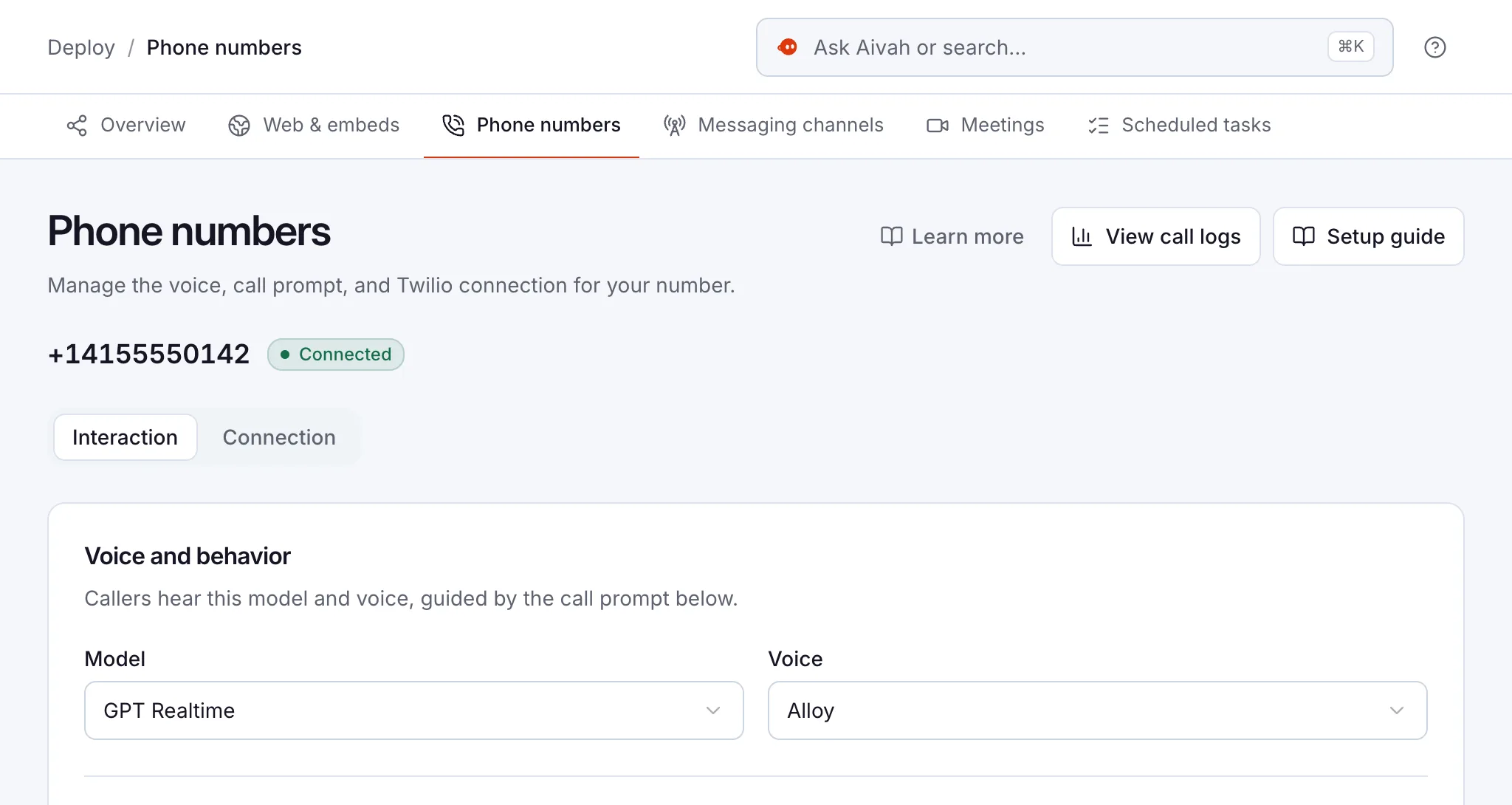
- In Aivah, open Phone numbers, add your Twilio number and pick the voice callers hear.
- Choose the Front desk call role, then edit the call prompt with your area, prices and urgent rules.
- Ring the number from the van. Ask a price, give an address and mention a leak.
- Forward the calls you miss. Ask your phone provider if your mobile or landline can forward unanswered calls to the Twilio number.
- Go live for evenings first, then for calls during jobs.
Read related guides
What does it cost a small trade business?
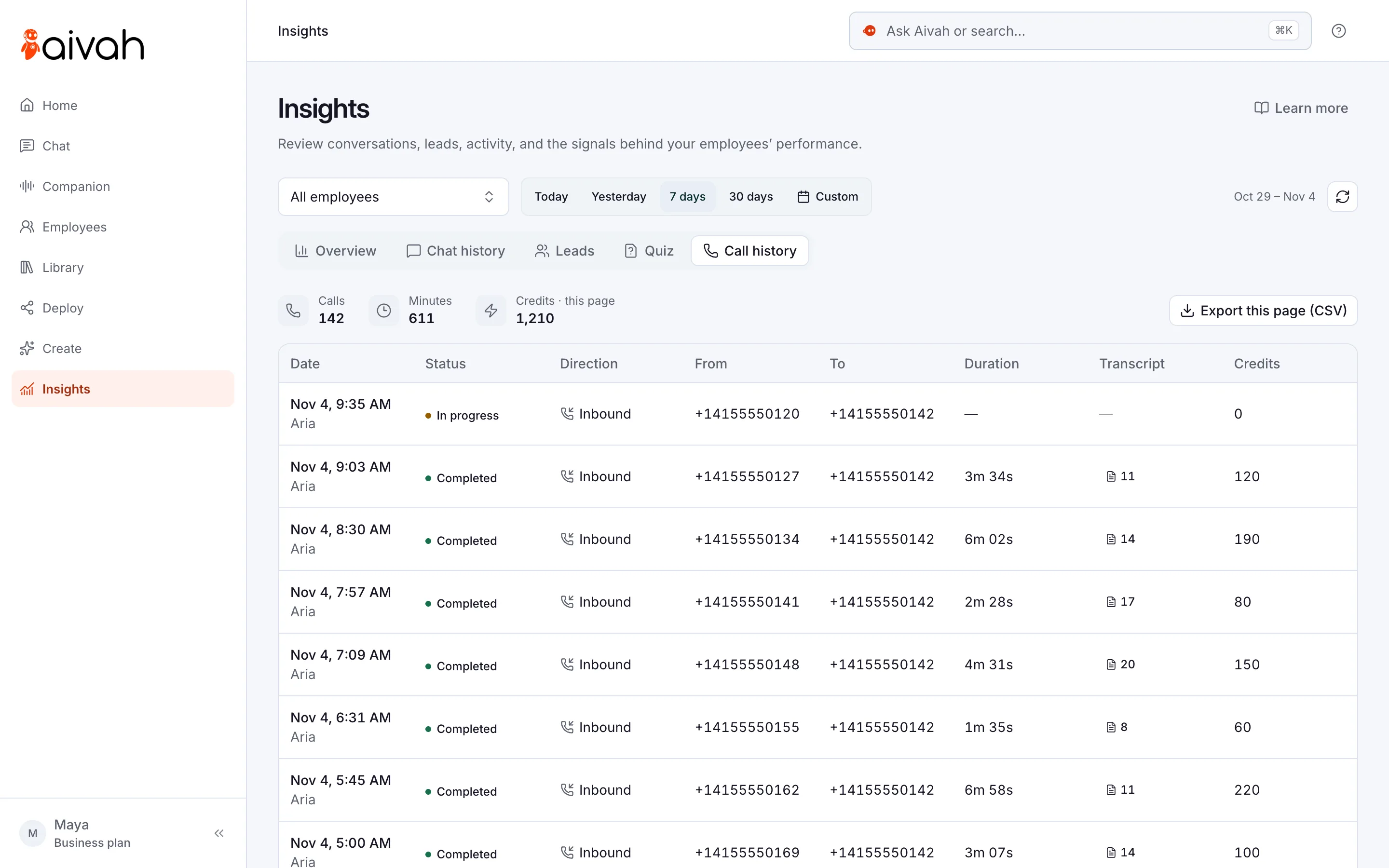
Phone answering starts on the Starter plan, at $99 a month, with 100,000 credits. Credits are what your AI employee spends when it talks, chats or creates. Each call’s credits show in Call history, so you see what your calls really use.
Twilio bills your number and call minutes on its own. Its US price list for Elastic SIP Trunking, current as of August 2026, shows $1.15 a month for a local number. Incoming calls to a local number are listed at $0.0034 a minute.
So 200 minutes of incoming calls in a month would add about $0.68 in Twilio call charges, plus the number. If you forward calls from your mobile, ask your provider whether forwarding costs extra.
You can start free, with no card, and set up your AI employee before you pay. Upgrade to Starter when you’re ready to connect your number.
What does a good job message look like?
A good message saves you a second call. It has the caller’s name and number, the address, the problem in their words, how urgent it is and when they’re free. Ask the AI employee to read the details back before the call ends.
Here is one from a fictional call: “Sam Reid, 555-0187, 4 Mill Lane. Outside light keeps tripping the fuse box. Not urgent. Home after 4pm.”
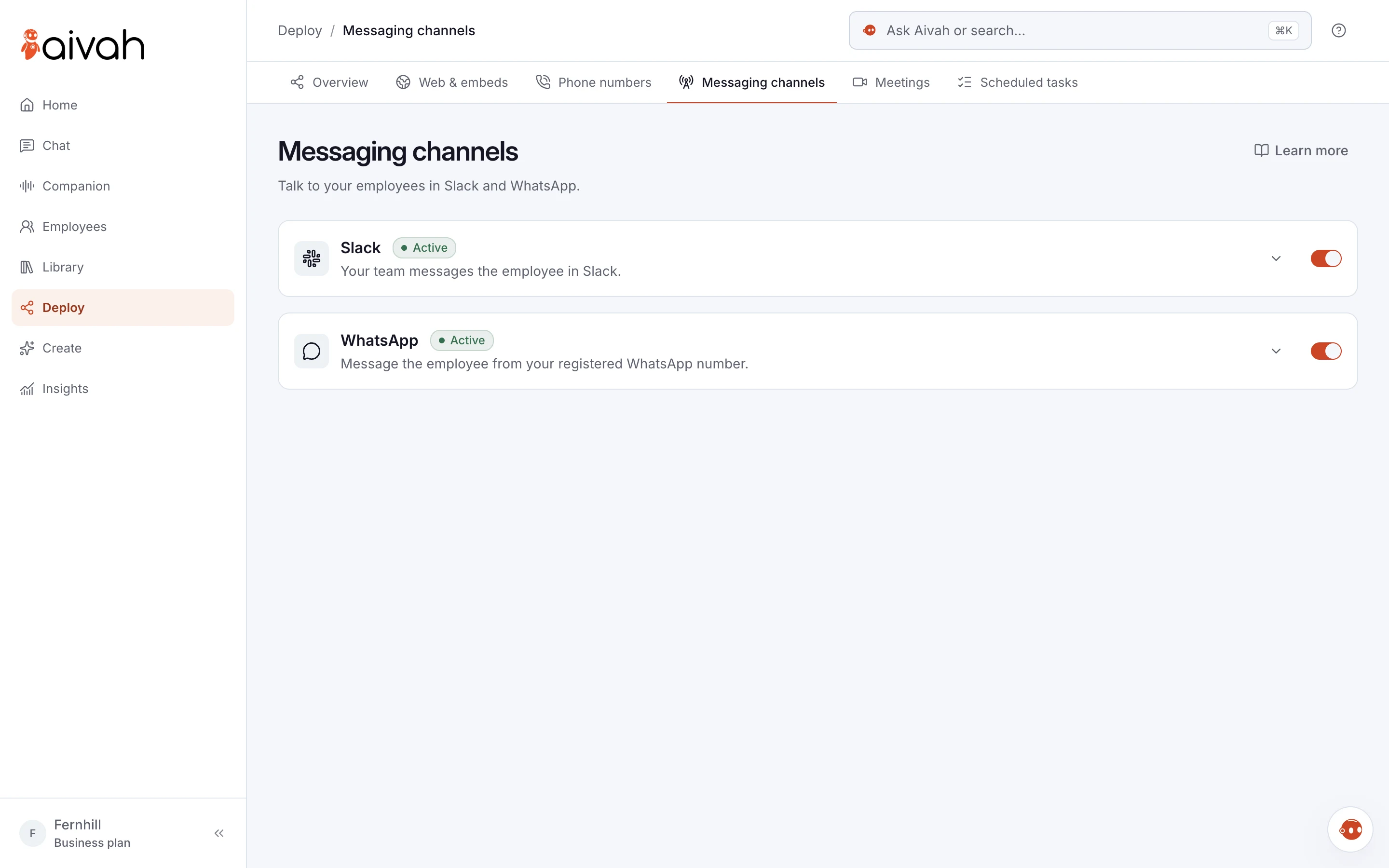
Between jobs, open Insights → Call history on your phone. Every call is there, with a transcript. Then ask your AI employee in chat: “Every weekday at 5pm, remind me on WhatsApp to return today’s calls.”
Your team can message the same AI employee in Slack, to check a price or how to write up a job. Slack and WhatsApp are for you and your team, not for customers.
Read related guides
What should you watch out for?
An AI employee covers the phone well, but it isn’t you. Plan around these limits from day one.
- It doesn’t book jobs. It takes requests, and you confirm the time.
- It can’t transfer a call to you, or send anyone out.
- It can’t price a job it hasn’t seen. It quotes your set prices and takes details for the rest.
- It answers incoming calls only, on one number per account.
- Old prices mean wrong answers. Update the call prompt when your rates change.
- Tell callers they’re talking to an AI, and check your local rules on recording calls.
Questions trades ask about AI answering
Can an AI answering service book jobs into my calendar?
No. It takes job requests with the address, the problem and the best time to call. You call back and confirm the job.
I use my mobile number. Can I keep it?
Aivah answers calls on a number in your Twilio account. If you want calls to your mobile answered, ask your phone provider about forwarding the calls you miss to that number.
What happens if a caller has an emergency?
It follows your call prompt. Tell it which problems are urgent and what to say, such as official safety steps and an emergency number. It can’t send someone out, so give urgent callers a number a person answers.
Can it give quotes?
Only the prices you give it, such as your call-out fee or a set price. For anything else, it takes the details so you can quote.
Which plan do I need for phone answering?
Phone answering starts on Starter, at $99 a month. Twilio charges separately for your number and call minutes. You can start free, with no card, while you set it up.
Can it answer enquiries on my website too?
Yes. Add a chat bubble to your website and it answers from your documents, such as your price list and service area. Details from your lead form land in Insights → Leads. Website chat starts on Hobby, at $10 a month.
How do you try it this week?
Start free and give your AI employee your prices and your area. When you’re ready, move up to Starter and connect your number. Then ring it from the van before a customer does.
Read related guides