
Define a completed handoff
A message saying “I have passed this on” is not a CRM record. Define completion as an accepted record in the intended system, with the right owner and enough information to take the next step.
This checklist describes a workflow to configure and verify. It does not mean every CRM, field mapping or routing action is available in every Aivah account. Check the available actions in your own workspace.
Choose the smallest useful payload
Decide which fields the receiving team needs. Separate information the visitor supplied from your system’s interpretation. Keep unanswered questions visible rather than filling the gaps with guesses.
- A short description of the business need.
- The visitor’s chosen follow-up details and relevant consent.
- The page or topic that prompted the enquiry.
- Questions already answered and what remains unresolved.
- The destination owner or queue, based on an approved rule.
Check connections and permissions
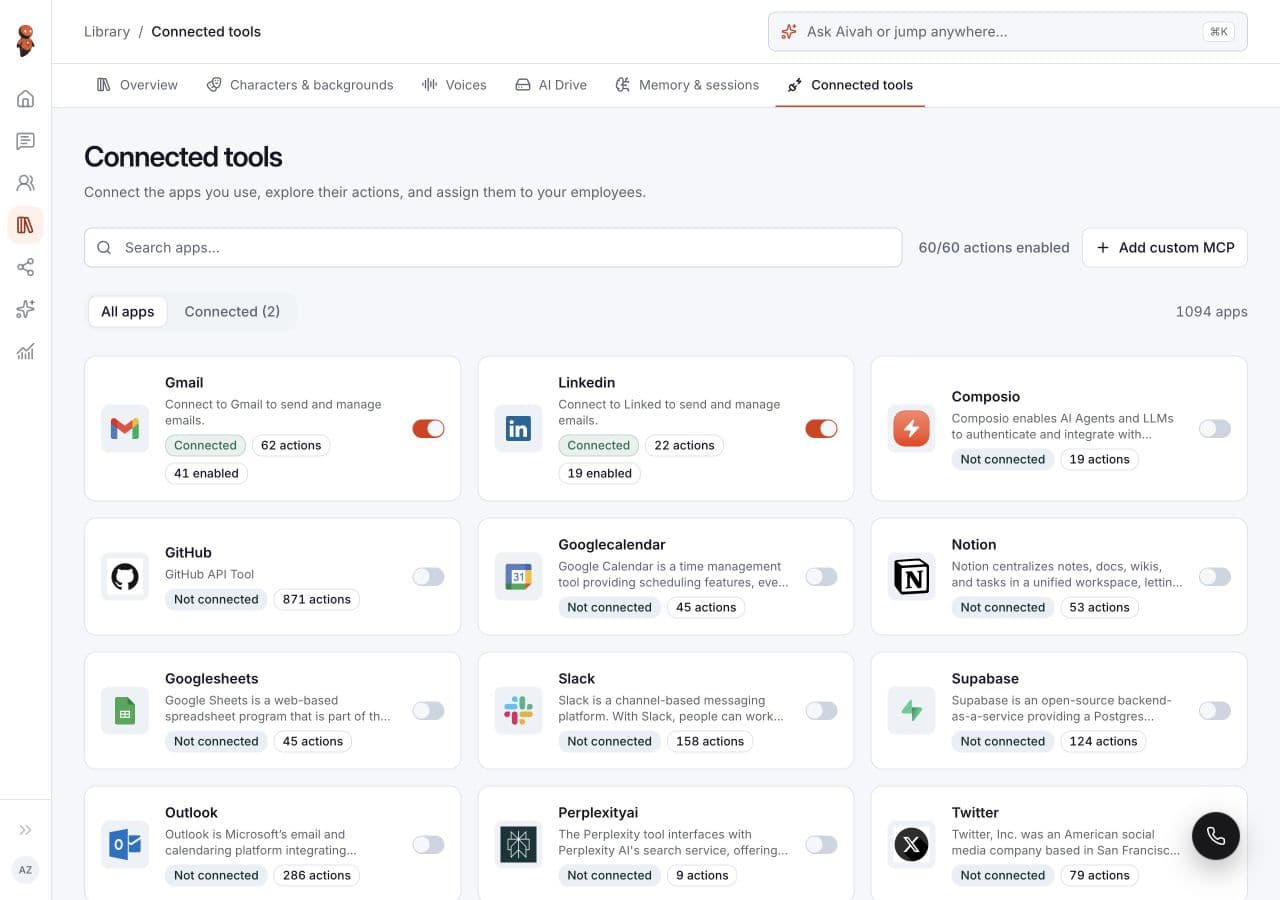
In Aivah, review Library → Connected tools, the linked service account and the available Actions. Review the employee’s assigned tools and any deployment-specific configuration. A connected status does not prove a particular action has run.
Limit access to the job. Test using non-sensitive data in an approved destination, and inspect that destination yourself. Where an action is not supported, use the approved contact form or a manual handoff.
Read related guides
Test failures and duplicates
A timeout is ambiguous: the destination may have saved the request even if the response did not arrive. Check for an existing record before repeating an action that could create duplicates. Ask your integration owner how retries and deduplication are handled.
Include a missing field, an expired connection and a destination permission failure in the test plan. The visitor should receive an accurate next step, not a fabricated success message. Ensure failures can reach an accountable human.
Connect measurement to delivery
Track attempted handoffs, accepted records, rejected records and records awaiting review separately. Check that a human can act on the information. A form click or conversation start should never count as a delivered lead.
Use campaign tags to understand which content generated useful enquiries, but avoid adding personal details to tracking URLs. Review lead quality and integration failures together before increasing traffic.
Read related guides