






Skip to content
Aivah

Characters and voices

A face from one portrait.

Upload a portrait or describe one, and it becomes a live talking face.

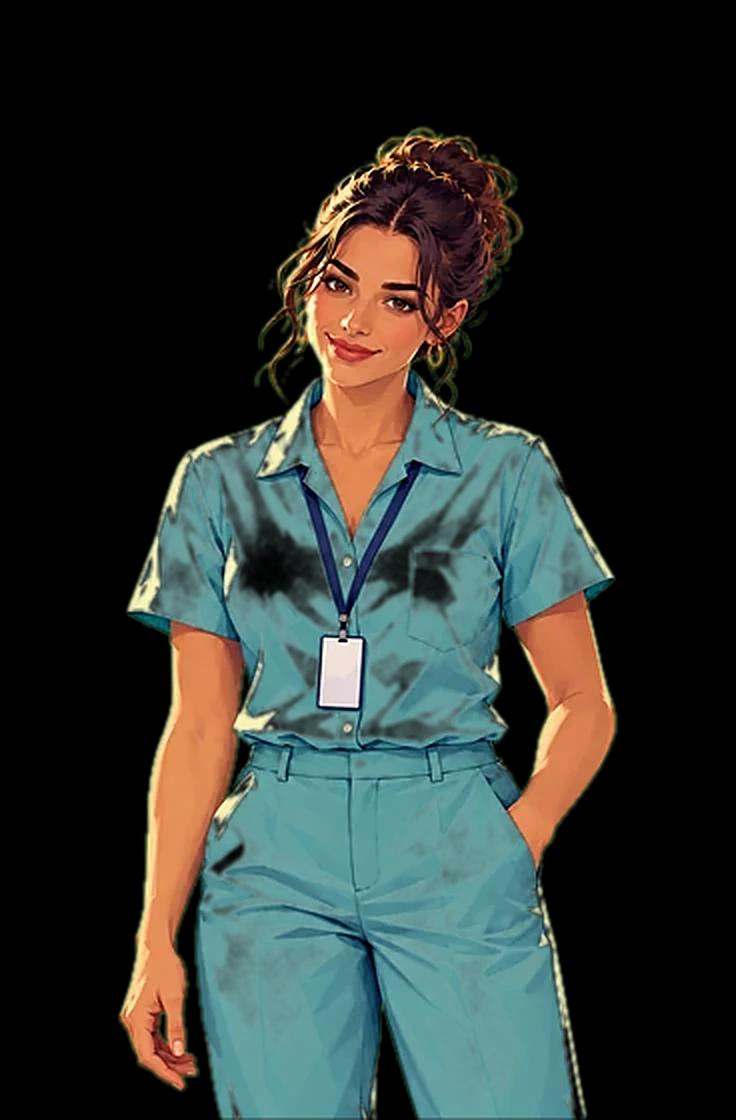
AI employee, brand · teal shirt
Ready to talk

Live

Talk to a live character.

Aivah's own AI employee, on a live voice model.

Live voice, first character: Aivah, ready to start

Your browser asks before using your microphone.

Loads the real Aivah from chat.aivah.ai in this window.

Make a character

Shape how it looks and acts.

Write how it behaves while it talks and while it listens.
  • Start from presets such as Warm and professional or Upbeat coach.
  • On a plain green backdrop, it can stand in front of any background.
  • Backgrounds can be an image or a short looping video.
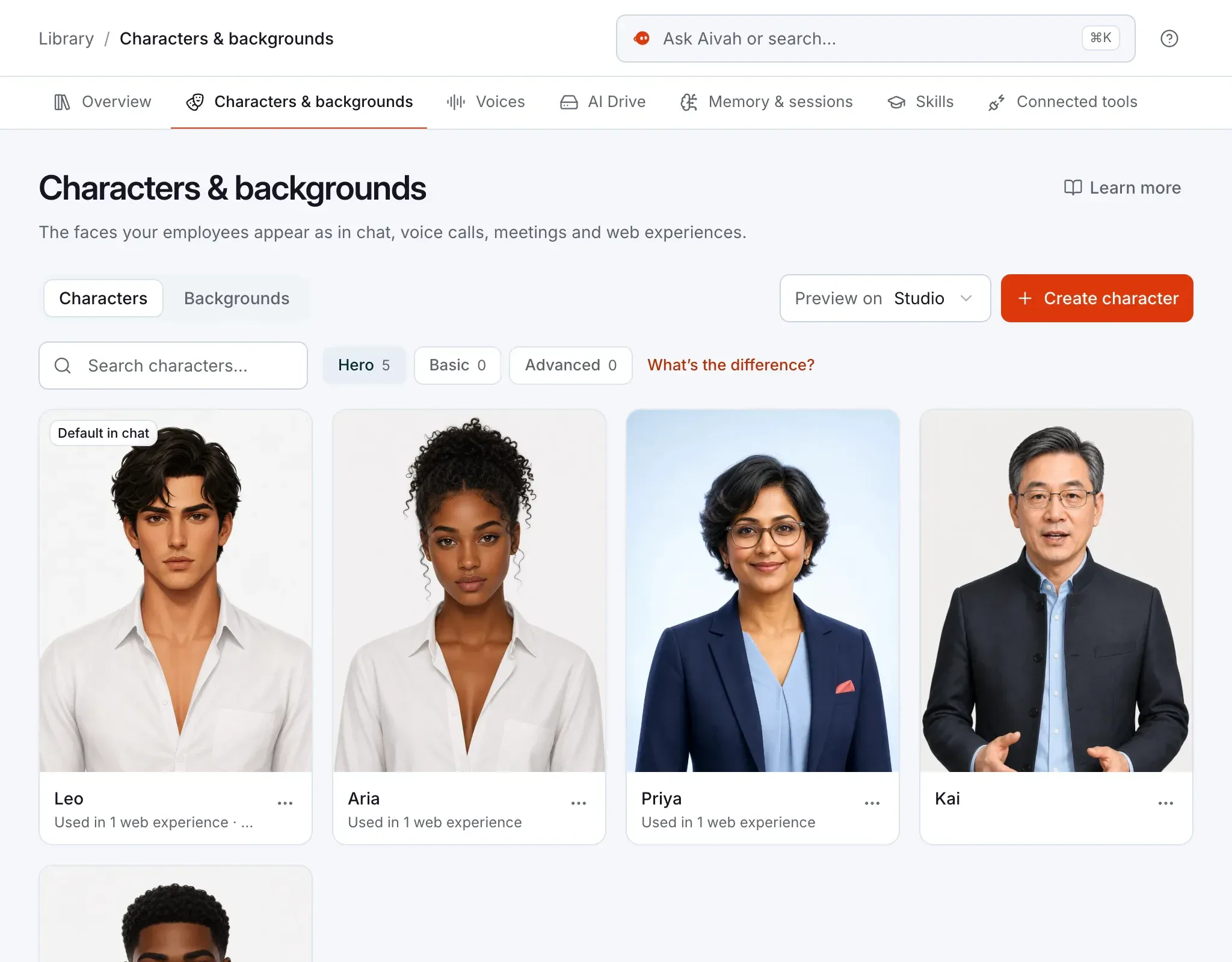
Characters & backgrounds: illustrated characters in the Hero catalog, one marked Default in chat

Character types

Four kinds of character.

Pick the kind that fits the job.

  • Hero.

    Your own portrait, brought to life with natural expressions.

  • Basic.

    Ready-made characters from Aivah that work with every voice engine.

  • Advanced.

    A talking video character made from any landscape or portrait image.

  • Live voice.

    Ready-made faces or your own, made for a live voice model.

Voices

Choose a voice, or clone one.

Play a sample before you pick, and give each web experience its own voice.
  • Upload a recording, or record one in the browser from a read-aloud script.
  • Cloning needs at least 10 seconds of speech and the speaker's permission.
  • Clones work in Companion and in your web experiences.
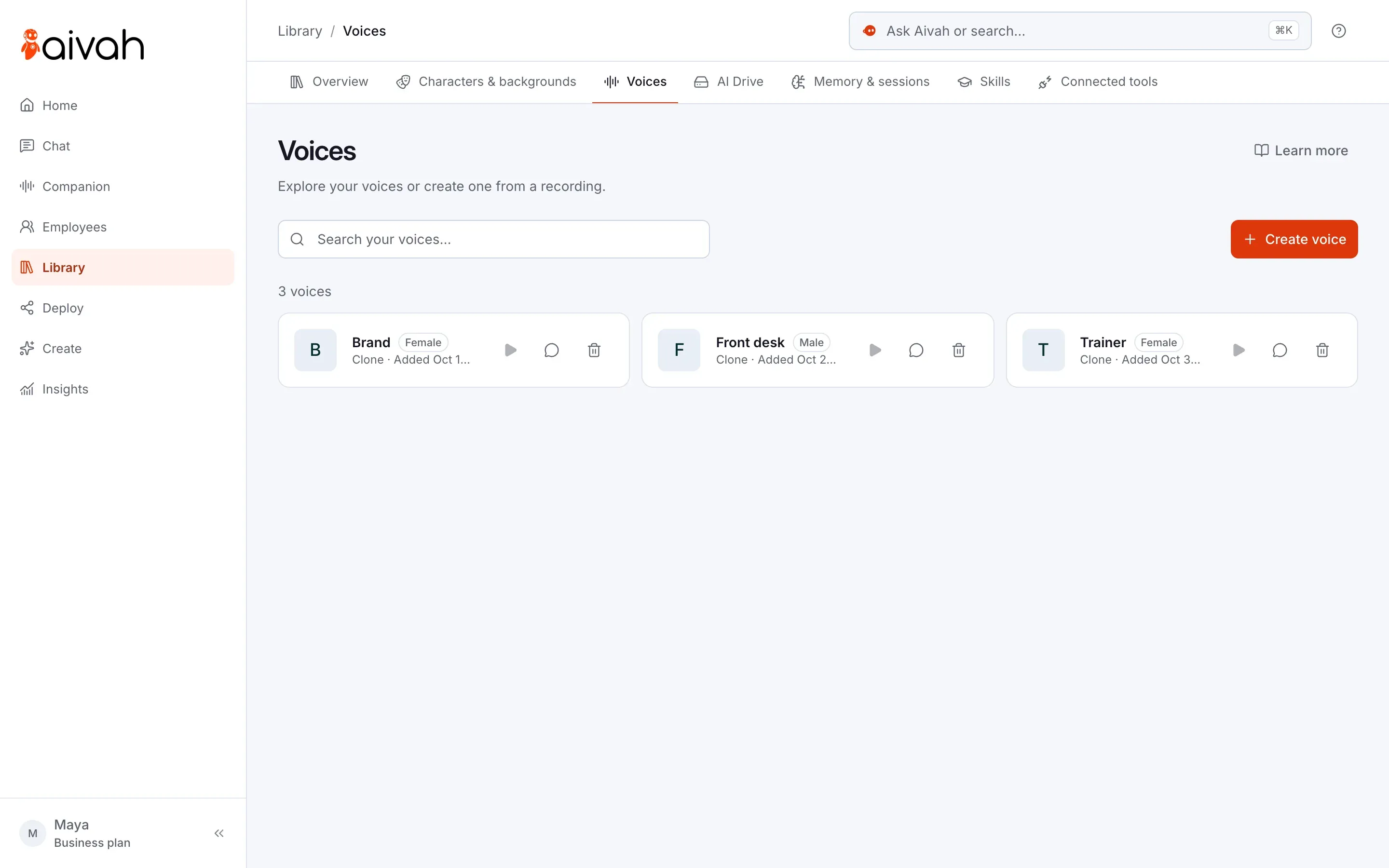
Voices in the Library: three cloned voices, each with play and delete controls, and Create voice

Your first avatar and voice cloning start on Individual, at $20 a month. Compare plans

The cast

Meet the cast.

The characters you'll see across this site.

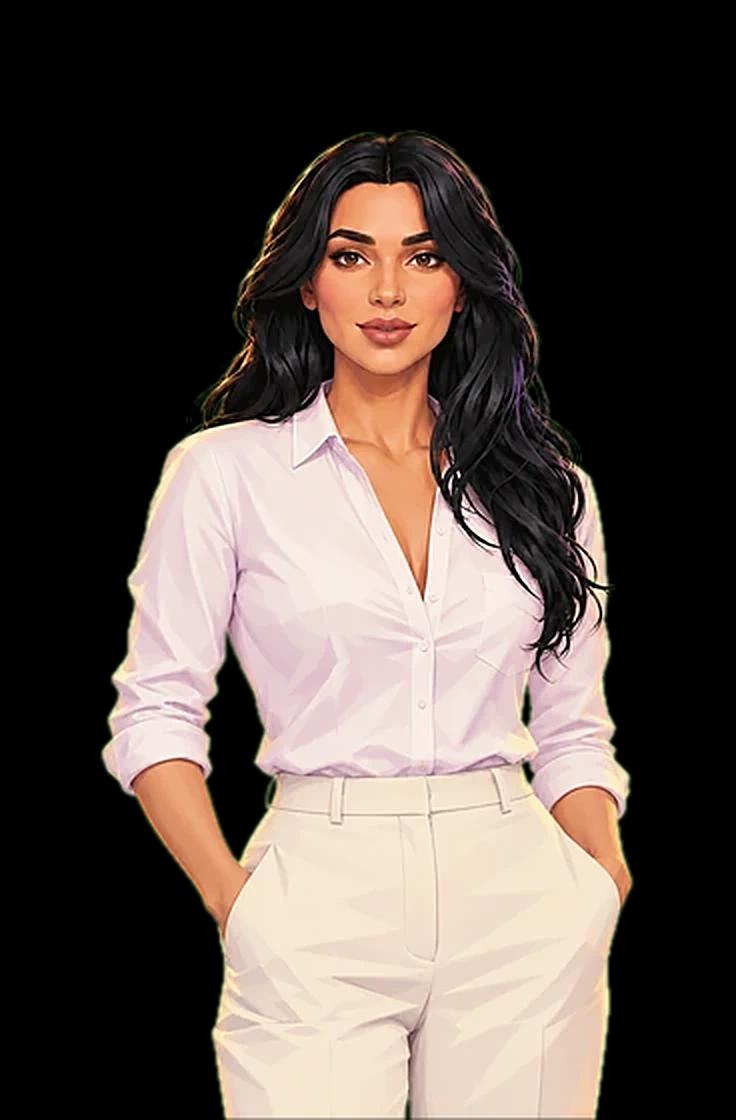
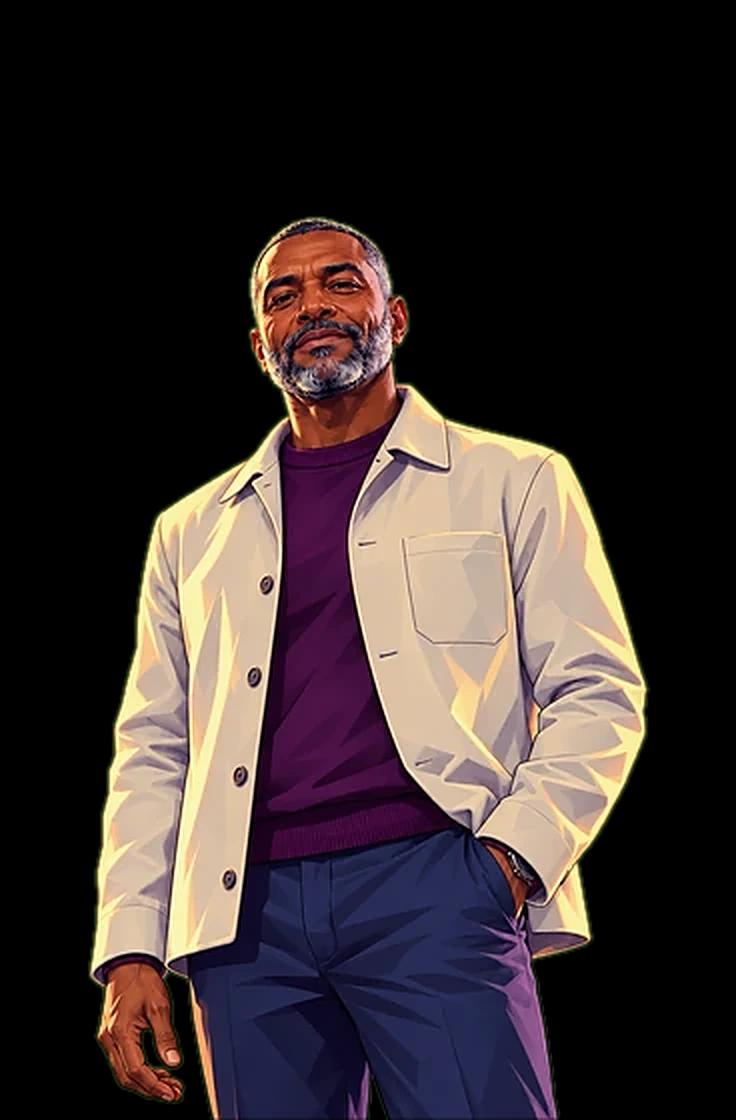
  • Website guide, AI employee for greets visitors on your website
    On shift

    Website guide

    Greets visitors on your website

    Website
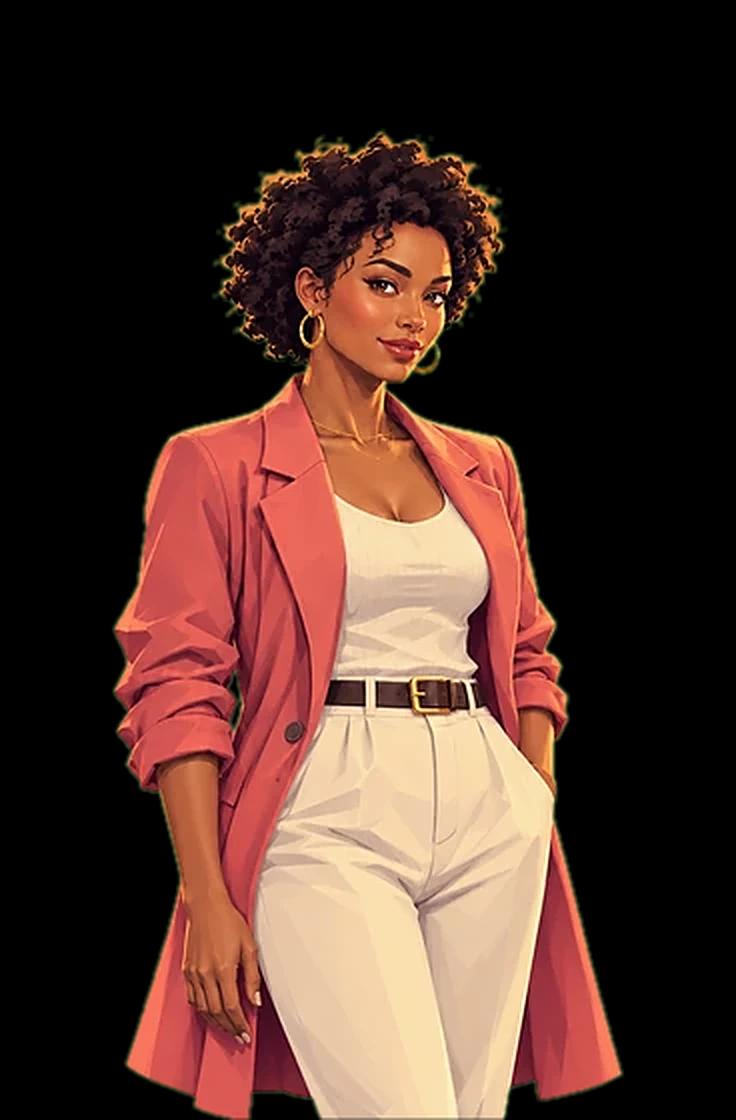
  • Trainer, AI employee for gives presentations and quizzes
    On shift

    Trainer

    Gives presentations and quizzes

    Presentations
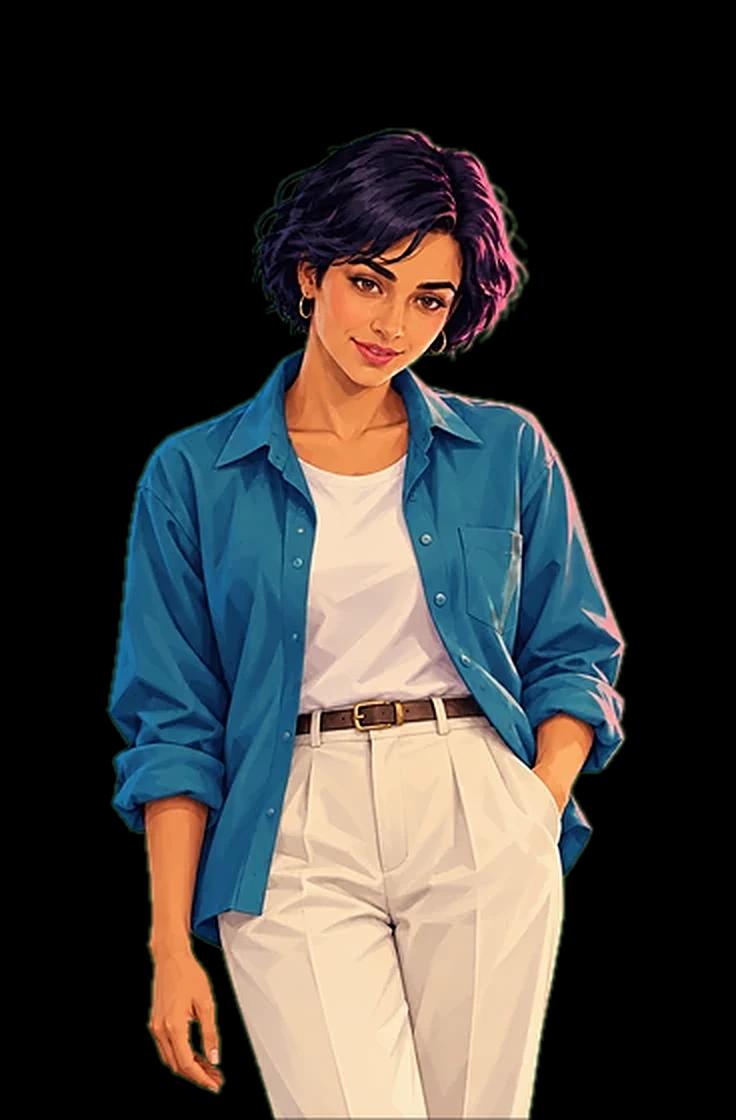
  • Meeting guest, AI employee for joins your video calls
    On shift

    Meeting guest

    Joins your video calls

    Meetings
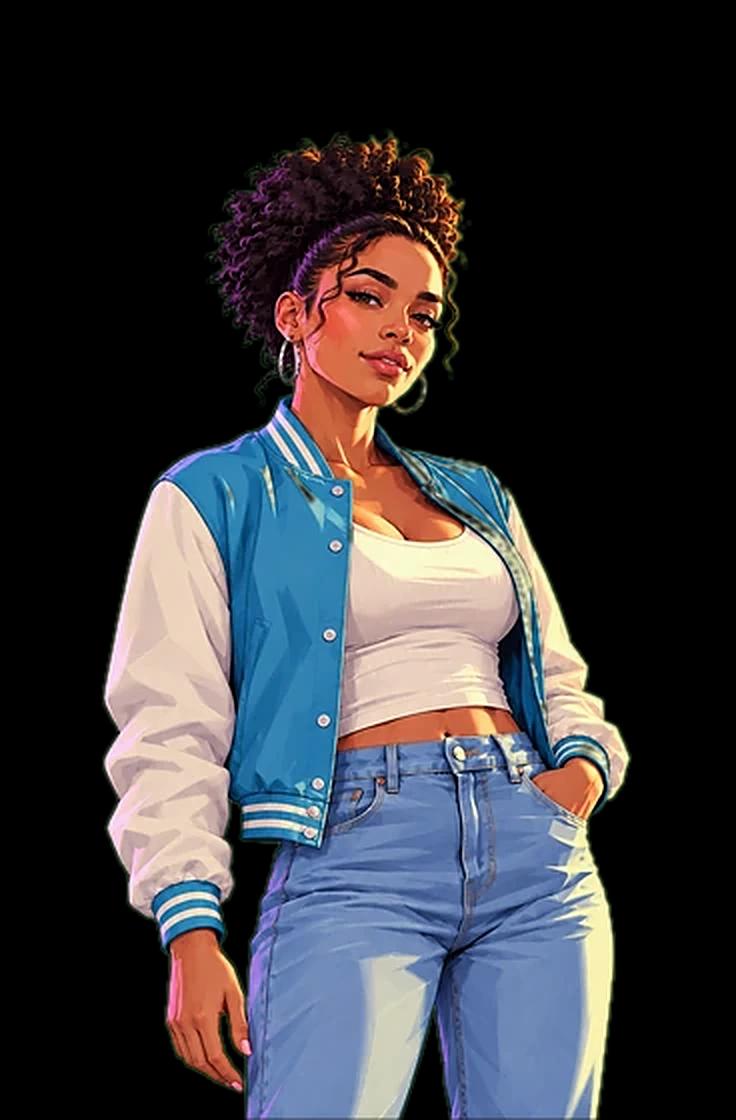
  • Concierge, AI employee for answers guests on your website
    On shift

    Concierge

    Answers guests on your website

    Website
  • Course guide, AI employee for answers questions about courses
    On shift

    Course guide

    Answers questions about courses

    Website
  • Onboarding, AI employee for walks new customers through setup
    On shift

    Onboarding

    Walks new customers through setup

    Meetings

Questions

Faces, photos and permission.

  • Do I need a training video?

    No. One portrait is all it needs.

  • Why drawn characters?

    A drawn character can carry your brand and reads plainly as an AI. Want a real person? Use their portrait only with their permission.

  • Where can I use a character?

    In Chat and Companion, in meetings and in your web experiences. Each character shows where it's used.

  • Can I try one before it goes live?

    Yes. Preview it on a background first, then try it in chat.

  • Do all characters take a background?

    Hero and Basic characters do. Advanced and Live voice characters bring their own scene.

  • Can I change a character later?

    Yes, its name and prompts. For a different photo, create a new character.

Give your AI employee a face.

So customers can see who they're talking to.

Free to start · No card required