





Website chat and voice
Put a face on your website.
Your AI employee answers visitors in chat, or face to face on a call.


Ways to publish
Pick how visitors meet it.
A chat bubble on every page, or an embed inside one.
Try every way live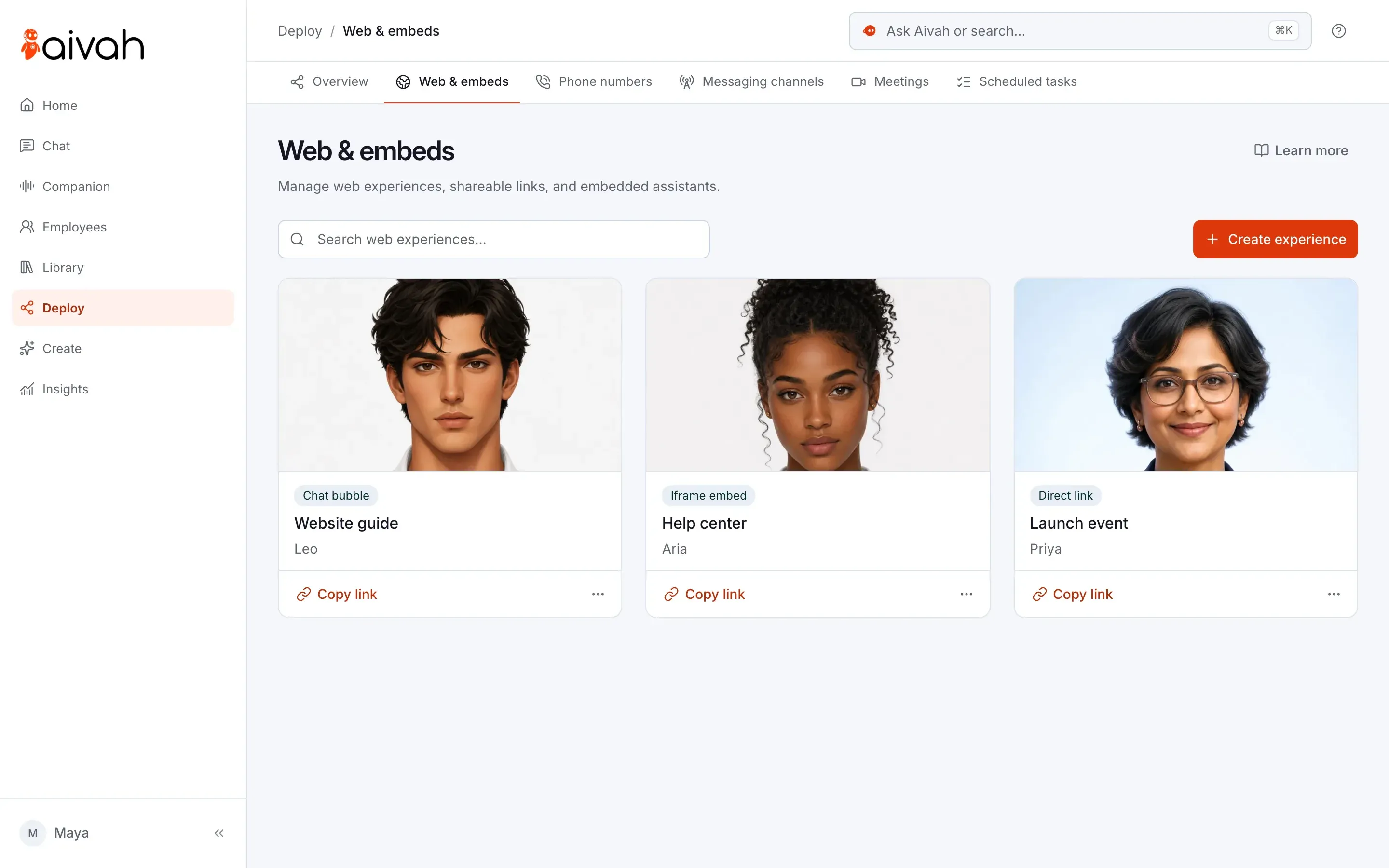
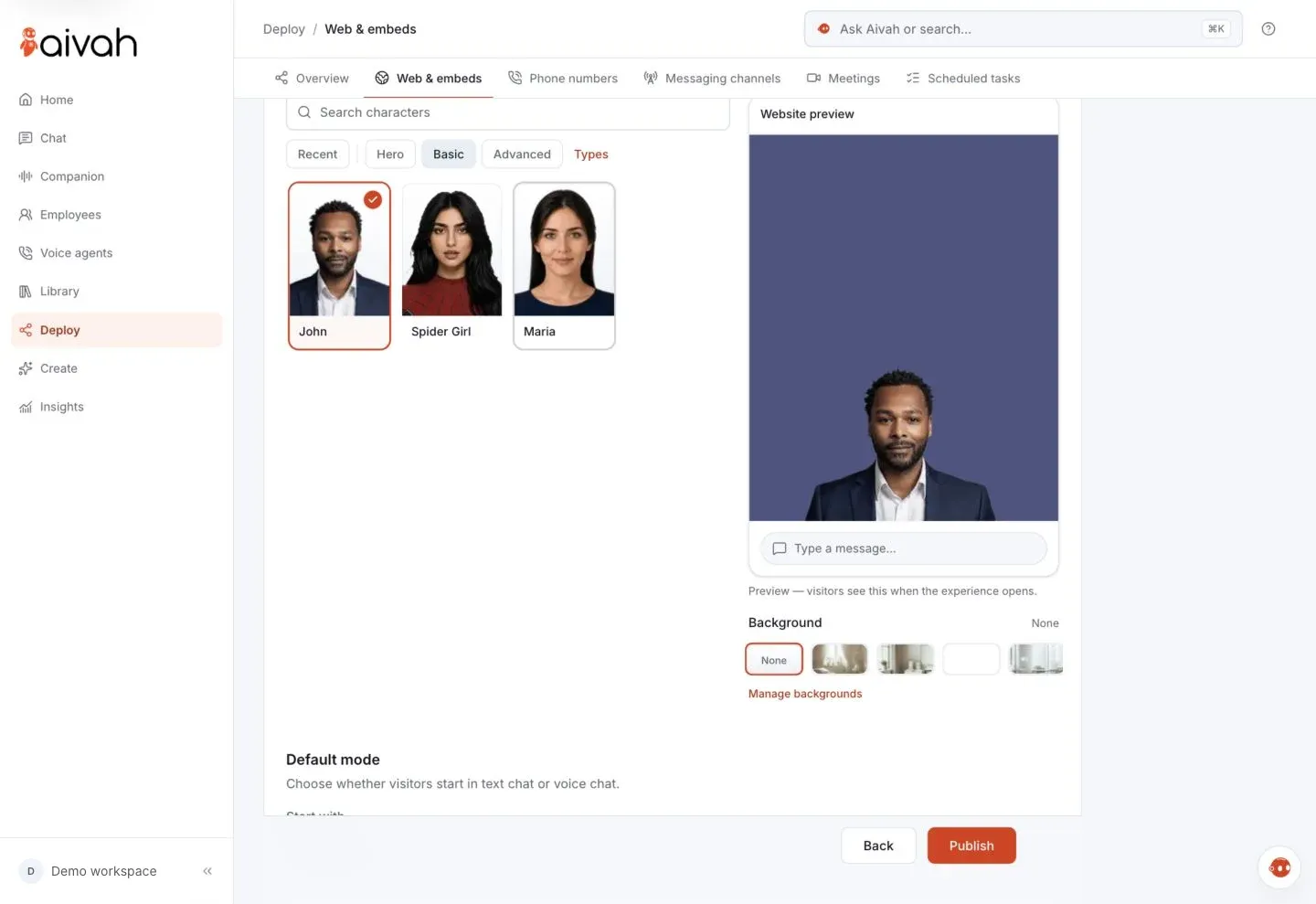
Face and voice
Visitors talk. It talks back.
It answers out loud, with live captions.
- Choose whether visitors start in chat or on a call.
- Add a one-tap voice button, or skip the face for voice only.
- Pick its face, and check the preview visitors will see.
Leads
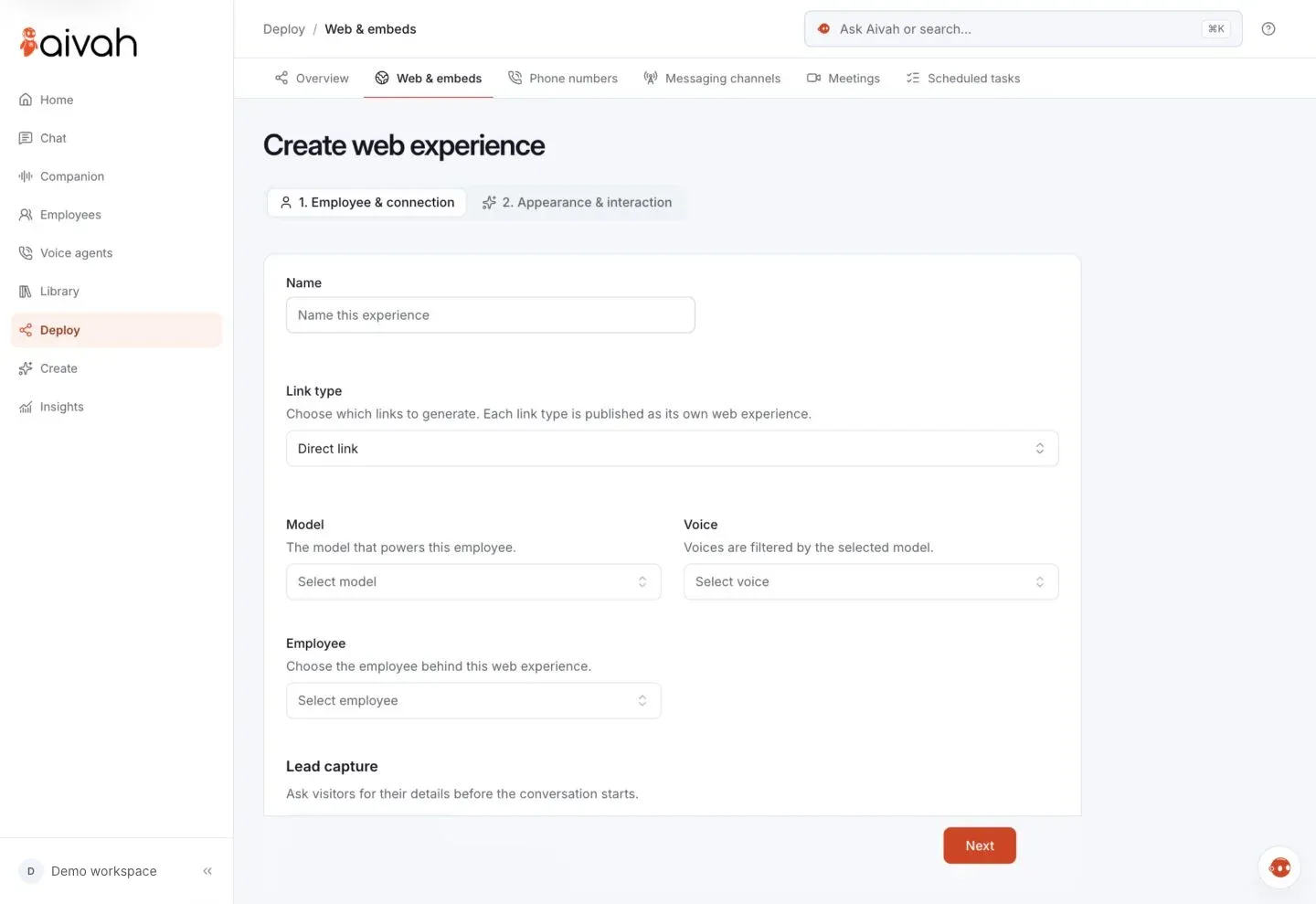
A lead form you design.
Visitors share their details before the chat starts. Each lead lands in Insights.
- Choose the fields, and make each one optional or required.
- Set it once per AI employee, and every link and embed shows it.
- Open each lead with its conversation, or export them all.
Try it
Fill in the form, then talk.
It's a real lead form: what you send lands in Aivah's own Insights.

Your browser asks before using your microphone.
Share
Share it beyond your site.
Send the direct link by email, in a message or as a QR code.
- Put it inside your own app with an iframe.
- Visitors can attach images, download the transcript or start over.
A direct link works on Free. The chat bubble and embeds start on Individual, at $20 a month. Voice calls, your phone line and voice agents start on Business, at $100 a month. Compare plans
Safeguards
No surprises on your site.
No credits on page load.
The chat bubble spends nothing until a visitor starts a conversation.
credits: per replyThe mic waits.
The browser asks for the microphone only when a call starts.
mic: on call startConsent on every lead.
Visitors tick your consent text before they send their details.
consent: lead formEdit without breaking links.
Change its face, voice or lead form, and the link and code keep working.
link: unchanged
Questions
Fitting it into your site.
Can visitors just type?
Yes. The chat bubble, an embed and a direct link all work without a microphone.
Does it work on phones?
Yes. On phones the chat bubble opens full screen and follows the keyboard. On desktop it stays open from page to page.
Can it greet visitors first?
Yes, if you turn it on. A greeting card appears above the launcher after the delay you set.
Which website builders does it work with?
Any site where you can paste one line of code, including WordPress, Webflow and Shopify. The setup guide covers each one.
Will it work with my site's code?
Yes. It runs on single-page apps, Turbo and htmx without loading twice. The page doesn't jump while it loads. With window.AivahEmbed, your own buttons can open it and your analytics can track it.
Can I use my own logo?
Yes. Keep the Aivah logo, upload your own or show none.










Turn visitors into conversations.
Teach it your pages, then publish it where visitors already are.
Free to start · No card required