





Try it live
Talk to it before you sign up.
Every demo here is a real AI employee, on the same code you'd paste into your site.
The lab
Pick a way to deploy it.
Start one, talk to it, then copy its code. Only one runs at a time.
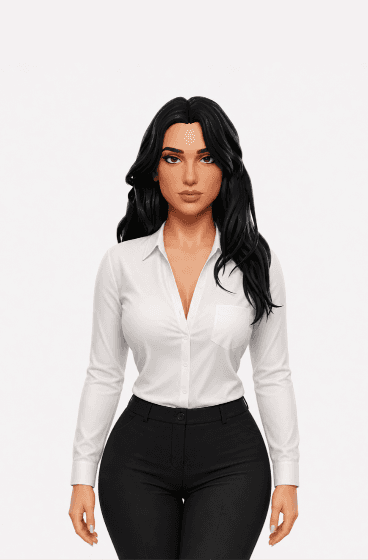
Aivah · ready
Face-to-face link
A page of its own, to share by email, message or QR code.
Things to try
- “Talk to me about Aivah for a small team.”
- “Which plan fits a busy reception desk?”
Your browser asks before using your microphone.
<iframe src="https://chat.aivah.ai/chat/YOUR_EMBED_ID" title="Chat with your AI employee" loading="lazy" style="display: block; width: 100%; height: min(720px, 85vh); border: 0" allow="microphone; camera; autoplay; fullscreen; clipboard-write; display-capture" referrerpolicy="strict-origin-when-cross-origin"></iframe>Replace YOUR_EMBED_ID with your embed id from Deploy → Web & embeds in the app.
A direct link works on Free. The chat bubble and embeds start on Individual, at $20 a month. Compare plans
Elsewhere
What you can't try here.
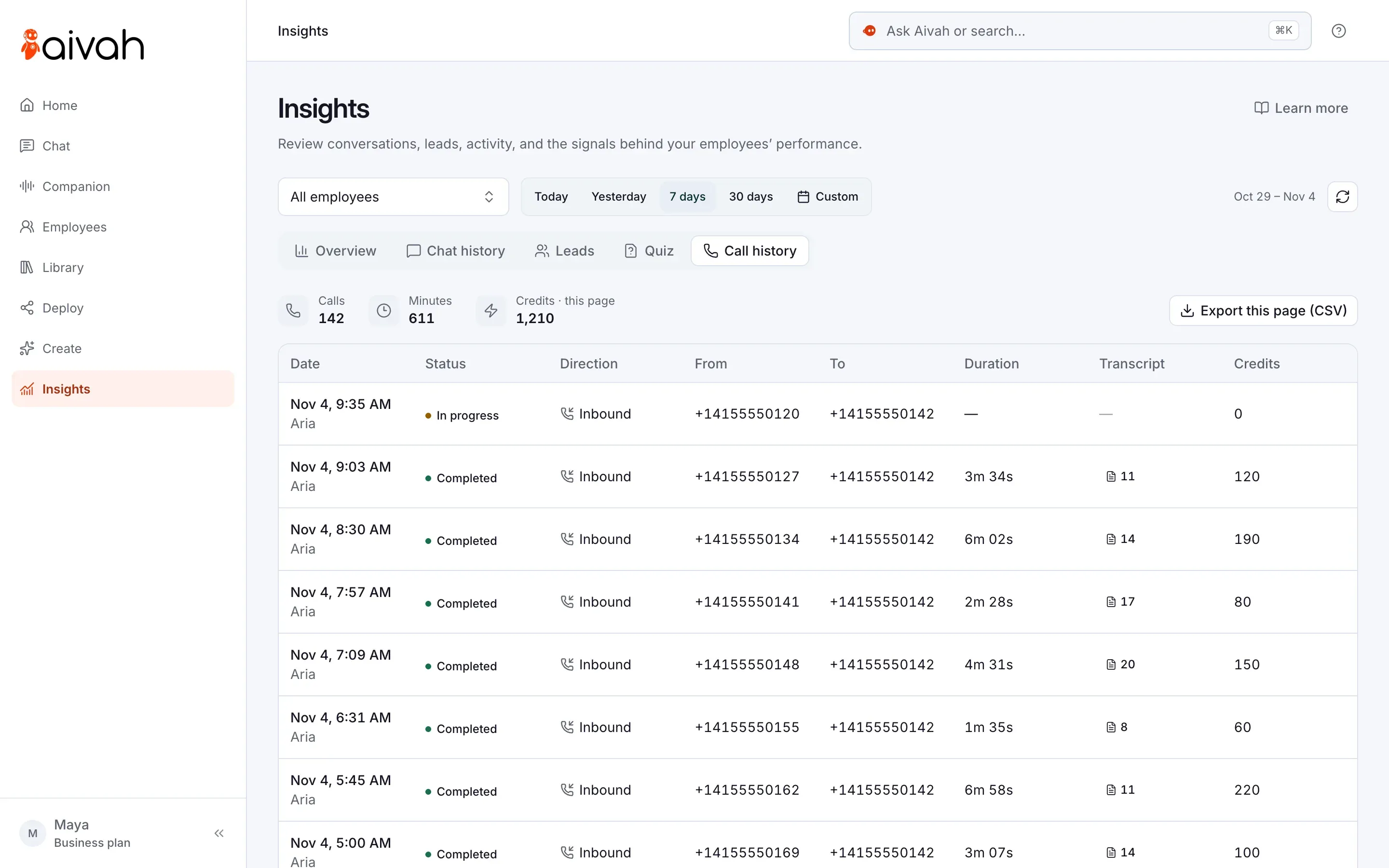
Phone calls.
An AI receptionist answers your line, and voice agents call your list.
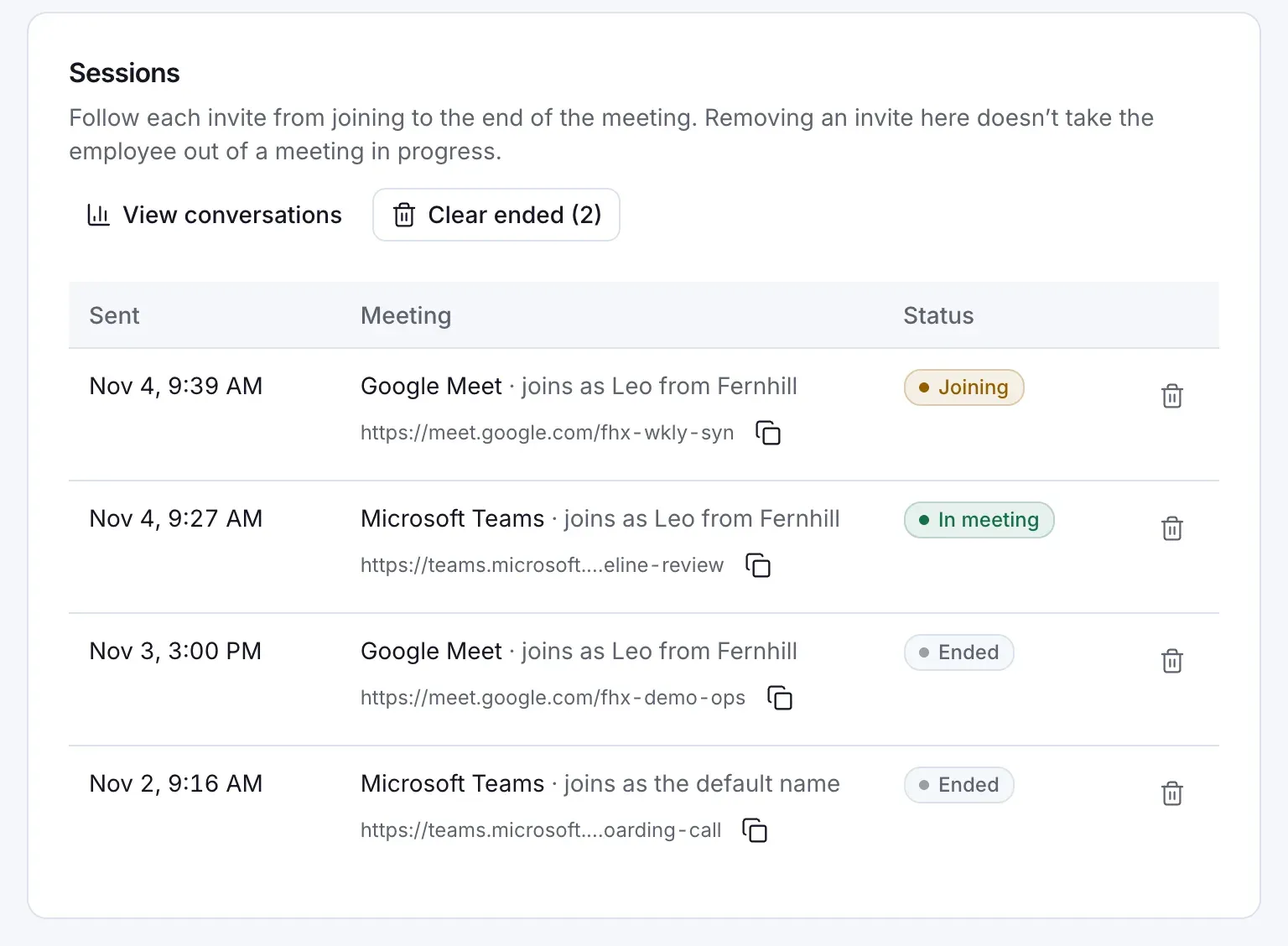
Meetings.
Paste a Meet, Teams, Zoom or Webex link, and it joins with face and voice.
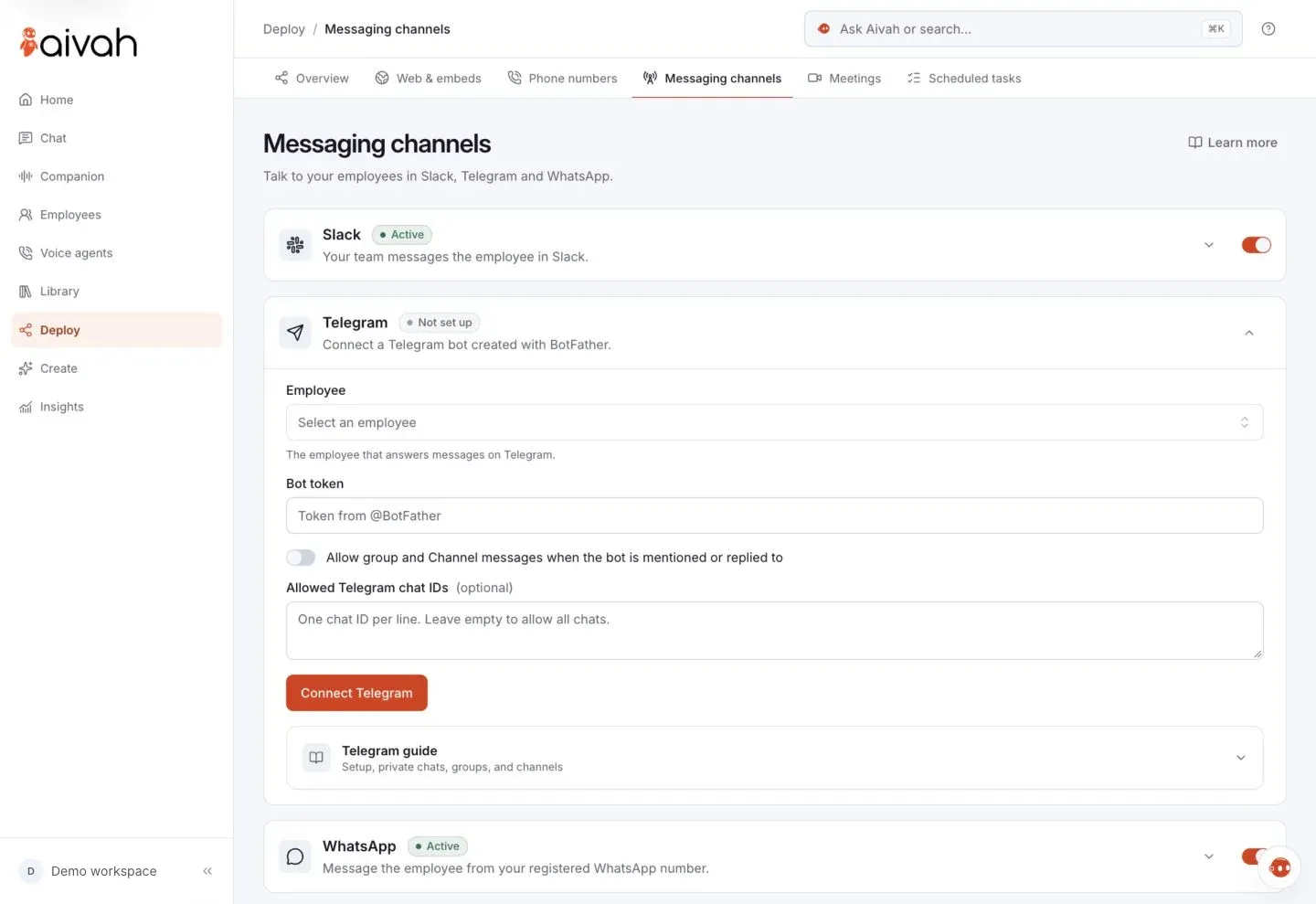
Messaging apps.
Message it on Slack, WhatsApp, iMessage or your own Telegram bot.
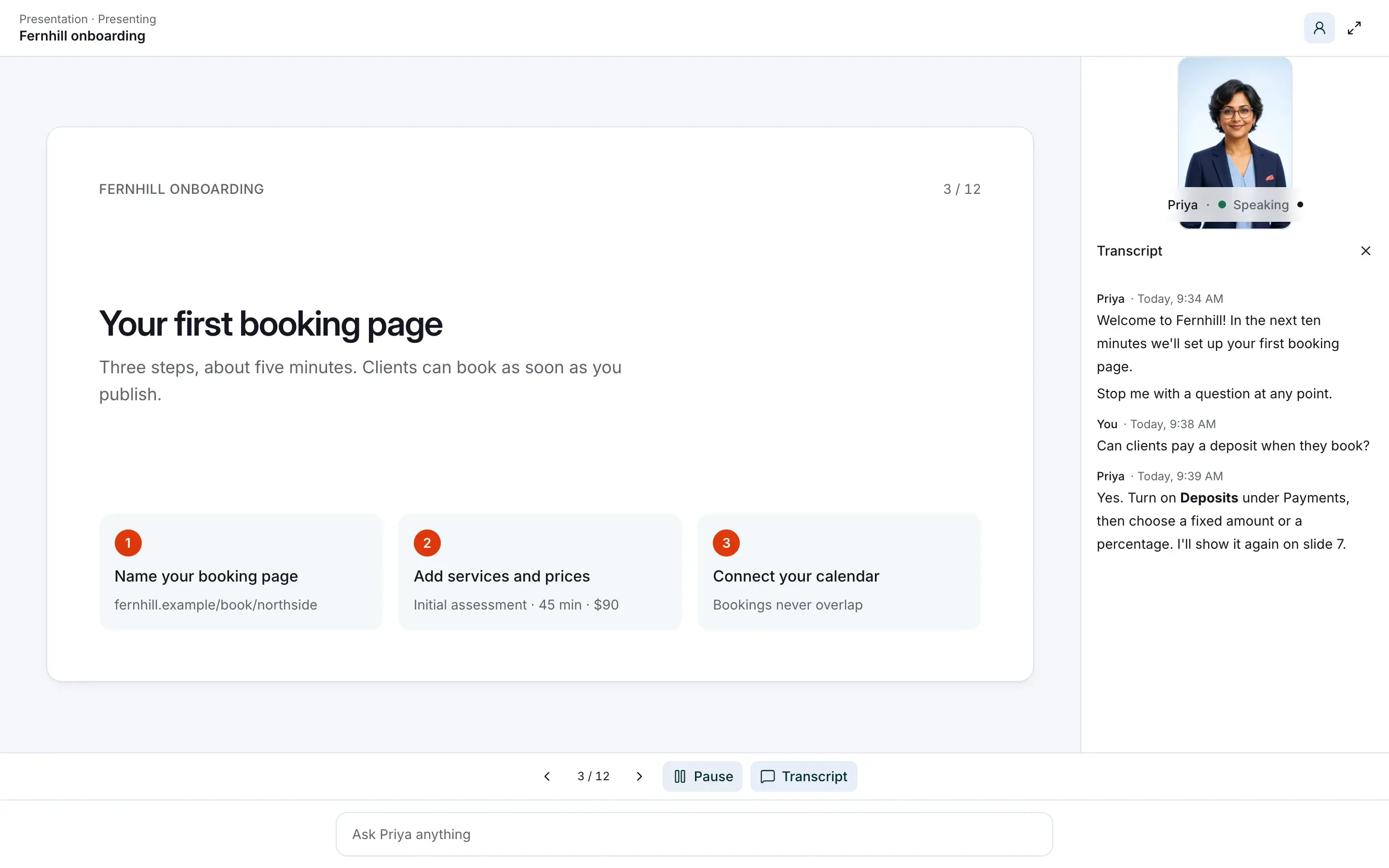
AI presenter.
It presents your PDFs and videos, takes questions and quizzes people.
Questions
Before you try.
Is this a real AI employee?
Yes. Each demo is a published AI employee from the Aivah app, not a recording.
Why does my browser ask for the microphone?
So it can hear you. Nothing loads until you press Start live, and you can say no.
Why did the character stop?
Some live characters run in timed sessions. When one ends, start it again.
What does this AI employee know?
Aivah's own material. Yours answers from the web pages and documents you add.










Put one on your own site.
Teach it your business, then pick how it greets visitors.
Free to start · No card required