

Live AI avatar, chatbot or video: which do you need?
Compare three ways to talk to customers by the job each does, what it needs to know and what your team should test before launch.
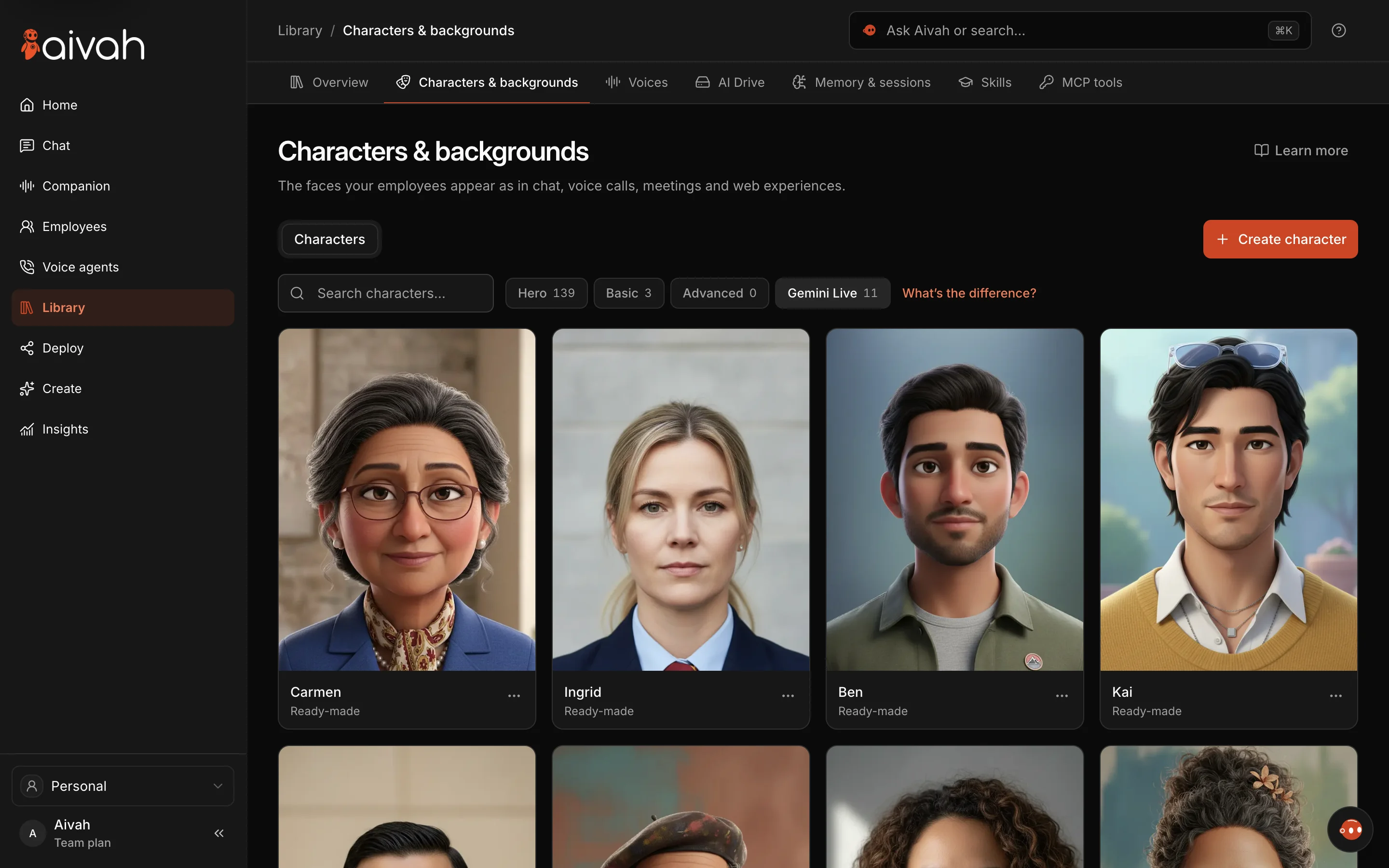
The Aivah app today.
Start with the customer’s task
A customer who wants a quick answer may prefer text. Someone learning something new may get more from a presenter. A message you repeat often can work well as a recorded video. Choose the format for the task, not because it moves the most.
These are types of product, not a ranking. Each vendor and setup is different, so test the one you’re actually considering.
Use a chatbot when text does the job
Text is easy to scan, come back to and use in a quiet place. It suits support questions and short sales chats. What matters is whether answers come from your approved documents and whether a person can take over.
A chat window on its own tells you little about actions, reliability or the quality of its answers. Check those separately. When you try a voice-led experience, make sure visitors can still type.
Use a live character when a presenter helps
A live AI avatar adds a face and a voice to a two-way conversation. Check whether that presence helps people understand, ask follow-up questions or keep their place in a guided journey.
Test how long replies take, what happens when someone interrupts, how clear the sound is and how the lips move. Check how easy it is to switch back to text. On phones, the character shouldn’t cover the page controls people need. An impressive demo doesn’t prove the job gets done.
Use recorded video for a message that doesn’t change
Recorded video gives the same prepared explanation every time. It suits introductions, walkthroughs and announcements where nobody needs to answer a surprise question. Add a separate way to ask for help.
Keep clear who owns each version. When your product changes, the video may need a remake. A live AI employee also needs up-to-date documents. Being interactive doesn’t remove that job.
Test each option with the same tasks
Give every option the same customer questions, and judge the answers against the same source. Include a missing fact, a request outside its job and an interruption. Write down what happened, including what went wrong.
- Can the customer get a useful answer?
- Can they switch to text when sound won’t work?
- Does it admit when it isn’t sure?
- Does an action it claims show up in the system it went to?
- Can your team keep the content current and review open questions?