

AI for SaaS onboarding: get customers to their first win
Turn your onboarding guides into a focused conversation, with clear steps, helpful follow-ups and a sign that a customer got real value.
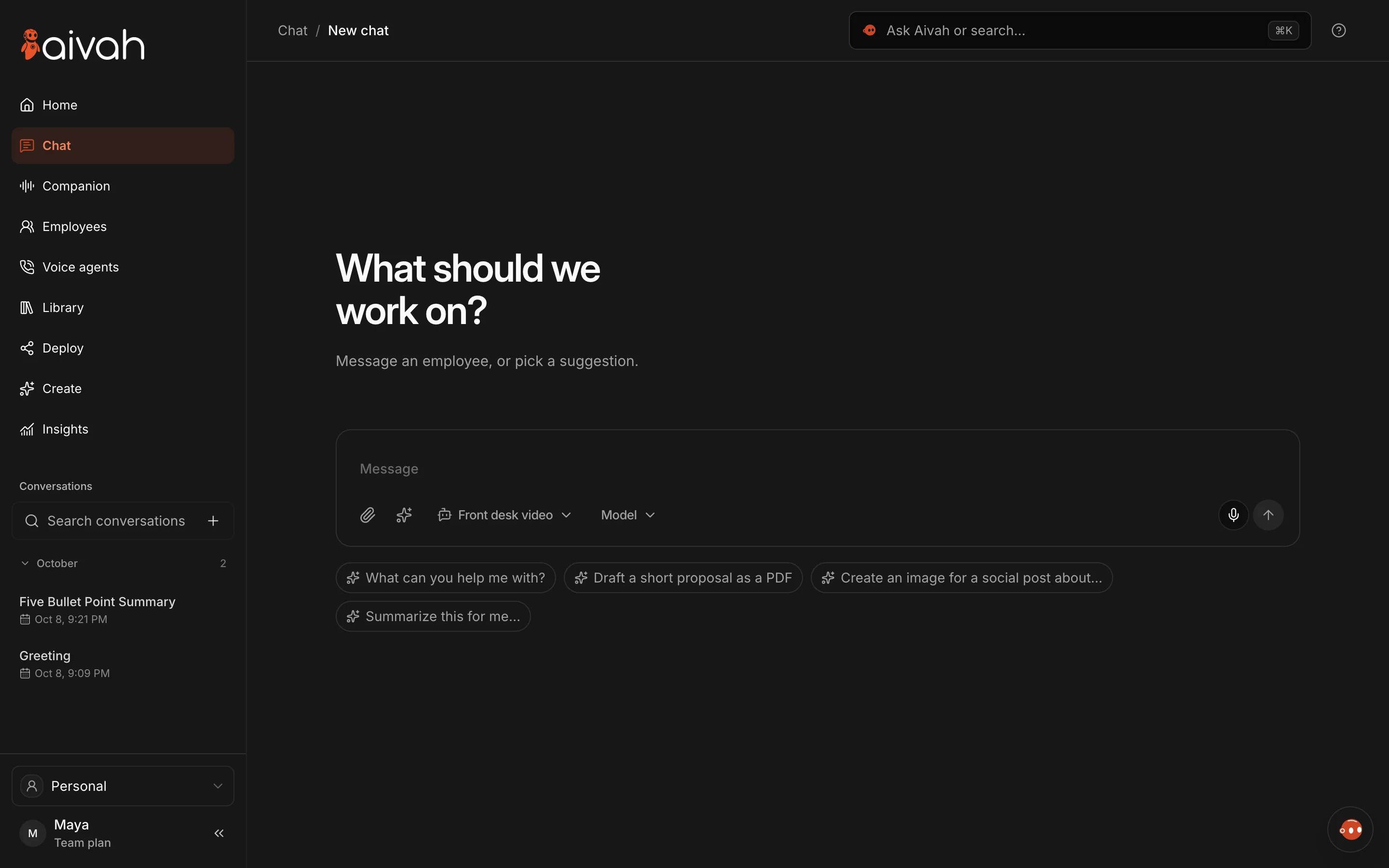
The Aivah app today.
Define the first useful result
Creating an account is a start, not proof of value. Pick a milestone that matters: a customer finishes setup, understands a key task or makes their first useful output. Make it specific enough that your product can record it.
For an imaginary SaaS team, that might mean connecting a test data source and seeing a useful report. The right milestone depends on your product. No single sign of activation fits everyone.
Match each step to an approved guide
List what customers need first, the steps and where they usually get stuck. Give each step an owner and a current guide. Your AI employee should explain your guides, not invent a shortcut around permissions or setup.
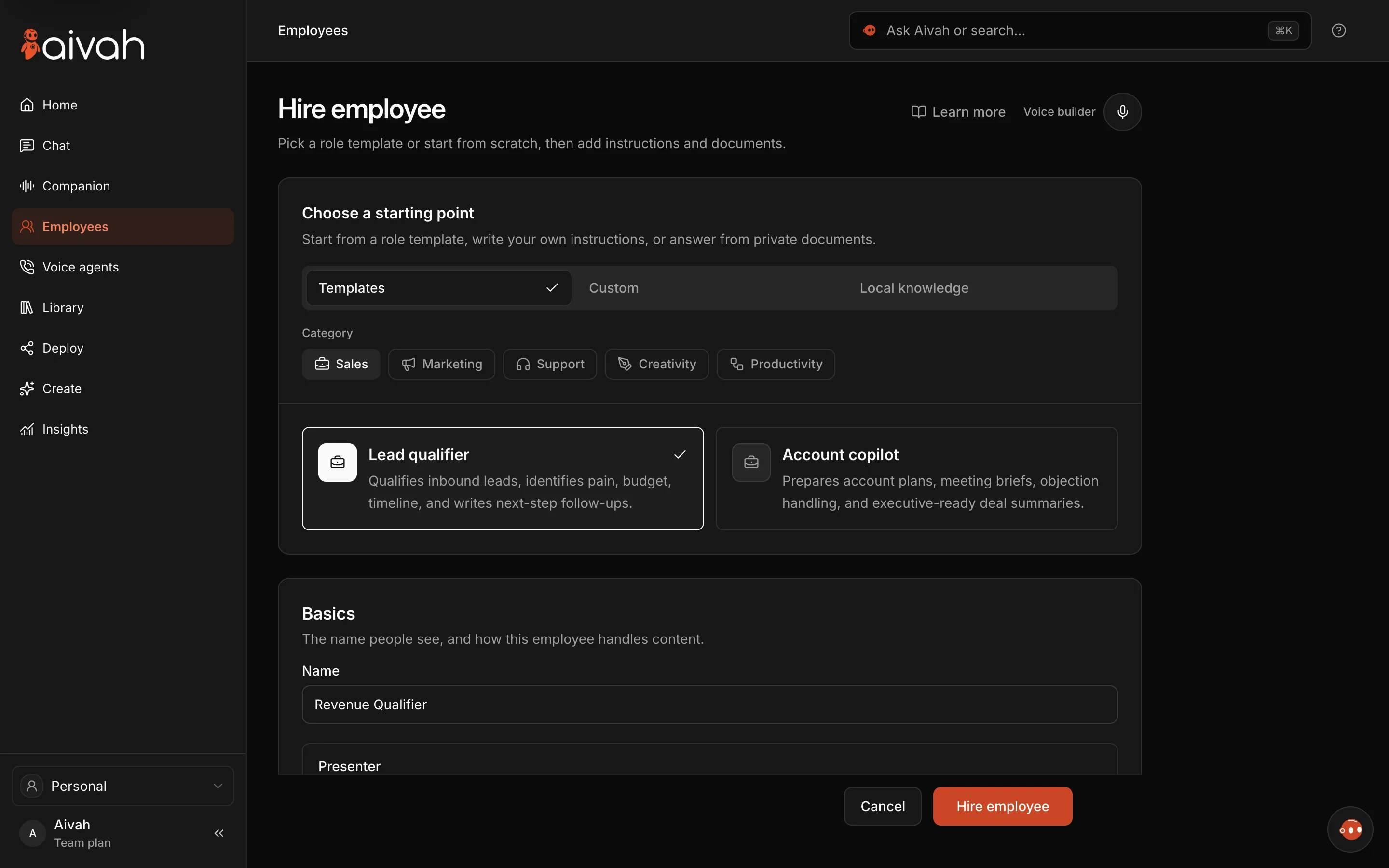
In Aivah, you set the employee’s documents and how it should behave. Check the current settings in your account, and test each step against your real product.
Ask where the customer is stuck
A good onboarding chat starts with the customer’s goal and the step they’re on. Explain the next step, then check it helped. Don’t send a whole manual in reply to a small question.
Say a customer can’t invite a colleague. First find out whether they can reach the workspace settings. If the task needs an admin, explain how to get one involved. Never say an invite was sent unless it really was.
Know when a customer success manager should step in
Set a path to a person for missing permissions, unusual needs and problems your guides don’t cover. Keep the customer’s goal and the steps they already tried. Make it clear who owns the case next.
Test the journey with made-up cases before customers see it. Include a returning customer, someone with limited permissions and a question your guides can’t answer.
- A clear milestone, and a product event that records it.
- An approved guide for each step.
- A named person for problems the guide can’t solve.
- A record of what the customer has already tried.
Compare activation, time and repeat contacts
Measure how many eligible new accounts reach the milestone, how long it takes and how often customers come back with the same problem. Use the same milestone and time period when you compare. Leave out staff accounts and test sessions.
A guided chat can help, but it can’t fix a broken setup flow. Look at product errors alongside chat feedback before you credit any change to the AI employee.