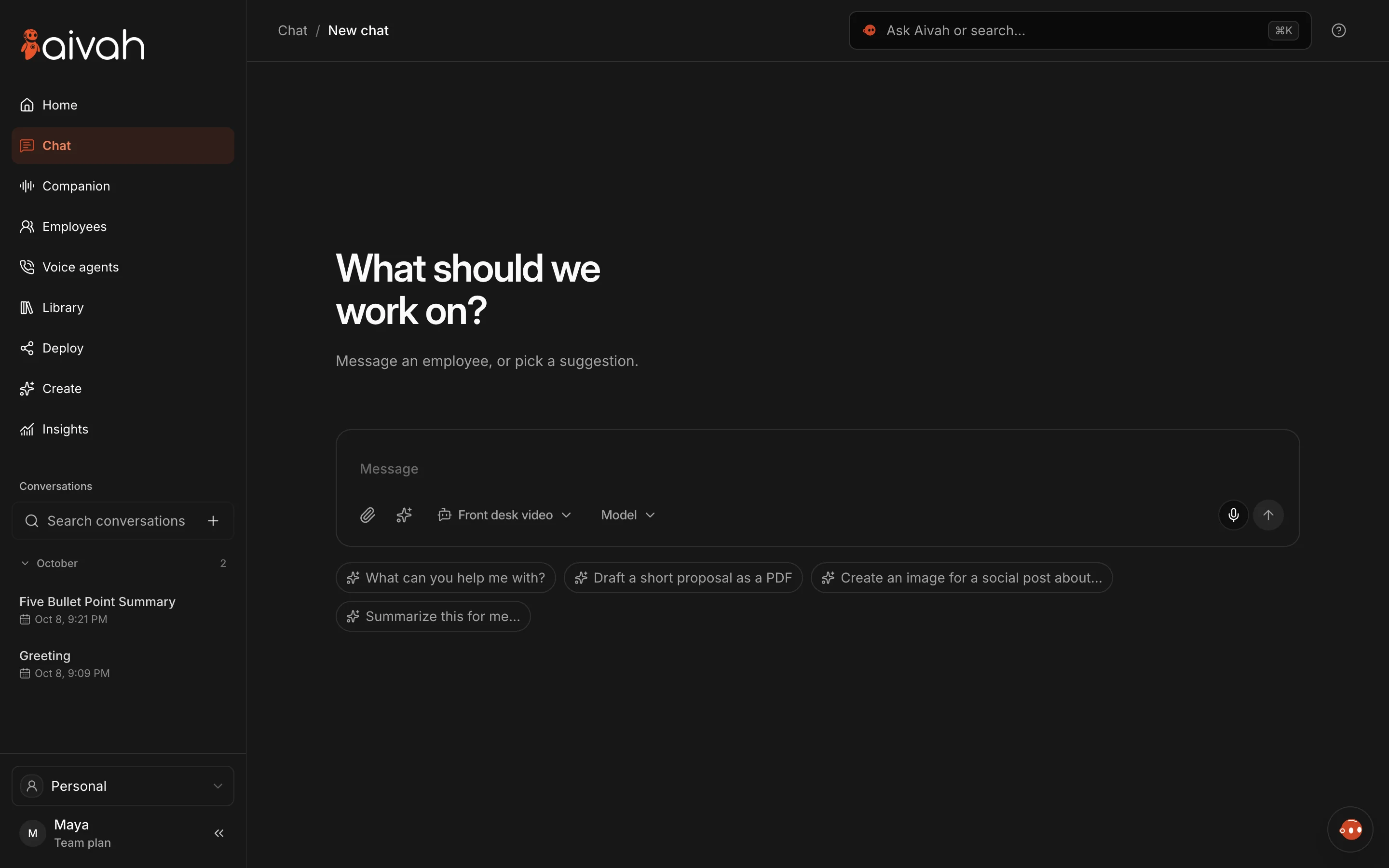


Team Plan: your whole team, together in Aivah
Introducing Aivah Team Plan: create an organization, invite colleagues and bring your team into Aivah. Learn what is included in this new release.

Your whole team. Together in Aivah.
Team Plan (Beta) is now available in Aivah. Organizations can create their organization and invite colleagues, bringing the team into Aivah instead of keeping the experience limited to one person.
Bring your people into Aivah
AI at work involves people, not only individual conversations. A team needs a clear place to get started together. This release introduces the organization and team-invitation foundation for that experience.
With Team Plan, you can create your organization and invite your colleagues to join. It is designed for businesses and organizations that want to add their team to Aivah.
Start with your organization
Prepare the organization name and the colleagues you want to invite. Start with a small group, check that everyone can access the intended organization, and then bring in the rest of your team.
Only invite people who should have access. Before inviting a large group, check the current plan details shown in your account or ask the Aivah team about availability and allowances.
What this announcement covers
This release covers creating an organization and inviting team members. It does not announce new pricing, unlimited seats, or a particular access-control configuration. Use the details available in your account for those decisions.
Get started
Read the Team Plan Help Center overview, or sign in to Aivah to explore the release. If the option is not visible in your account, contact our team.