
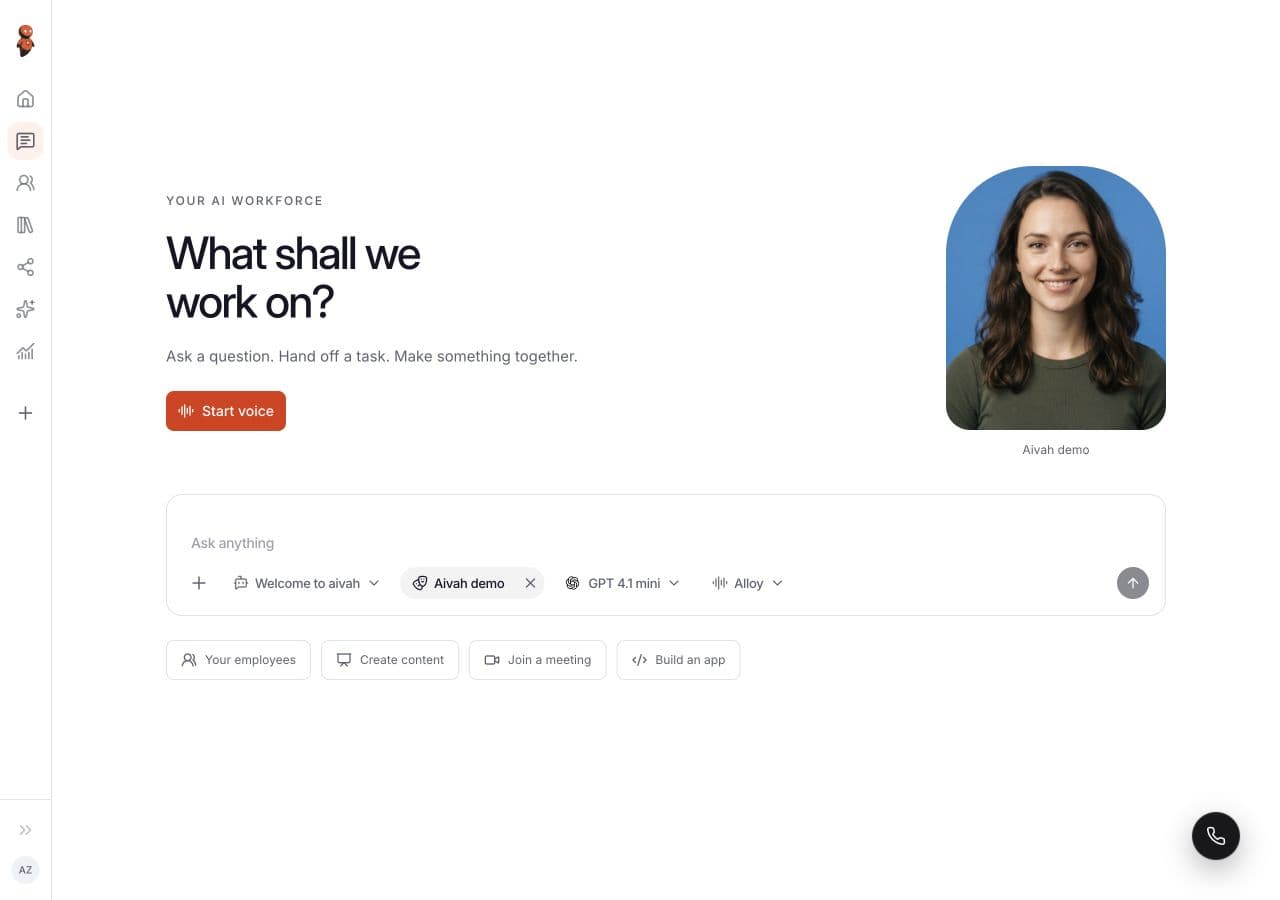
Choose a job before judging the face
An attractive character can make a demo memorable, but the buying decision should depend on the task. Write down who the visitor is, what they need to accomplish and what the avatar is allowed to do. A product explainer, a support guide and an onboarding employee need different evidence.
Give every candidate the same approved source material and the same questions. Keep a record of the configuration, model, browser, network and test date. This makes it easier to distinguish product behaviour from changes in setup.
Test the first answer and the difficult follow-up
Begin with a question that has a clear answer in your source material. Then ask a question with missing information, a request outside the role’s scope and a claim that is not supported. Assess whether the response stays relevant, asks a useful clarification and acknowledges uncertainty.
Watch for repetitive greetings, unnecessary narration of actions and answers that sound confident while adding unsupported details. Evaluate the factual response separately from voice quality and facial animation: an expressive answer can still be wrong.
- Does it answer the actual question before asking for contact information?
- Does it preserve the conversation’s context without repeating the introduction?
- Does it distinguish an action it can perform from a suggestion or draft?
- Can a reviewer explain which source supports the answer?
See how a support answer holds up.
Try a documented answer and an escalation with a fictional help article. Then bring your own knowledge to the role.
Try the support conversationMeasure the complete wait
Record the time from starting a session to being able to converse, then the time from submitting a question or finishing speech to the first useful reply. These are different waits. A quick connection followed by a slow answer can still feel unresponsive.
Repeat the same test several times and keep failed attempts in the record. Report a typical result and the slower cases, along with the device and network used. Do not present a single successful demo as a general latency benchmark.
Check interruptions, navigation and small screens
Interrupt a long answer with a correction. Switch pages during the conversation, minimise and restore the guide, and try typing while the microphone is off. Confirm that the session behaves as expected and that controls accurately reflect its state.
On a phone, check whether the keyboard hides the send button, the avatar covers essential content or the close control is difficult to reach. Ask what happens when microphone permission is denied or the connection fails. The visitor needs a clear recovery path and a way to reach a person.
Verify the handoff where it arrives
If the workflow includes a booking, ticket or CRM action, inspect the receiving system. Check that the record contains the correct customer-provided facts, the unanswered question and a clear owner. Do not approve the workflow solely because the avatar says it completed an action.
Score each scenario as pass, revise or not tested. Record the reason and the evidence. Keep the results in one shared evaluation sheet and repeat the test after configuration changes.
What is the most important live avatar metric?
It depends on the job. Evaluate useful task outcomes and answer quality alongside connection reliability, response time and successful human handoff. Visual realism alone does not establish business value.
Read related guides