
What IBM announced
In its 2 October 2026 watsonx Orchestrate update, IBM described expanded third-party agent management and Agent Identity. The identity capability is in private preview and supports IBM Verify and Microsoft Entra. IBM says it separates an agent’s identity from the people who build or use it.
The update also describes preview connections for discovering and importing agents from Microsoft Foundry and Google Gemini Enterprise Agent Platform. These are IBM product capabilities and availability statements, not an announcement about Aivah integrations.
Our perspective: accountability helps useful work scale
For a business team, agent identity becomes concrete when an assistant does something beyond answering. If a lead record changes, someone needs to establish which workflow made the change, which request triggered it and whether the action was appropriate.
A clear record reduces investigation time. It also gives teams a more precise way to expand a successful pilot: add a defined action to a known role instead of handing every assistant the same broad account access. This is an operating recommendation, not a claim that any one identity product solves the whole workflow.
See how a support answer holds up.
Try a documented answer and an escalation with a fictional help article. Then bring your own knowledge to the role.
Try the support conversationStart with a simple action inventory
List the actions your assistant is expected to perform and assign a business owner to each one. Distinguish reading information, preparing a draft and committing a change. Those steps may look similar in a conversation but have different consequences.
For example, a sales guide might read public product information and prepare an enquiry summary. Creating a CRM record is a separate step. Updating an existing customer’s commercial terms is another decision entirely, and should not inherit permission just because the same tool can do it.
- Role: what job is this agent responsible for?
- Access: which information and tool actions does that job need?
- Authority: which changes can it make, and which require a person?
- Evidence: where can the team see the request, result and any failure?
- Owner: who can pause the workflow and resolve an incorrect action?
Test the handoff, including when something fails
Use a test record to follow one enquiry from the website conversation to its intended destination. Confirm that the recorded facts match what the visitor actually shared. If the tool fails, the assistant should not claim that the record was saved.
Then test a repeated request. Does it create duplicate records or recognise work already completed? Test a request that goes beyond the role as well. These cases help a team distinguish a pleasant conversation from a dependable business process.
Keep evidence proportionate to the task and avoid collecting information that the workflow does not need. A useful activity record should help the operator understand the action, not become a second store of unnecessary customer data.
Put the review into an Aivah pilot
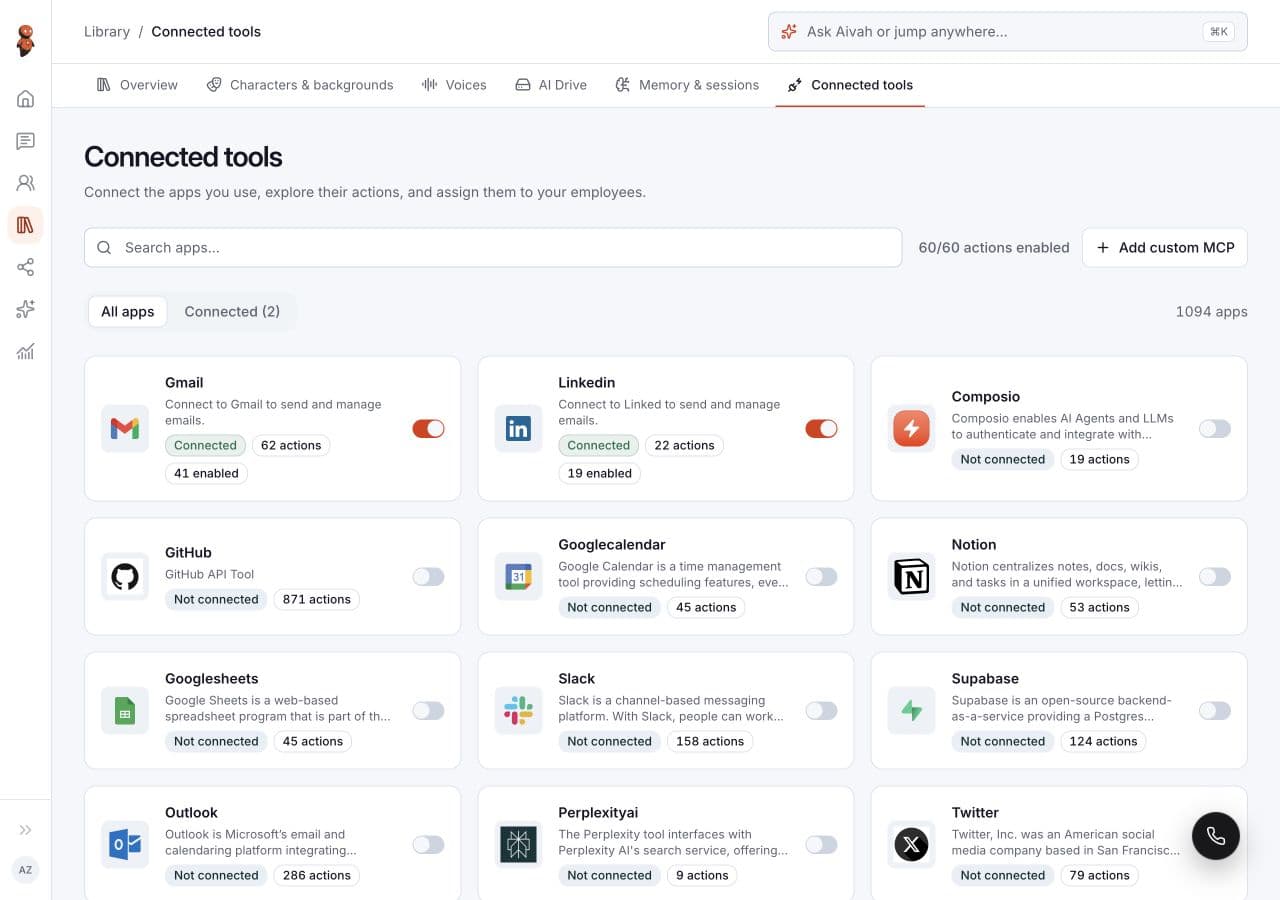
In Aivah, begin with the employee’s Instructions, Knowledge and Tools. Make the intended role explicit, connect only the tools the workflow needs and verify the available actions in your setup. Use the Help Center as the starting point for configuration, then test the result with your team.
For an initial customer-facing pilot, a well-prepared answer and a useful handoff can be more valuable than a long list of automated actions. Expand after the team can show what happened, resolve failures and identify a measurable improvement in the customer journey.