Give a customer the first word
“I’m a new patient. Can I request a morning visit?”
Play the patient. Film the healthcare demo answering your question, then show what it asks you next.
Try the healthcare demoAivah creator competition
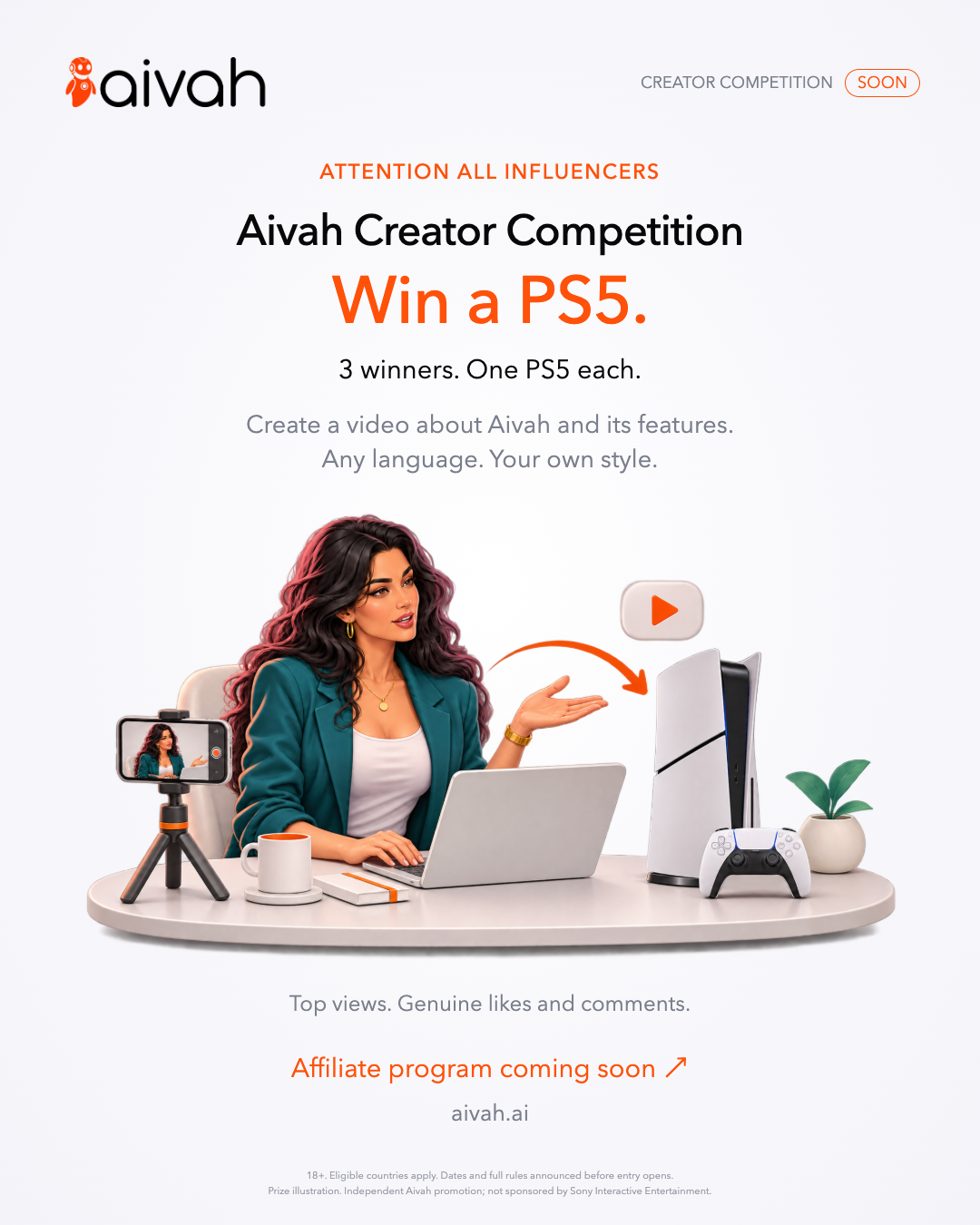
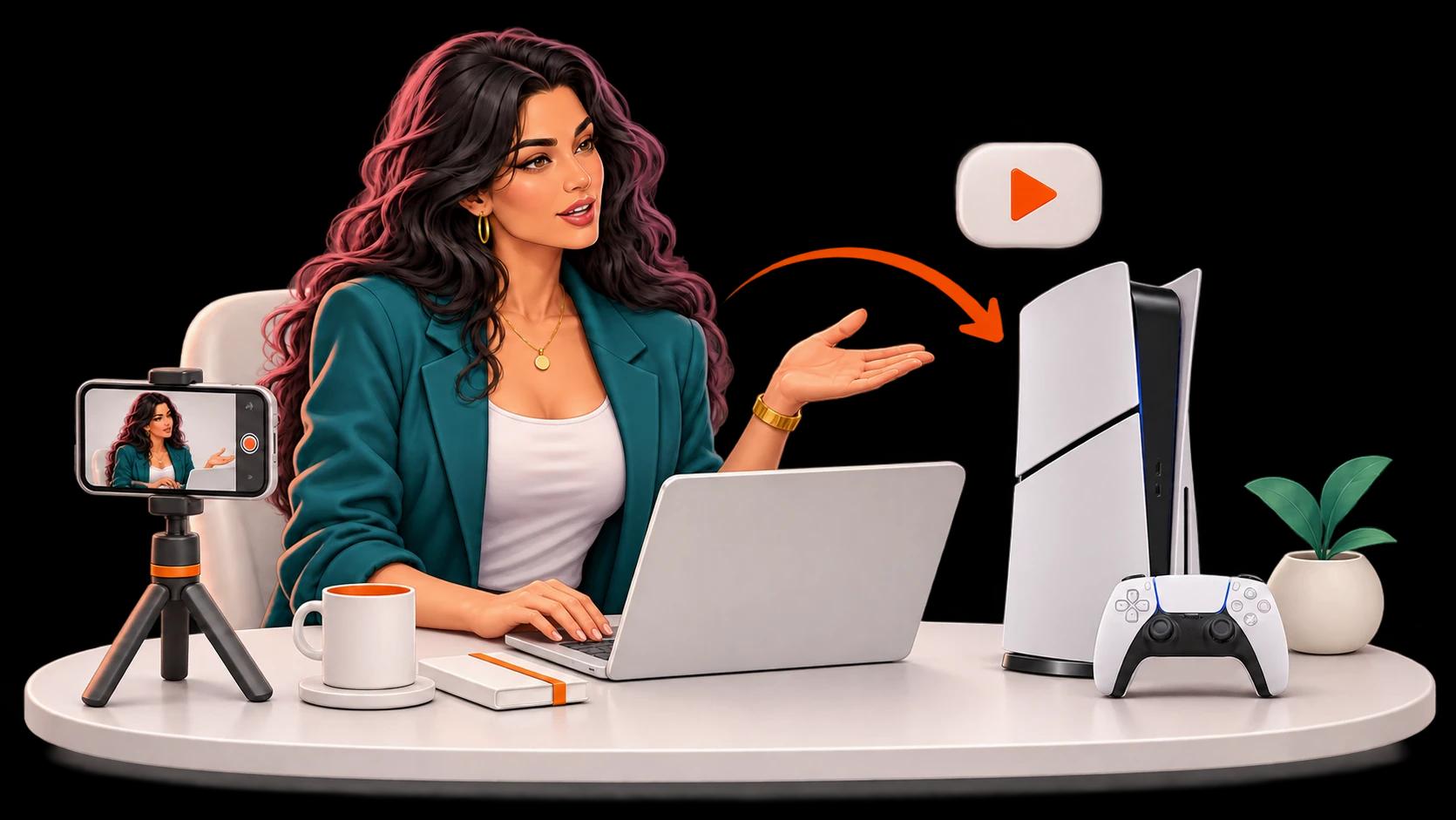
Introduce your audience to Aivah in your own language. Film a feature in action, share the video and enter it here. Three creators will each take home a PS5.
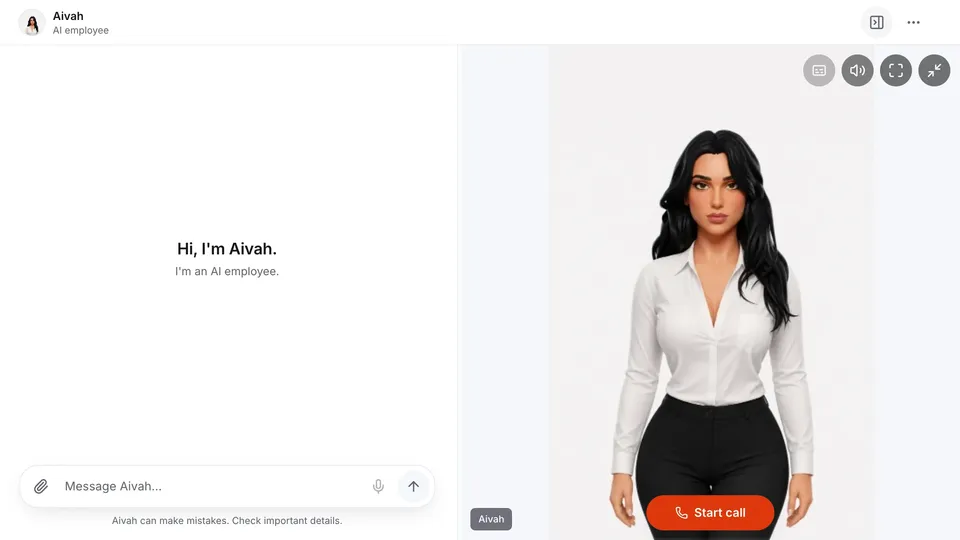
A business can give an AI employee its product information and let customers ask questions by chat, voice or face to face. It can also take calls and check with the team when a booking needs approval.
Start with a question your followers would actually ask. Here are three ways to turn one into a video.
“I’m a new patient. Can I request a morning visit?”
Play the patient. Film the healthcare demo answering your question, then show what it asks you next.
Try the healthcare demo“Friday morning works. What if the customer needs a different time?”
Walk your audience through a call that needs a decision. Show the proposed time, the approval in WhatsApp and the answer that goes back to the caller.
See the booking example“Can you explain that last slide in simpler terms?”
Start an Aivah presentation and ask a question mid-slide. Keep the interruption and the answer together so viewers can follow the exchange.
Meet the AI presenterPick a feature your audience would use. Show Aivah answering a customer, taking a call or explaining a product face to face. Let people see what you asked and what happened.
Share your video on at least one public social account. If you post the same video on Instagram, LinkedIn or another channel, keep the direct link to each post.
Enter your name, email and social profiles, tell us what you filmed, and include the links to your published video. One registration can cover all your posts for that video.
There’s no minimum view requirement. The competition recognizes verified organic views and genuine engagement.
See how Aivah shared the same booking demo on Instagram and LinkedIn. Try a question as your Reel caption. On LinkedIn, explain why that booking change matters to a business. Add both post links to the same entry.
Affiliate program · Coming soon
Use the questions in your comments to plan a follow-up video. If a viewer asks how the booking worked, show the next step on screen. Taking part gives eligible creators a chance to join our upcoming affiliate program. Affiliate access starts after approval, and we’ll share the referral terms when the program opens.