
THE AIVAH EXPERIENCE
Don’t just imagine it.
Have a conversation.
Meet an AI employee. Ask a real question. Explore what it could do for your customers and your team.
01 · Meet your AI employee
How would you like to talk?
Choose an experience, then start a real conversation. You’re in control of your microphone and camera.

Your conversation starts here
Face-to-face link
A page of its own, to share by email, message or QR code.
A little inspiration
- “Talk to me about Aivah for a small team.”
- “Which plan fits a busy reception desk?”
You choose when to share your microphone.
Want this on your own website?
Try it first. When you’re ready, use your own employee’s embed ID with this code.
<iframe src="https://chat.aivah.ai/chat/YOUR_EMBED_ID" title="Chat with your AI employee" loading="lazy" style="display: block; width: 100%; height: min(720px, 85vh); border: 0" allow="microphone; camera; autoplay; fullscreen; clipboard-write; display-capture" referrerpolicy="strict-origin-when-cross-origin"></iframe>Replace YOUR_EMBED_ID with your embed id from Deploy → Web & embeds in the app.
02 · In your world
A conversation that feels familiar.
Choose an industry. Meet its AI employee. Try a conversation for yourself.

From Insights
Every chat lands in Insights.
Real chats with these demos, as the business sees them. Names and numbers are masked.
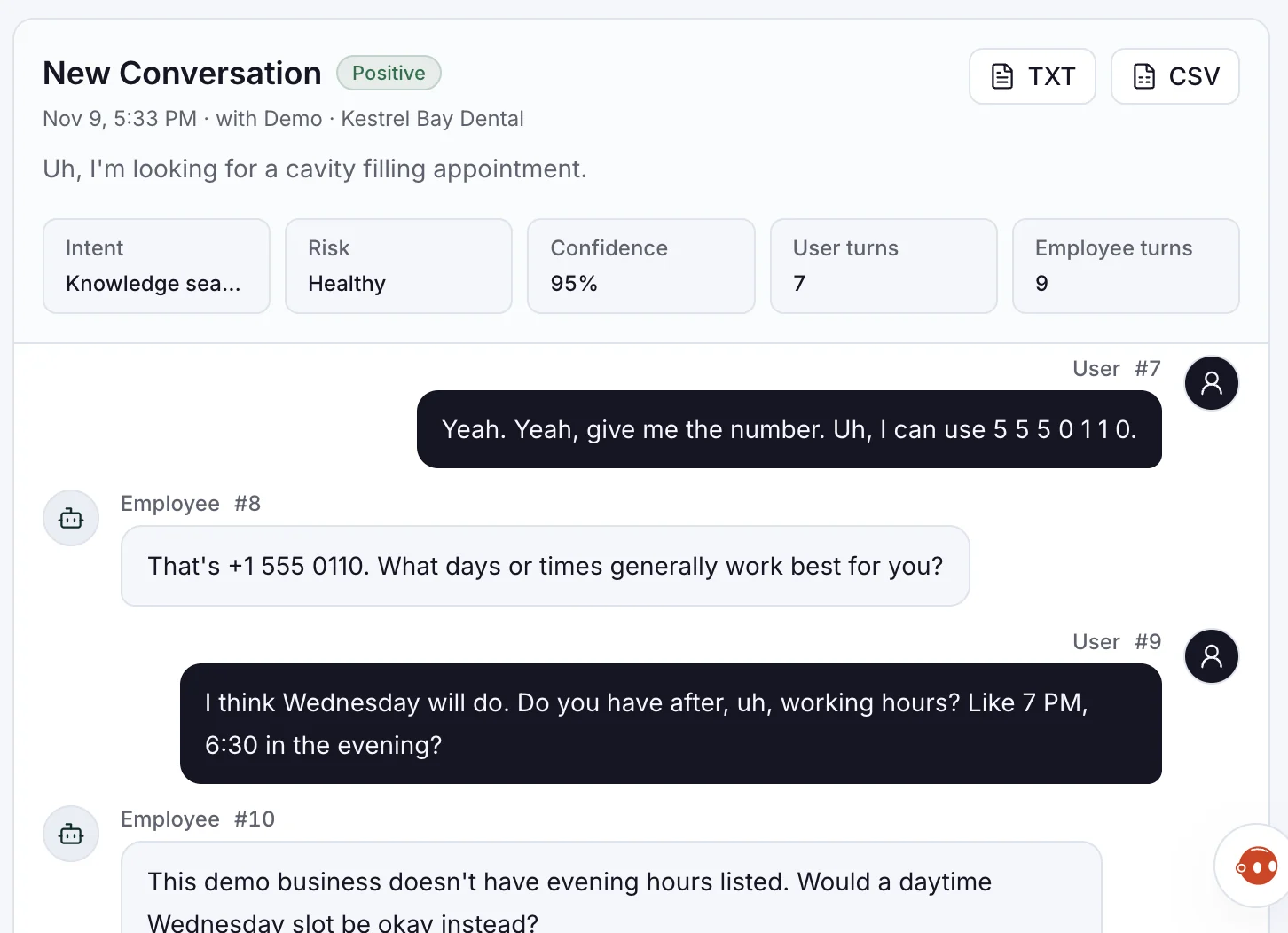
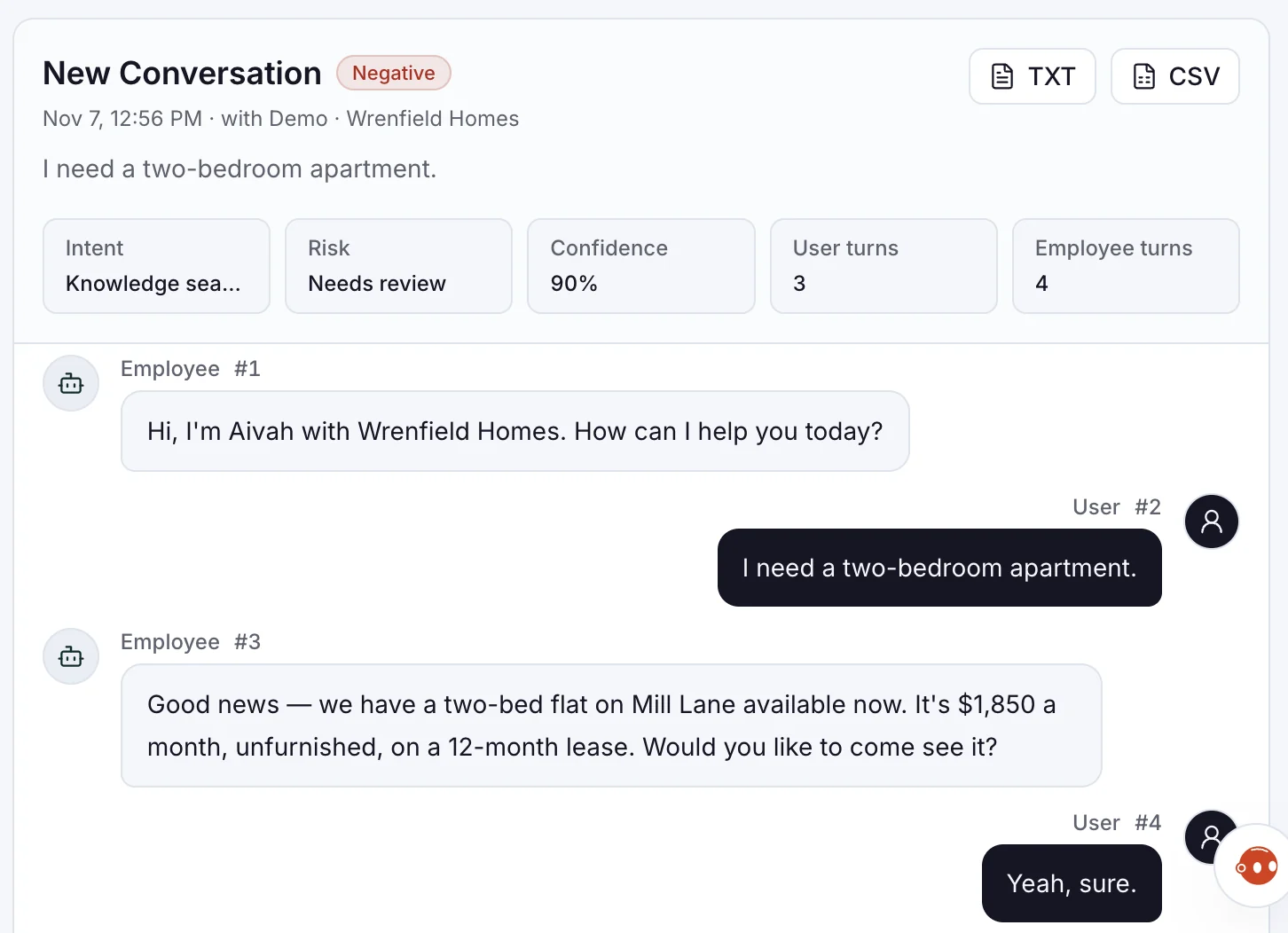
- Intent and sentiment on every chat.
- A risk check flags what needs you.
- Export as TXT or CSV.
Make it yours
Two steps, then share the link.
Every demo here is a web experience made in the app. Yours works the same way.
- Employee & connection
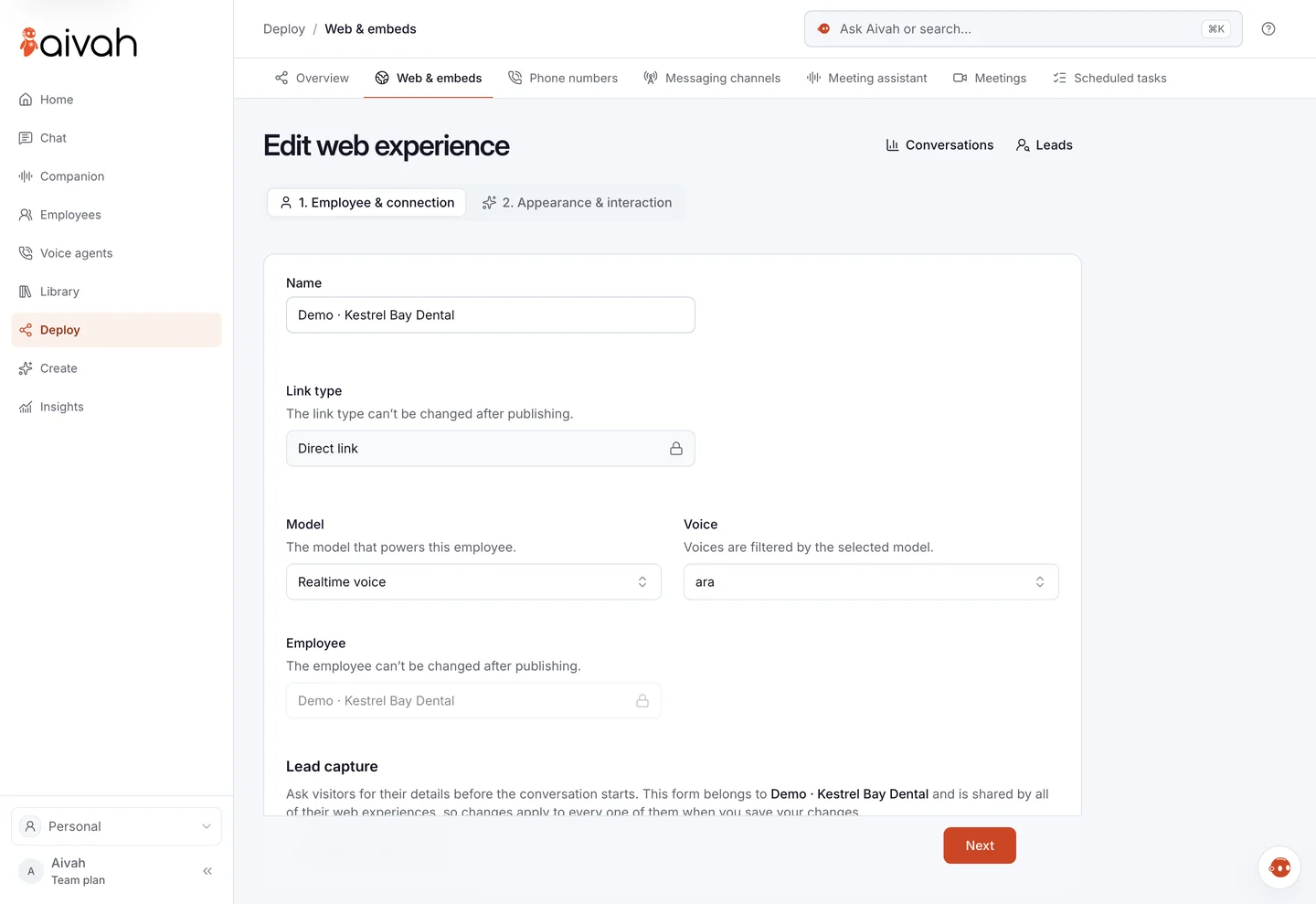
Pick the employee.
Choose who answers and how it's shared.
- Appearance & interaction
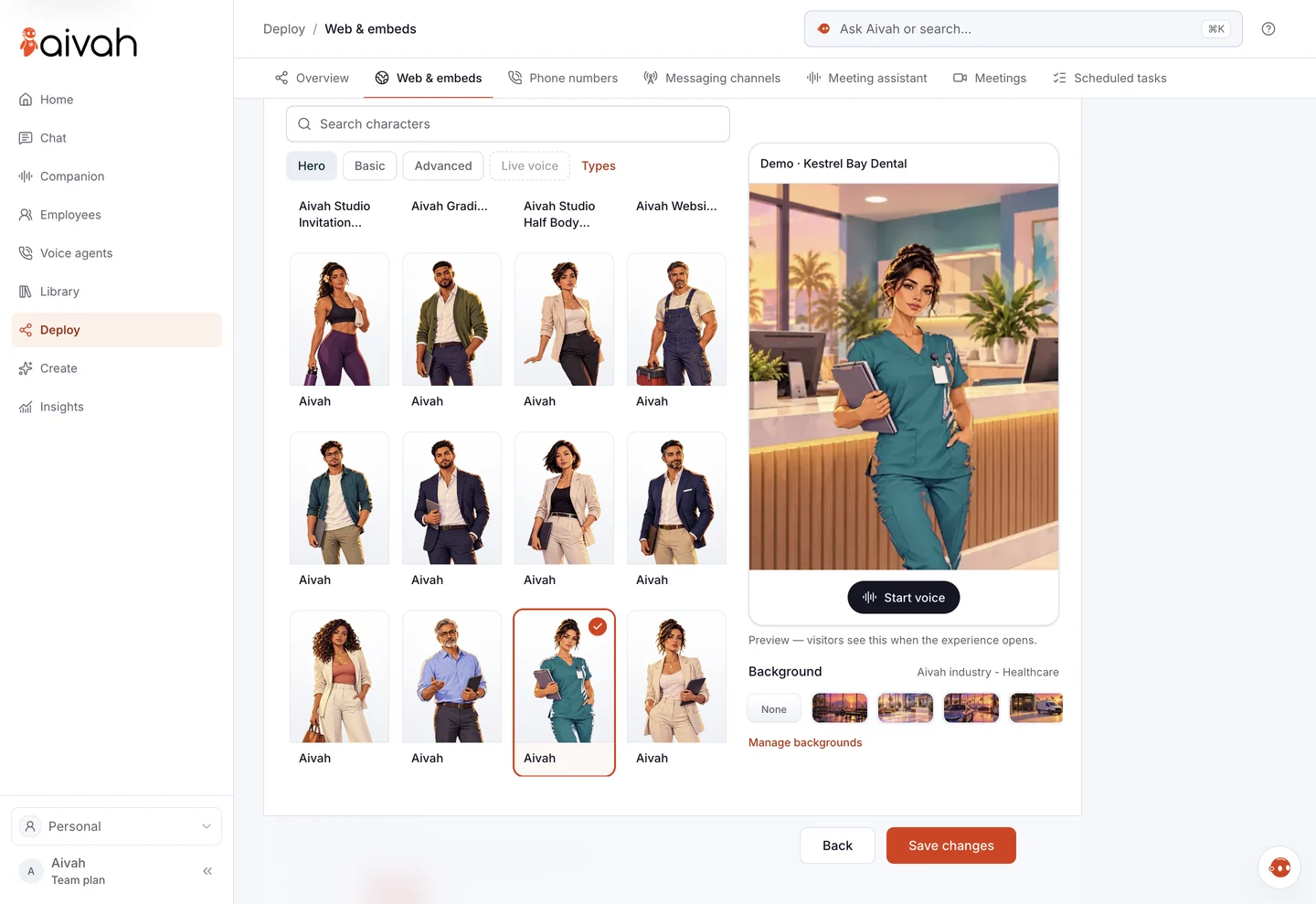
Give it a face.
Pick a character and background, then preview it.
- Web & embeds
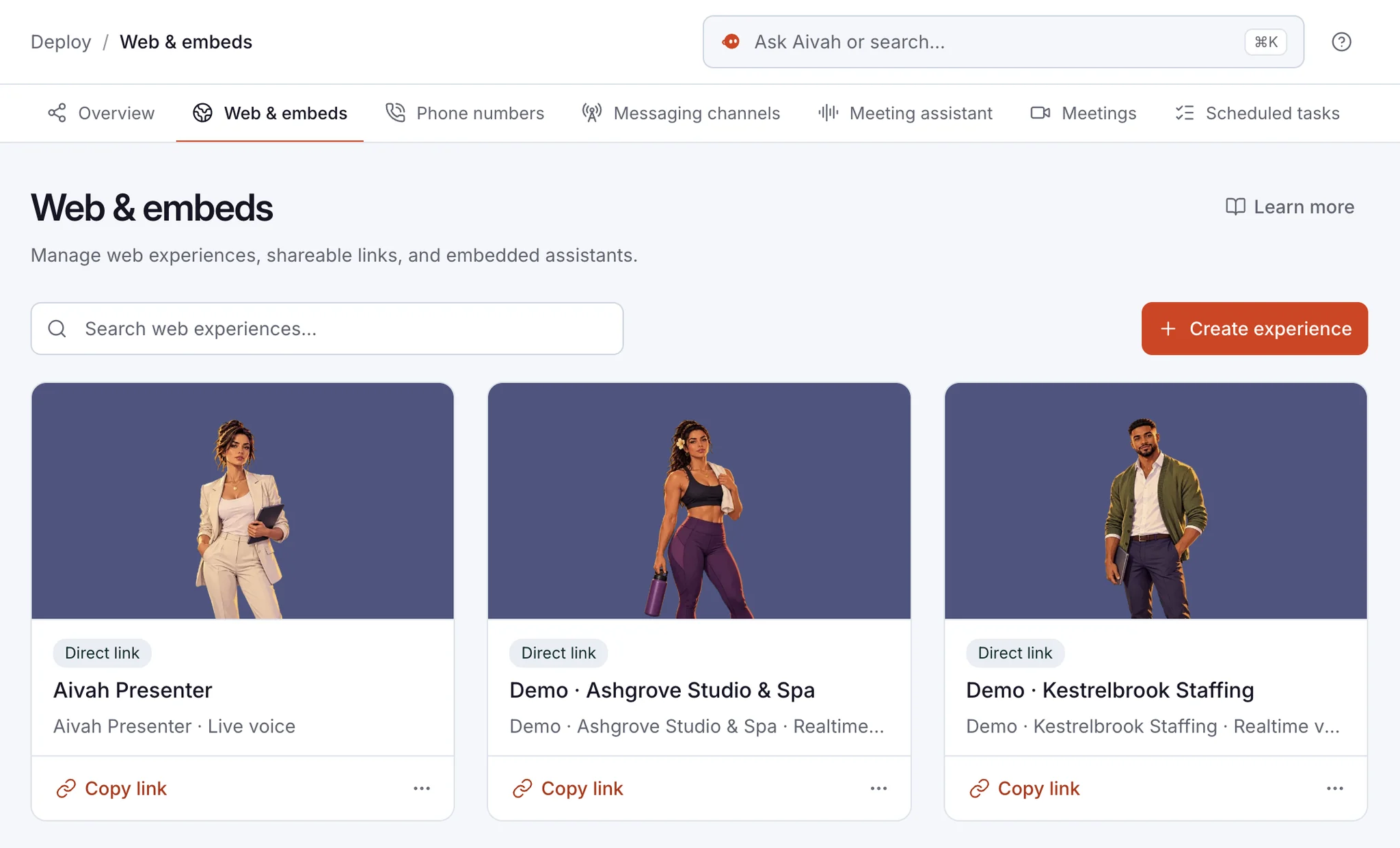
Share the link.
Copy a direct link, or the code for your site.
A direct link works on Free. The chat bubble and embeds start on Individual. Compare plans
Questions
Before you try.
Is this a real AI employee?
Yes. Each demo is a published AI employee from the Aivah app, not a recording.
Why does my browser ask for the microphone?
So it can hear you. Nothing loads until you press Start live, and you can say no.
Why did the character stop?
Some live characters run in timed sessions. When one ends, start it again.
What does this AI employee know?
Aivah's own material. Yours answers from the web pages and documents you add.
Where does my conversation go?
Into Aivah's own Insights, like the chats above. Yours land in your own.
Keep exploring
Your employee. More places to work.
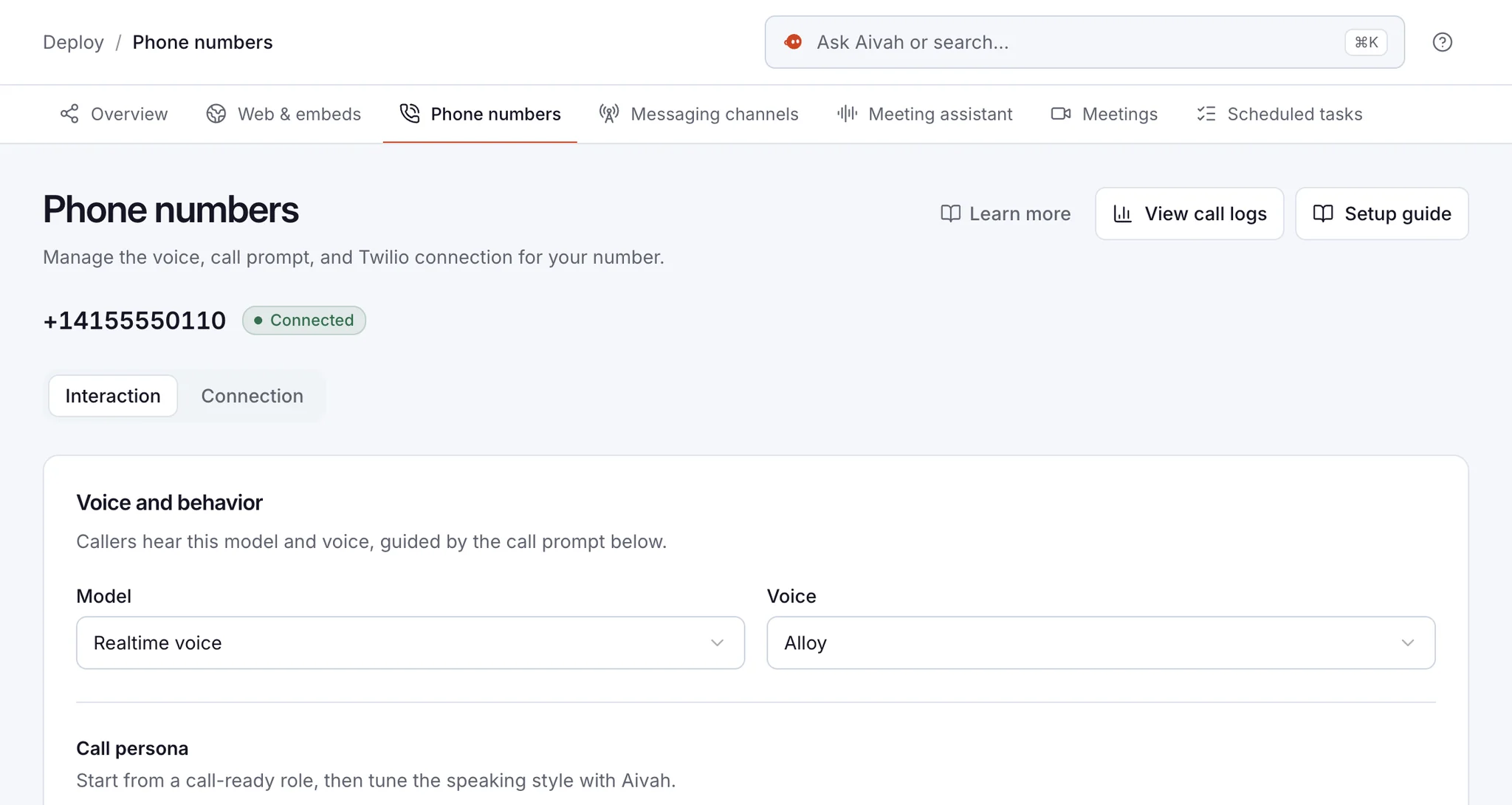
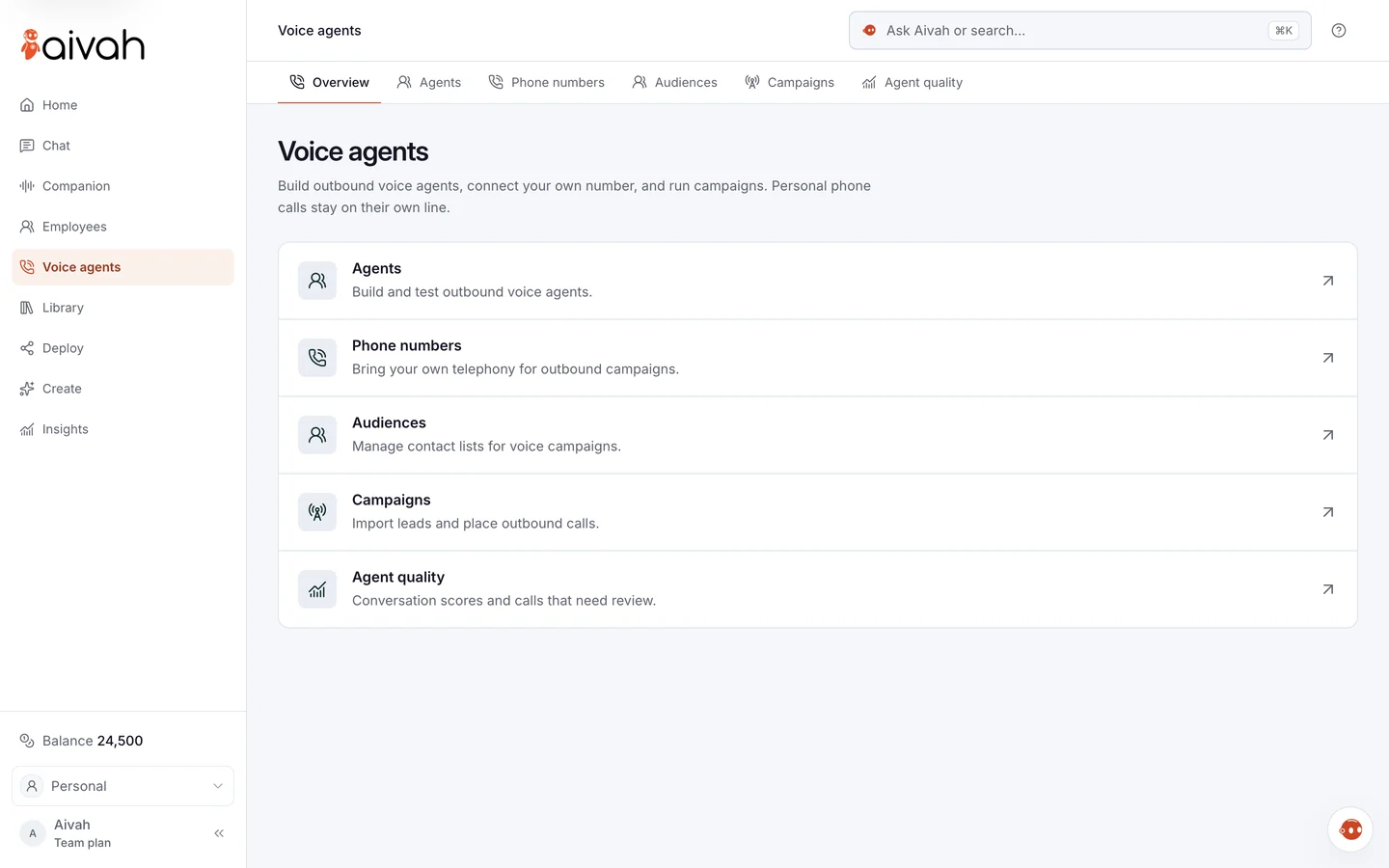
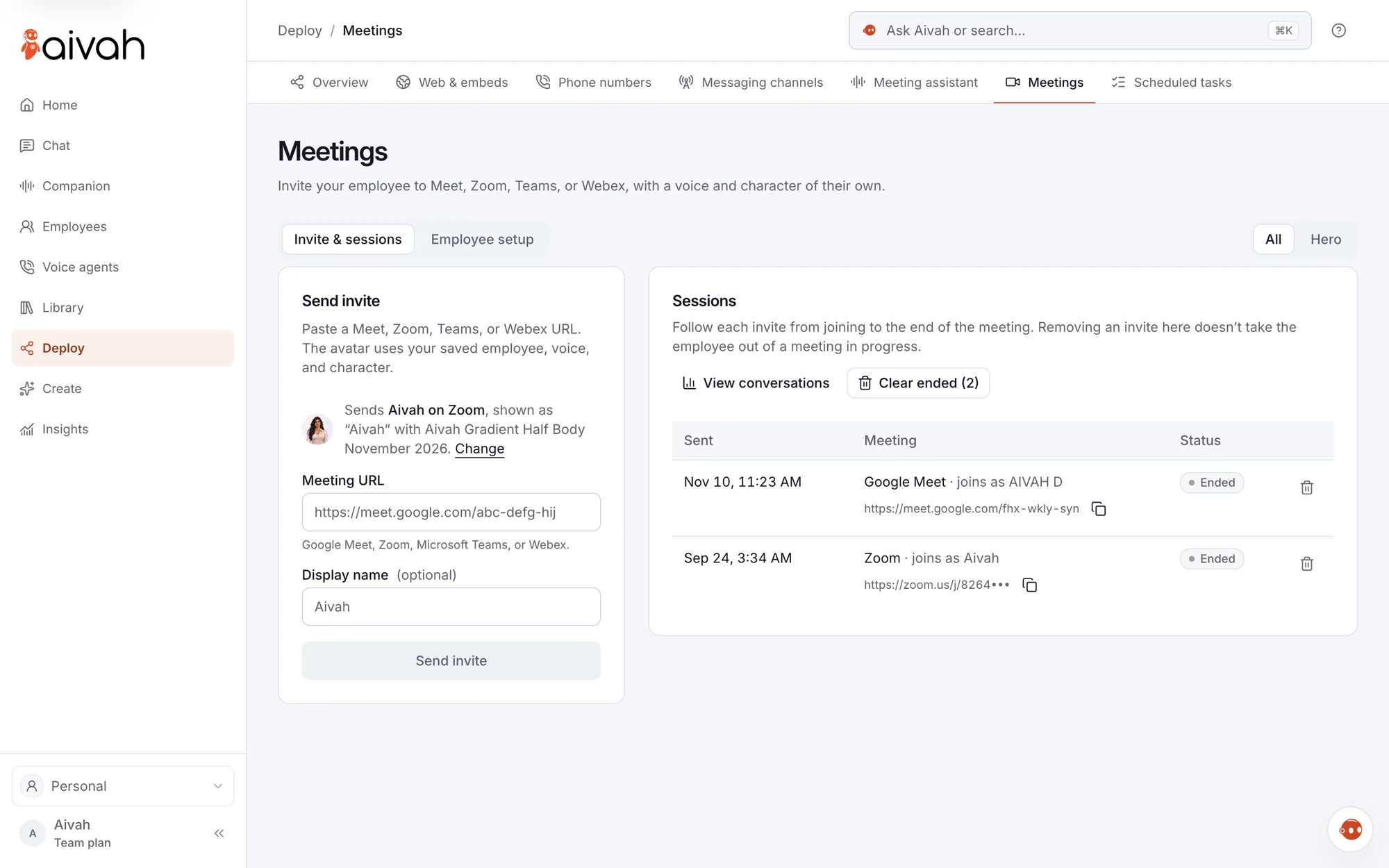
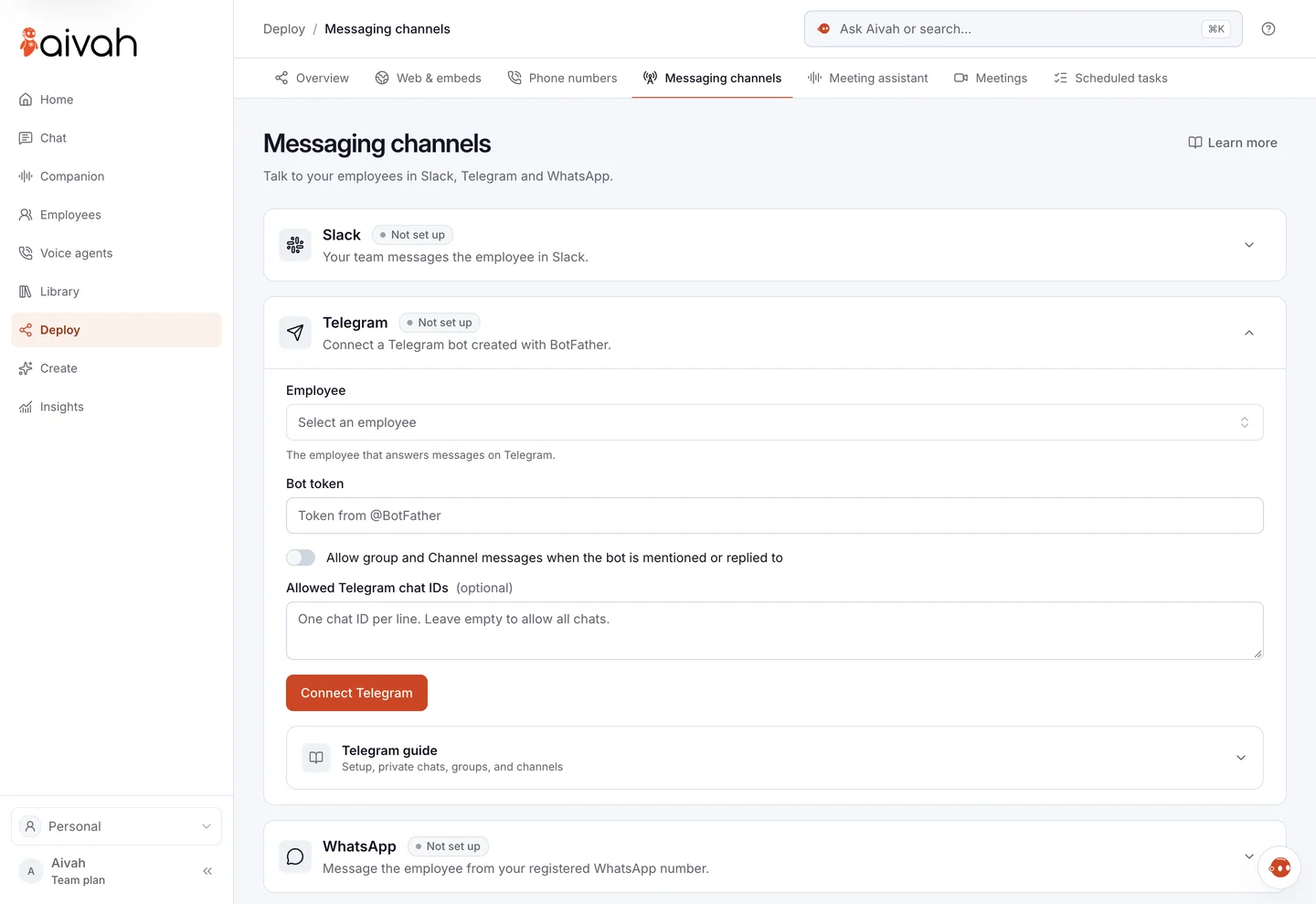
The same employee also works on calls, in meetings and in chat apps.












Put one on your own site.
Teach it your business, then pick how it greets visitors.
Free plan · Invites go out a few at a time