
Mind Maps
Generate an interactive mind map from an agent's knowledge
A mind map turns an agent's knowledge into an interactive node-and-edge view of the underlying topics. It's perfect for spotting structure, gaps, and connections in a corpus that's grown organically over time.
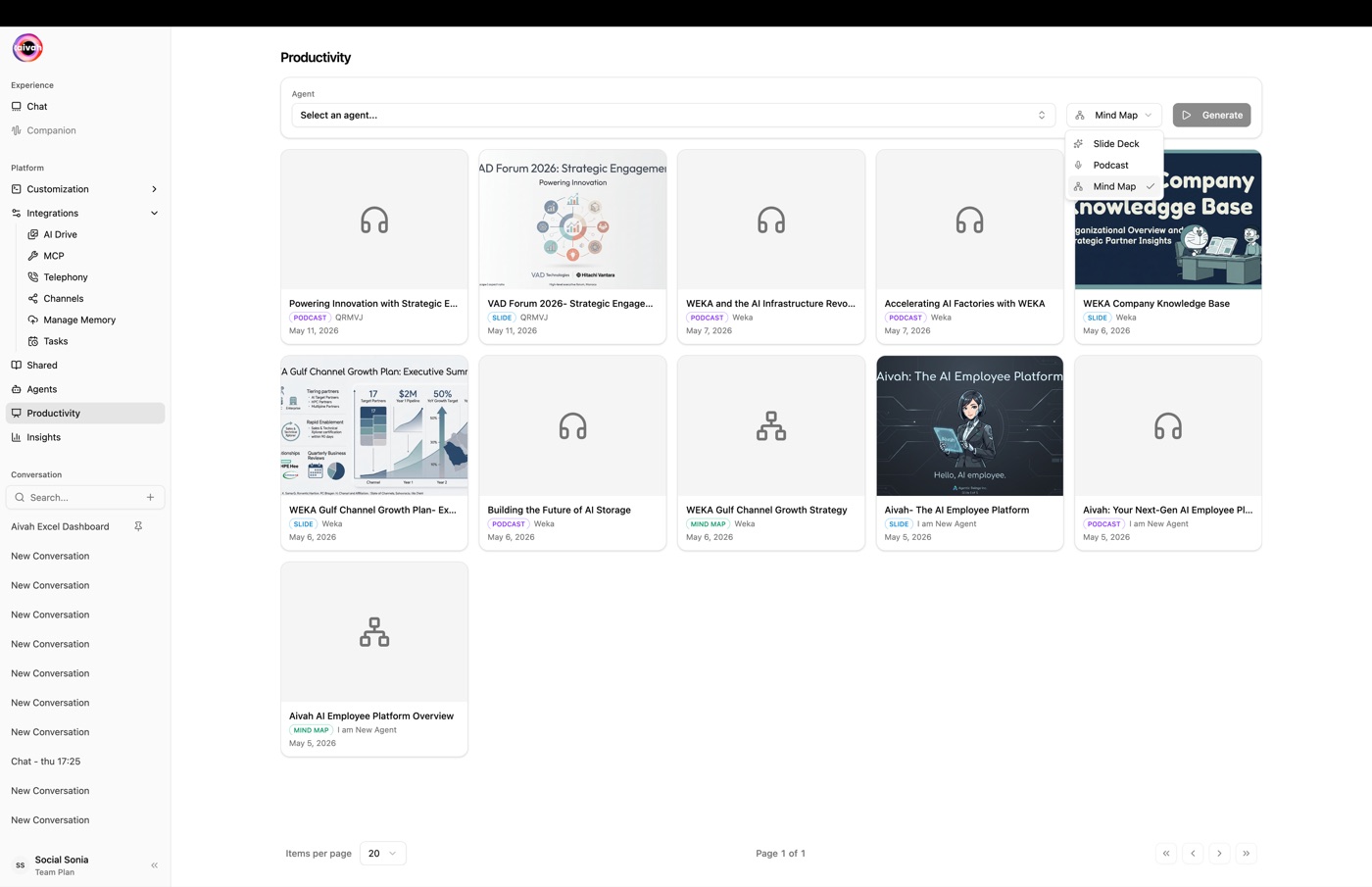
Open from Side nav → Productivity (/productivity) and pick Mind map in the Type selector.
Configure
Mind maps have no configuration step – there's no Edit dialog. Aivah builds the map directly from the agent's training material.
Workflow
- Pick the source agent
Use the Agent selector in the toolbar. The agent must be in
completedstatus to produce a clean map. - Generate
Click Generate. The Document Creating Banner appears in any active conversation for that agent while the map renders.
- Open the map
Mind maps are best explored from Avatar chat. Open the same agent there and click the Mind map icon in the floating toolbar – the interactive overlay appears on top of the avatar scene.
What you can do in the map
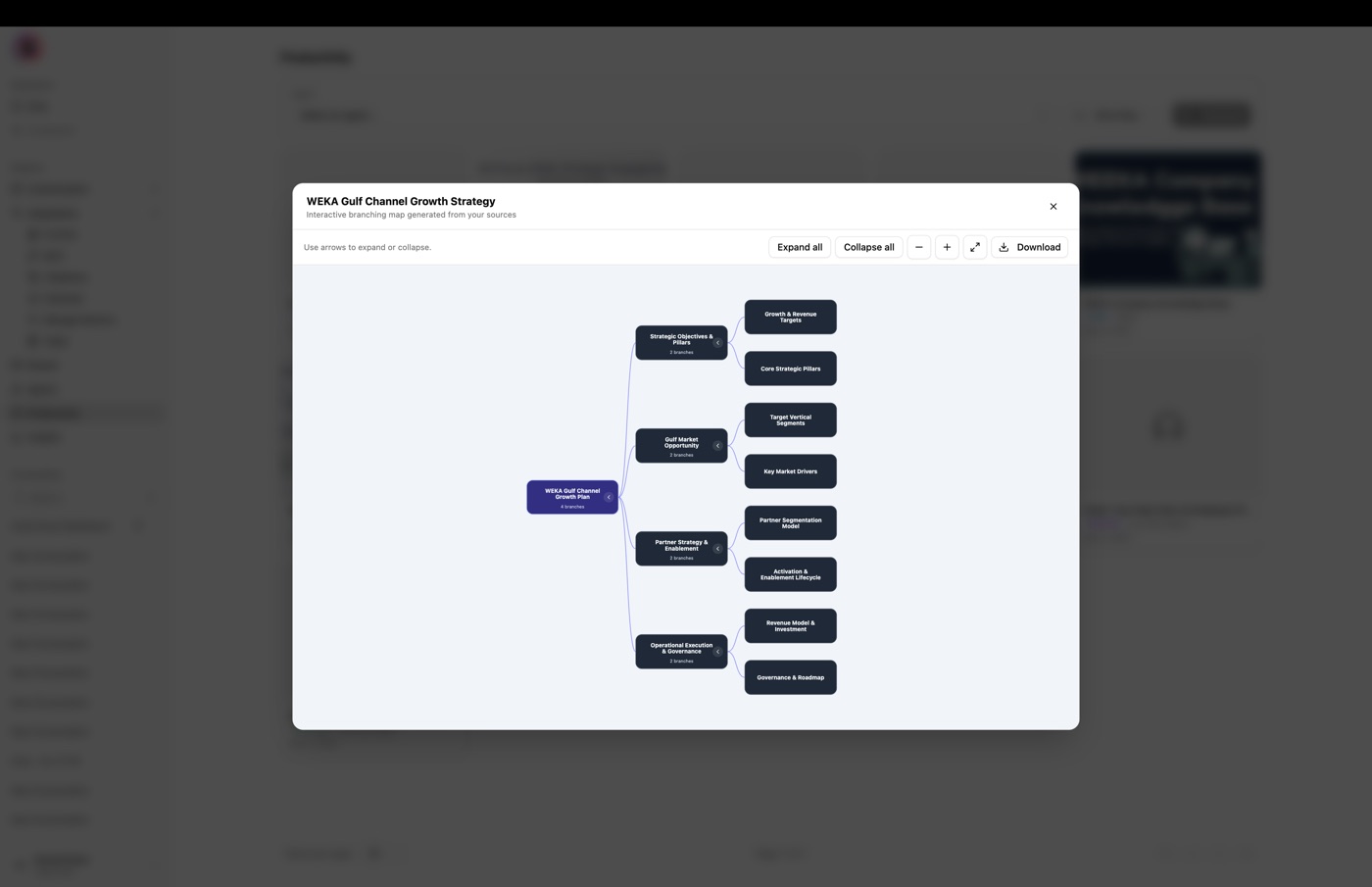
- Pan and zoom across the node graph
- Click any node to dive deeper into a topic
- Use Expand all / Collapse all to navigate large maps quickly
- Download the map for sharing
- Use the map as a "table of contents" while having a voice conversation with the avatar – the agent can answer follow-up questions about anything you click
When to use mind maps
- Audit your knowledge base – see at a glance how broad and balanced the agent's training material is.
- Onboard new team members – the map gives a fast visual tour of what the agent knows.
- Plan a slide deck – use the structure of the map to guide a Productivity Slide deck generation.